Short answer: for most people the best email app for iPhone is the one that fits the account they already have. Apple Mail is free, already installed and fine for light use. Gmail and Outlook are the best fit if your mail lives with Google or Microsoft. Spark suits inbox-zero habits and small teams. Canary Mail is our pick if you want AI, read receipts and encryption across Gmail, Outlook, iCloud and any other account in one app, on iPhone and Mac.
Disclosure: we make Canary Mail, and Dove comes from the same company. Both are on this list, clearly marked. Every price and feature below was checked on the vendor's own site or App Store listing on September 25, 2026.
This guide is iPhone-only and sorted by need. If your main problem is juggling several addresses on every device, our guide to the best email app for multiple accounts covers iPhone, Android, Mac and Windows side by side.
Quick picks: the best email app for iPhone by need
- Best overall for AI and privacy across any provider: Canary Mail
- Best free, zero-setup option: Apple Mail
- Best for AI triage on iPhone plus Android or Windows: Dove
- Best for inbox zero and small teams: Spark
- Best for Gmail and Google Workspace: Gmail
- Best for Microsoft 365 and Exchange: Outlook
- Best for customizing every swipe and action: Airmail
- Best free app with tracker blocking and one-tap unsubscribe: Edison Mail
- If you want a new, encrypted address: Proton Mail
- If you want a new address with a sender screener: HEY
iPhone email apps compared
"Your accounts" means the app can manage the Gmail, Outlook, iCloud or work address you already have. Proton Mail and HEY are email services with their own apps, so they only handle their own addresses.
| App | Best for | Free plan | Paid price | Your accounts? | Also on |
|---|---|---|---|---|---|
| Canary Mail | AI plus encryption across providers | Yes, unlimited accounts, 2 devices | Growth $36/year; Pro+ $100/year | Yes, any provider | Mac, iPad, Windows, Android |
| Apple Mail | Zero setup | Free, built in | None | Yes, any provider | Mac, iPad |
| Dove | AI triage across platforms | Yes, 10 AI actions a day | $20/month or $200/year | Yes (Google, Microsoft, IMAP) | Mac, Android, Windows, web |
| Spark | Inbox zero, small teams | Yes, unlimited accounts | Plus $10/month or $99/year; Pro $20/month or $199/year | Yes, any provider | Mac, iPad, Windows, Android |
| Gmail | Google accounts | Free | Google AI plans for extra Gemini features | Google plus IMAP accounts | Android, web |
| Outlook | Microsoft 365 and Exchange | Free (ads on free Outlook.com accounts) | Microsoft 365 Personal $99.99/year adds Copilot | Yes | Windows, Mac, Android, web |
| Airmail | Customization | Yes, 1 account | Pro $7.99/month or $39.99/year (US App Store) | Yes, any provider | Mac, iPad, Apple Watch |
| Edison Mail | Free, simple, tracker blocking | Yes | Edison Mail+ $14.99/month or $99.99/year | Yes, any provider | Android, Mac, Windows |
| Proton Mail | New encrypted address | Yes, 1 GB, 1 address | Mail Plus $4.99/month or $47.88/year | No, Proton addresses only | Android, Mac, Windows, web |
| HEY | New address with a screener | No, 30-day trial | $99/year | No, @hey.com or your own domain | Mac, Windows, Android, web |
The 10 best email apps for iPhone in 2026
1. Canary Mail: Best for AI and encryption across all your accounts
Disclosure: we make Canary Mail. We have tried to give it the same treatment as every other app here, downsides included.
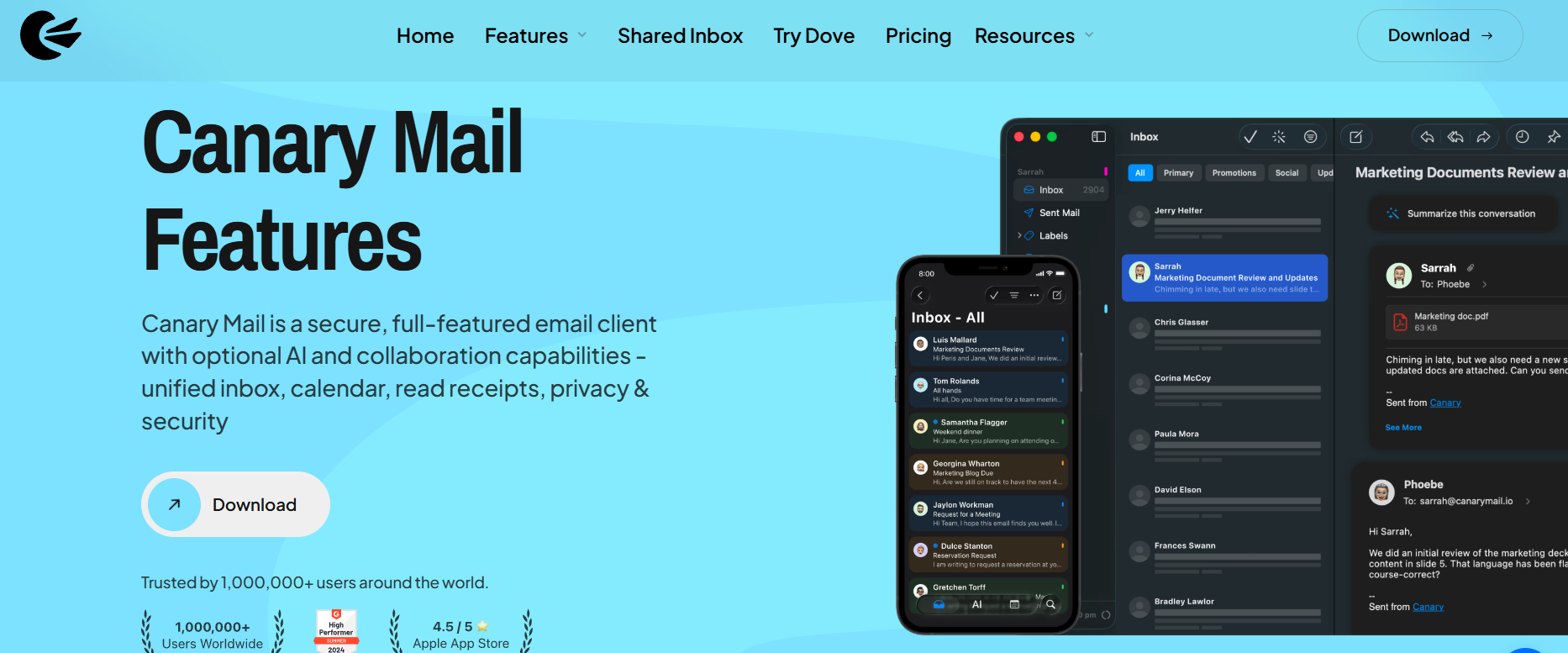
Canary is a third-party mail app that works with Gmail, Outlook and Microsoft 365, Exchange, iCloud, Yahoo and any IMAP account, and the free plan doesn't cap how many you add. Its AI writes drafts in your voice, summarizes long threads and sorts incoming mail. It blocks tracking pixels by default and is one of the few iPhone apps with read receipts and PGP encryption built in. More than 2 million people use it, and Apple has featured it on the App Store and the Mac App Store.
- Who it's for: people with accounts at more than one provider who want AI, read receipts and encryption in the same app on iPhone and Mac
- Price: free for unlimited accounts on up to 2 devices. Growth is $36/year (5 devices, AI Copilot, full read receipts, send later, calendar). Pro+ is $100/year and adds PGP, SecureSend encrypted email for HIPAA-style use, and phishing and impersonation detection. Both come with a 7-day trial with no card, and as one-time lifetime licenses.
- Platforms: iPhone, iPad, Mac, Windows, Android
- Standout features: AI drafting and thread summaries, a unified inbox with per-account signatures, read receipts, snooze, templates, and PGP on iPhone without extra apps
- Downside: the AI and the more advanced features (send later, full read receipts, encryption) are on paid plans, and paid plans are billed yearly or as a lifetime license, with no monthly option. The free plan covers two devices, so a phone, an iPad and a Mac need Growth.
Canary is also on the Mac, where we compare it with nine other apps in our guide to the best email clients for Mac.
2. Apple Mail: Best free, built-in option
Apple Mail is already on your iPhone, works with every provider, and has quietly picked up most of the basics that used to need a third-party app. It can schedule a message (touch and hold the send button), unsend within a few seconds, remind you about a message later, and sort mail into Primary, Transactions, Updates and Promotions. Mail Privacy Protection hides your IP address and stops senders from seeing when you open their mail.
- Who it's for: most people who want mail to just work, especially if everything is on iCloud or a single provider
- Price: free
- Platforms: iPhone, iPad, Mac
- Standout features: Categories, Send Later, Remind Me, Undo Send, Mail Privacy Protection, and Apple Intelligence summaries on supported models (iPhone 15 Pro and newer)
- Downside: no templates, no read receipts (see what works for read receipts in Apple Mail), no shared inbox, and encryption is S/MIME only, with no PGP. There's no Android or Windows version, so it can't follow you off Apple devices.
3. Dove: Best for AI triage on iPhone, Android and Windows
Disclosure: Dove is made by the same company as Canary Mail. We list it because it's a different kind of app, not a second Canary.
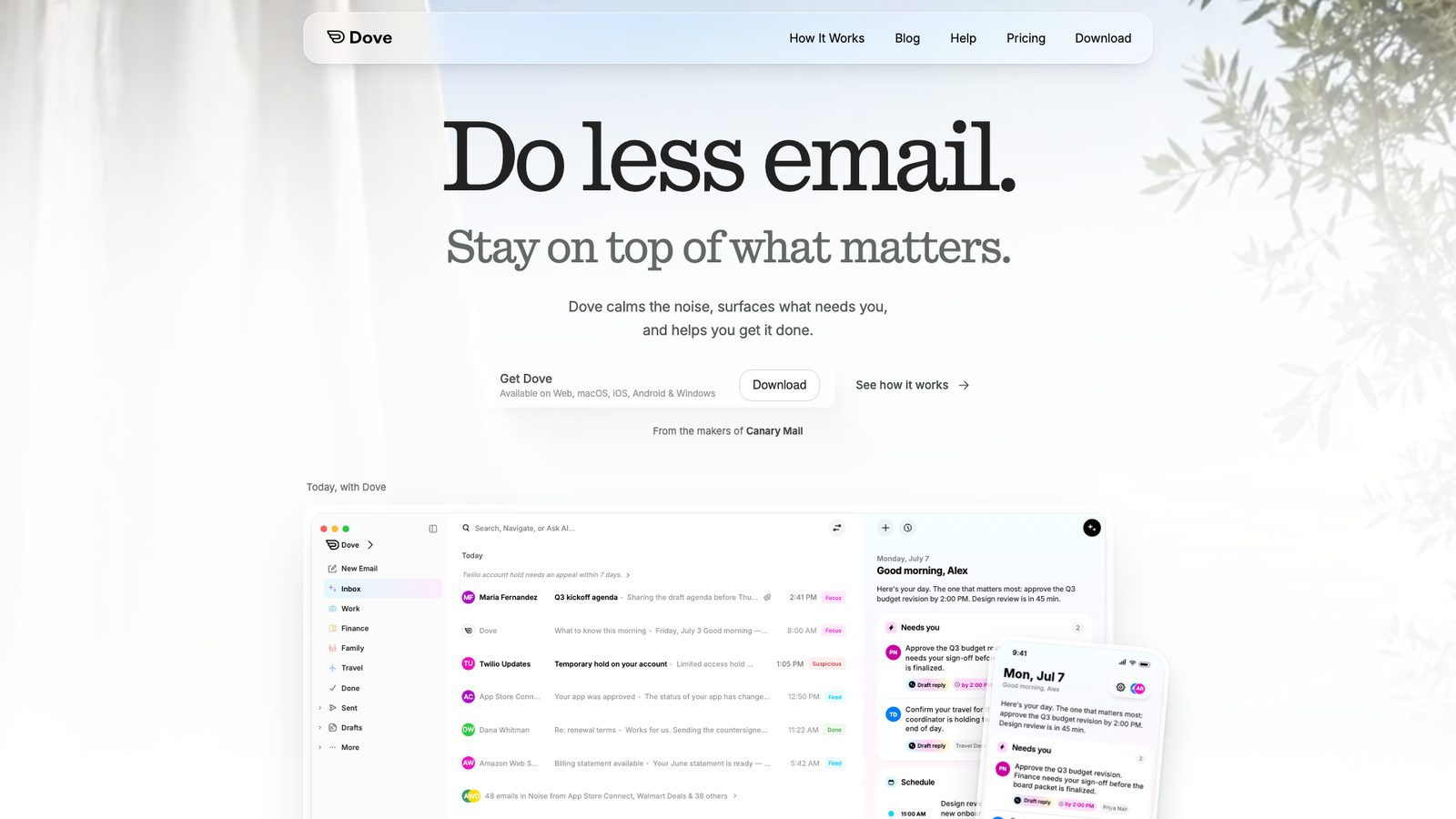
Dove is an AI-first inbox. Instead of one long list, it sorts mail into Focus (needs action), Feed (worth knowing) and Noise (low priority), builds a daily Today digest, and lets you ask questions of your inbox in plain English with Ask Dove. Wingman pulls related threads together so you see the full context before replying, and Teach Dove lets you write rules in plain language.
- Who it's for: people who want the AI to decide what matters, and who switch between an iPhone and an Android phone or a Windows PC
- Price: free with unlimited accounts and 10 AI actions a day. Pro is $20/month or $200/year with unlimited AI. The 7-day Pro trial asks for a card, and you drop back to the free plan if you don't subscribe.
- Platforms: iPhone, Mac, Android, Windows, web
- Standout features: Focus, Feed and Noise triage, Today digest, Ask Dove, Wingman, plain-language rules, smart notifications
- Downside: it's a new app with far fewer ratings than the others here, and at $20/month Pro is one of the priciest options on this list. If you only want a tidy inbox, not AI triage, the free plan's 10 daily actions go quickly.
4. Spark: Best for inbox zero and small teams
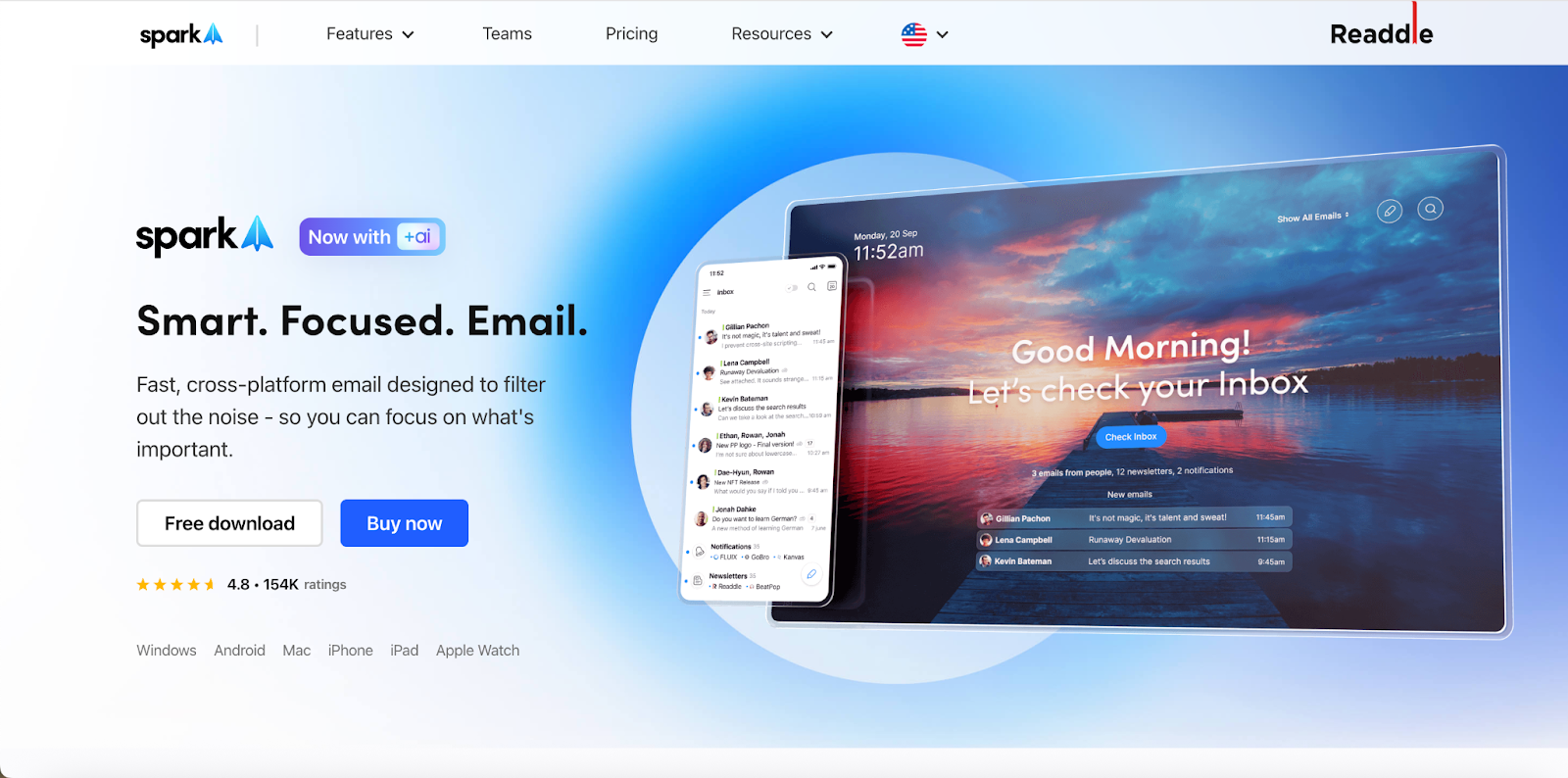
Spark shows up on nearly every "best iPhone email app" list, and for good reason. The free plan has unlimited accounts, a Smart Inbox that separates people from newsletters and notifications, smart notifications and a built-in calendar. The paid plans add Spark +AI for writing and summaries, templates, and team features such as shared threads and comments.
- Who it's for: inbox-zero people and small teams that discuss email before replying
- Price: free; Plus $10/month or $99/year; Pro $20/month or $199/year, per user
- Platforms: iPhone, iPad, Mac, Windows, Android
- Standout features: Smart Inbox, snooze, Gatekeeper for approving new senders, shared threads and team comments on paid plans
- Downside: Spark syncs your mail through Readdle's servers to deliver push and other features, so your mail passes through a third party. The AI is on paid plans. If that's a dealbreaker, see our Spark alternatives.
5. Gmail: Best for Gmail and Google Workspace
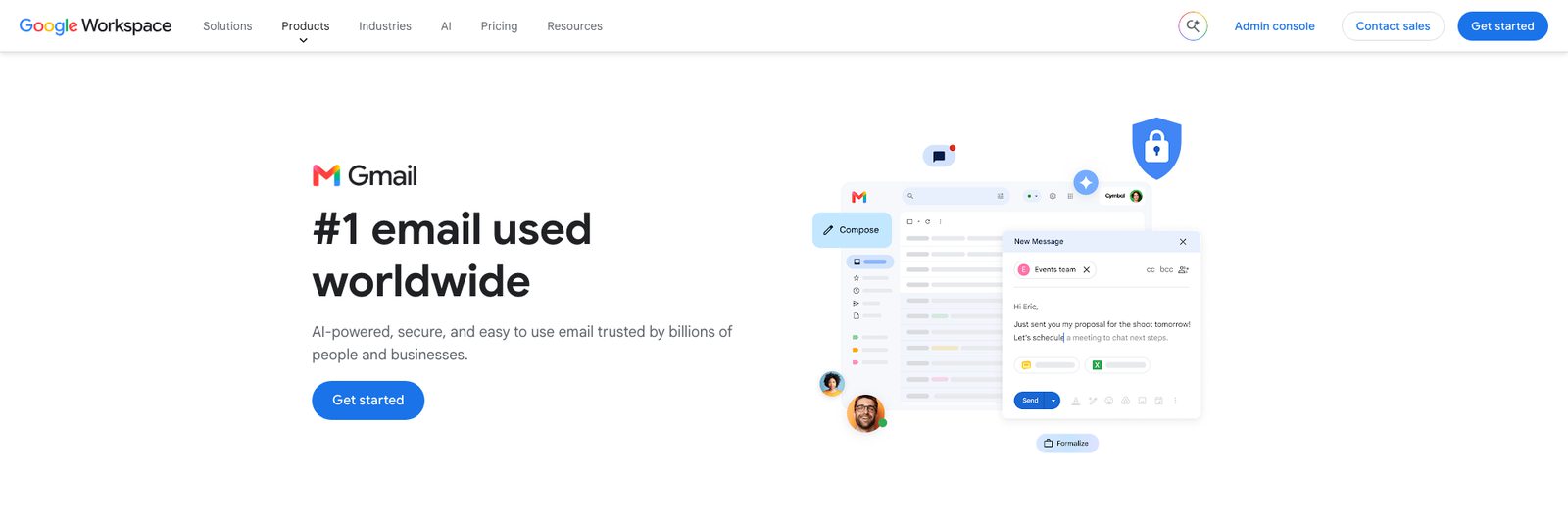
If your mail is on Gmail or Google Workspace, the Gmail app gives you the real thing: labels, Google's spam filtering, categories, and Gemini to summarize a thread or draft a reply. It also takes Outlook, Yahoo, iCloud and other IMAP accounts, and shows everything together under All inboxes.
- Who it's for: Gmail and Google Workspace users
- Price: free. Some Gemini features, such as asking your inbox questions, need a paid Google AI plan or an eligible Workspace plan.
- Platforms: iPhone, iPad, Android, web (no Mac app)
- Standout features: Gmail search and labels, Gemini summaries and drafting, Meet and Chat built in
- Downside: non-Google accounts don't get Gmail's spam filtering or categories, POP-only mailboxes won't connect, and you're trusting Google with more of your data. For Gmail on a Mac too, see the best Gmail app for Mac and iPhone.
6. Microsoft Outlook: Best for Microsoft 365 and Exchange
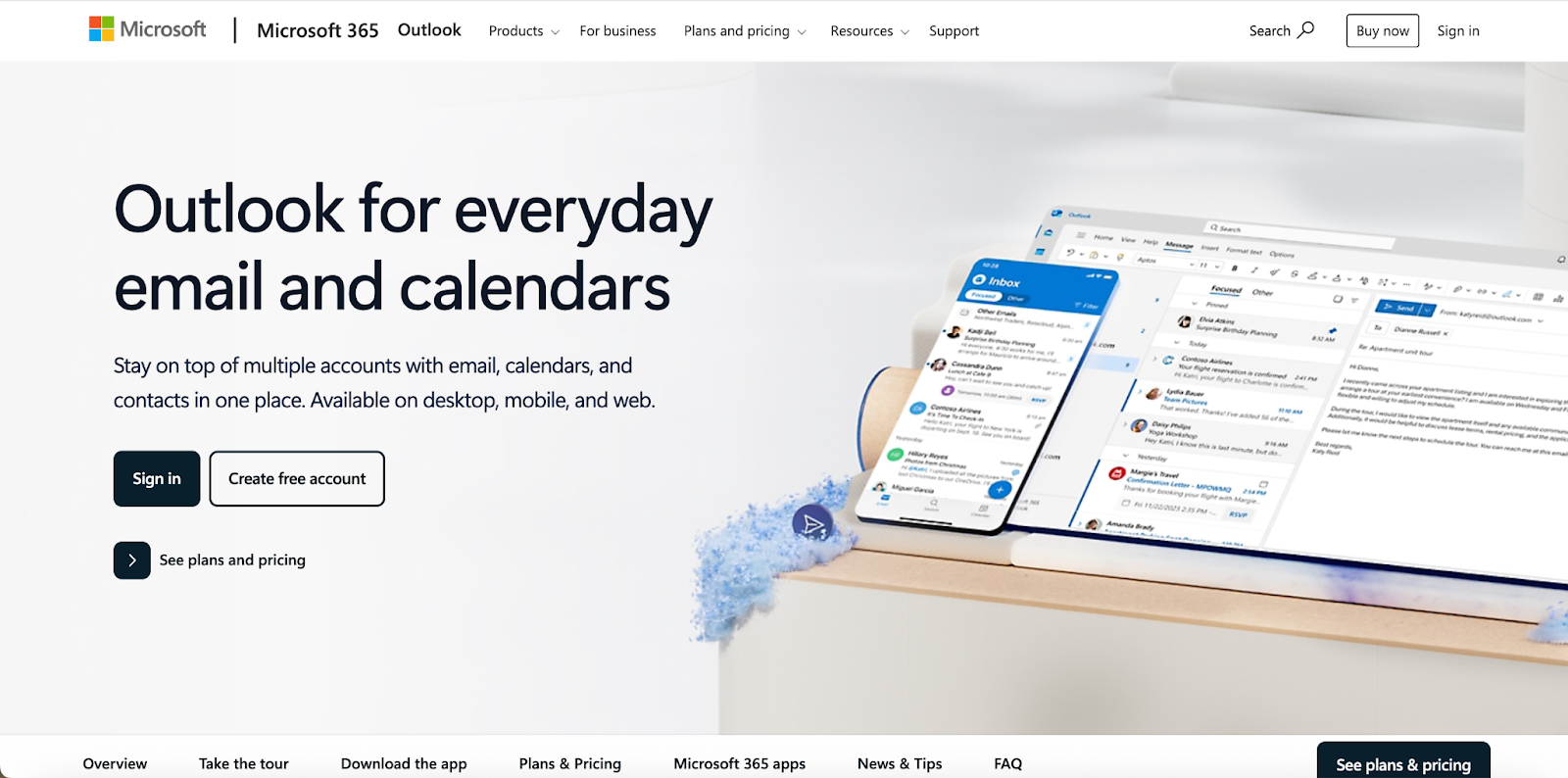
Outlook is the safest choice for a work account on Microsoft 365 or Exchange. It supports the policies many IT departments require, puts a full calendar next to your mail, and its Focused Inbox splits important mail from the rest. It takes Gmail, iCloud and Yahoo accounts too.
- Who it's for: Microsoft 365 and Exchange users, and anyone who lives in their calendar
- Price: free. Copilot in Outlook comes with Microsoft 365 Personal ($99.99/year or $9.99/month) or Family ($129.99/year, Copilot for the subscription owner only).
- Platforms: iPhone, iPad, Android, Windows, Mac, web
- Standout features: Focused Inbox, built-in calendar and scheduling, Exchange and Intune support, Copilot with a Microsoft 365 plan
- Downside: non-Microsoft accounts can sync through Microsoft's cloud rather than straight from your phone, and free Outlook.com accounts show ads. The app is busy if you only want email. See Outlook alternatives for lighter options.
7. Airmail: Best for customization
Airmail is for people who want to set up their mail app exactly their way. You can change swipe actions, build custom actions, create smart folders, and send messages to apps like Fantastical and OmniFocus. It supports Gmail, Exchange, Microsoft 365, IMAP and POP3, has send later and snooze, and a privacy mode that keeps processing on the device.
- Who it's for: power users on Apple devices who like to tweak every gesture and integration
- Price: free for one account. Airmail Pro is $7.99/month or $39.99/year on the US App Store, and the developer announced in September 2026 that the yearly price is rising to $49.99.
- Platforms: iPhone, iPad, Mac, Apple Watch, Apple Vision Pro
- Standout features: custom actions and swipes, smart folders, third-party app integrations, local privacy mode
- Downside: more than one account needs Pro, and Exchange accounts still connect through Microsoft's older EWS protocol, with Graph support promised but not yet shipped. More options in Airmail alternatives.
8. Edison Mail: Best free, simple multi-account app
Edison Mail is a fast, free app with a unified inbox, dark mode, snooze and custom swipes. It blocks tracking pixels by default and has one-tap unsubscribe, which makes it a good pick for cleaning up a noisy inbox. The paid Edison Mail+ adds phishing warnings, and on iPhone it can use your inbox to identify callers and block spam calls and texts.
- Who it's for: people who want a free, simple app for several accounts with tracker blocking built in
- Price: free; Edison Mail+ is $14.99/month or $99.99/year
- Platforms: iPhone, Android, Mac, Windows
- Standout features: tracker blocking on by default, one-tap unsubscribe, unified inbox, AI compose
- Downside: Edison's privacy policy says it processes commercial emails (receipts, subscriptions, travel and so on), de-identifies that data and uses it for research sold to business customers. You can opt out under Manage Privacy in the app's settings, but data already used isn't removed. See Edison Mail alternatives if that bothers you.
Or switch email service: when you want a new address
The next two are different. They are email services with their own iPhone apps, not apps for the Gmail or Outlook address you already have. Pick one of these only if you're willing to move to a new address (or your own domain).
9. Proton Mail: Best encrypted email service
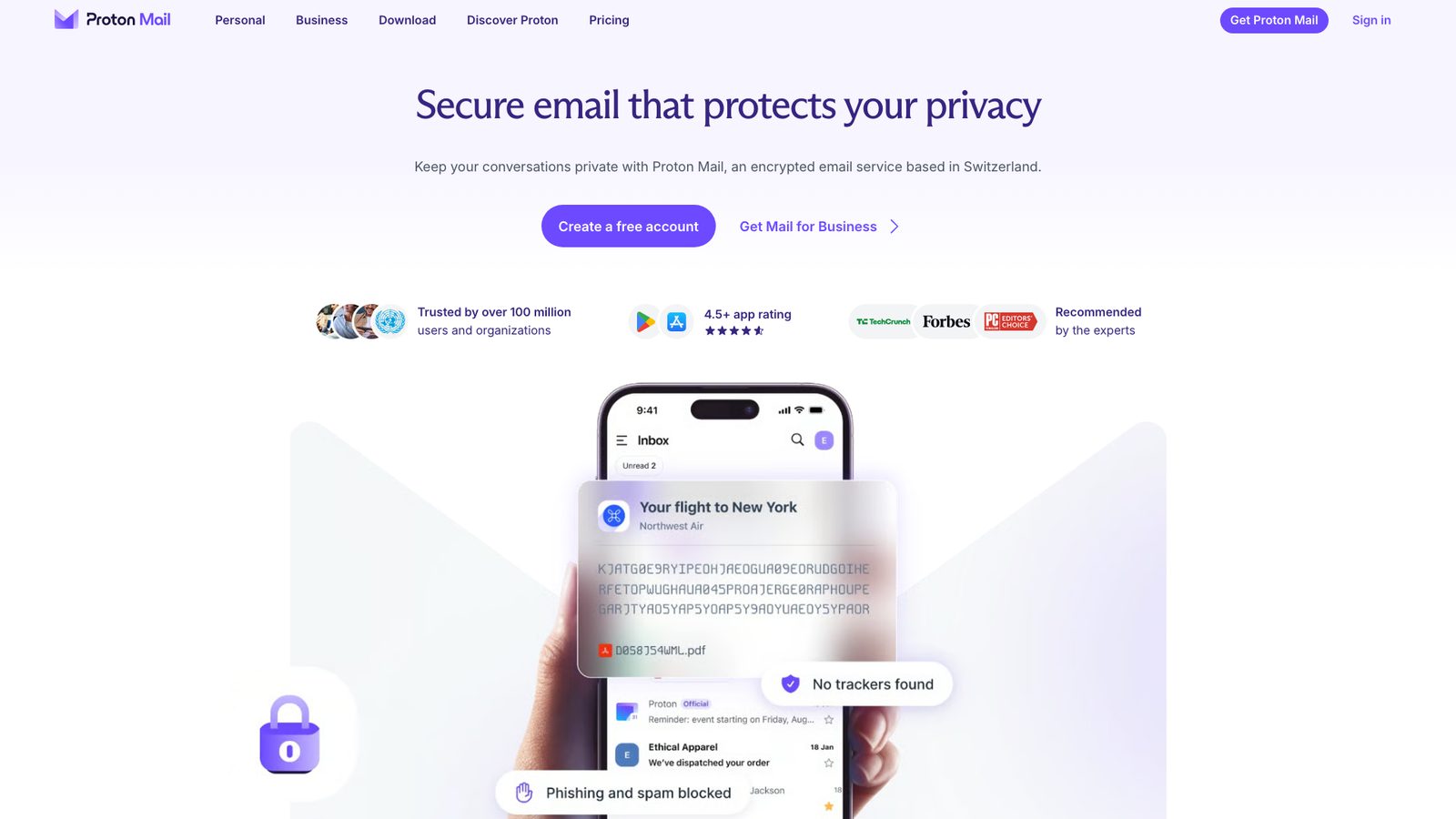
Proton Mail encrypts your mailbox so Proton can't read it, and mail between Proton users is end-to-end encrypted automatically. You can also send a password-protected email to anyone. The iPhone app is polished and includes hide-my-email aliases.
- Who it's for: people who want an encrypted address and are ready to move to it
- Price: free with 1 GB and one address. Mail Plus is $4.99/month or $47.88/year (15 GB, 10 addresses, a custom domain). Proton Unlimited is $12.99/month or $119.88/year and adds VPN, Pass and Drive.
- Platforms: iPhone, iPad, Android, web, plus desktop apps for Mac and Windows
- Standout features: zero-access encryption, password-protected email, aliases, custom domains on paid plans
- Downside: the app only handles Proton addresses. You can't add Gmail or Outlook, and Proton Mail Bridge, which lets other apps read Proton mail, runs only on Windows, Mac and Linux. Search in encrypted mail is also more limited. See Proton Mail alternatives.
10. HEY: Best for screening out unwanted senders
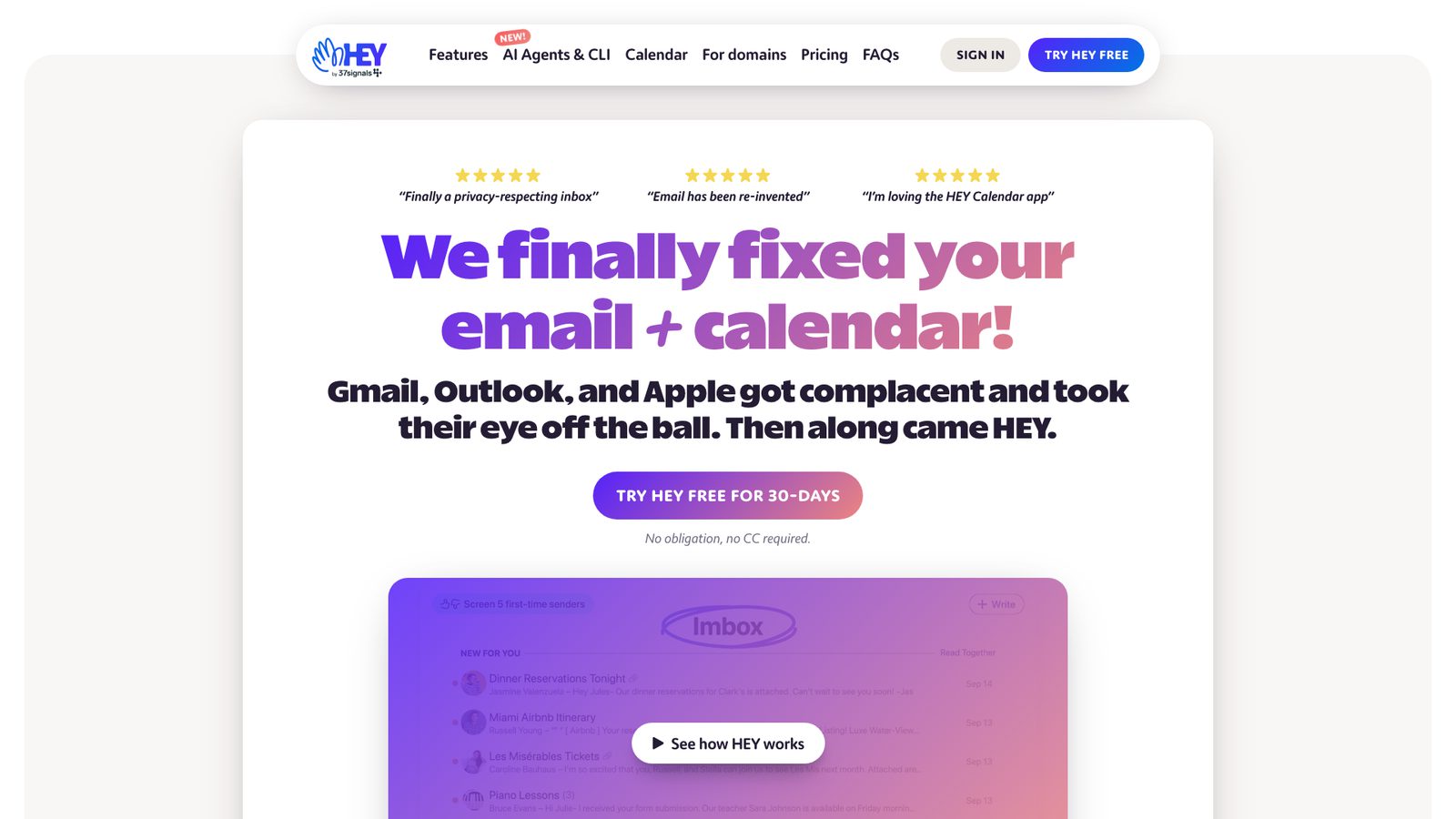
HEY rethinks the inbox. The first time someone emails you, they land in the Screener and you decide whether to let them in. Approved mail goes to the Imbox, newsletters to The Feed, and receipts to the Paper Trail.
- Who it's for: people who want a fresh start with email and are happy to get a new address
- Price: $99/year for a personal @hey.com address, with a 30-day trial and no card. HEY for Domains, for your own domain, is $12 per user per month.
- Platforms: iPhone, iPad, Android, Mac, Windows, Linux, web
- Standout features: the Screener, Imbox, The Feed and Paper Trail, plus apps on every platform including Linux
- Downside: there's no free plan, and it can't manage an existing Gmail or Outlook inbox; it only works with a HEY address or your own domain on HEY for Domains.
Also worth a look
- Superhuman: a fast, keyboard- and AI-driven email app for Gmail and Microsoft 365 accounts only. Starter is $25 per user a month billed yearly ($30 monthly), and there's no free plan. More in our Superhuman alternatives.
- Chuck: a cleanup-first iPhone app that groups mail by sender so you can archive or delete thousands of messages at once, with processing on the device. Free for one account and up to 10,000 messages; Pro is $5.99/month or $49/year on its website (App Store prices vary).
- Spike: shows email as chat conversations. The free plan covers one address; Pro is $6 per user a month billed yearly for up to three addresses.
Best email app for iPhone for small business
For a business, the right app depends mostly on where your mail is hosted and what your clients expect.
- Your business runs on Microsoft 365: use Outlook. It supports the Exchange and Intune policies your IT provider may require, and the calendar is built in.
- Your business runs on Google Workspace: use Gmail. You get Workspace labels, shared drives and Gemini features included in many Workspace plans.
- A small team that talks about email before replying: Spark's paid plans let you share a thread, comment on it and write a reply together.
- You send sensitive client mail (health, legal, finance): Canary Pro+ adds SecureSend, a password-protected encrypted message the recipient can open without installing Canary, plus PGP and impersonation detection.
- Mixed accounts, one owner: Canary, Spark or Apple Mail keep a business address and a personal one apart in the same app, each with its own signature.
If the question is really "which address should my business use", that's an email service decision, not an app decision. Proton and HEY for Domains both let you use your own domain, and our guide to the best free business email providers covers the rest.
Is Apple Mail good enough?
For a lot of people, yes. Since iOS 16 it has had send later, undo send and reminders, and since iOS 18 it has Categories. If you have one or two accounts and don't need more, there's no reason to switch. Consider another app if any of these apply:
- You want AI to draft replies or summarize threads on an iPhone that doesn't support Apple Intelligence.
- You need read receipts, templates or PGP encryption.
- You share mail with a team or an assistant.
- You also use Android or Windows and want the same app everywhere.
Our list of Apple Mail alternatives goes deeper on what each replacement adds.
Email privacy on iPhone: what actually protects you
Three things matter more than any privacy label.
Tracking pixels. Most marketing email contains an invisible image that tells the sender when and where you opened it. Apple Mail's Mail Privacy Protection loads that content through a relay so the sender sees neither your IP address nor your real open. Canary and Edison block tracking pixels by default in their own apps. Mail Privacy Protection doesn't cover links or attachments.
Where your mail syncs. Some apps connect your iPhone straight to your mail server. Others sync your mailbox through the vendor's servers to power push notifications and extra features: Spark does this, and Outlook does it for non-Microsoft accounts. Neither is wrong, but you should know which one you're choosing.
Encryption. Everything above protects mail in transit. To stop anyone but the recipient reading a message, you need end-to-end encryption: S/MIME (supported by Apple Mail, usually with a work certificate), PGP (built into Canary's paid Pro+ plan), or a service like Proton Mail. Our guide to using PGP on iPhone and iPad walks through the setup, and we compare more options in the best secure email apps.
How we chose
We started from what already ranks. We read nine of the top "best email app for iPhone" articles from 2026 and counted which apps they list and where. Spark appeared on all nine, Apple Mail on eight, Gmail, Outlook and Airmail on seven, and Proton Mail on six. Canary Mail is our own app, and we placed it first with a disclosure. Dove, from the same company, is also disclosed. We left out discontinued apps (such as Twobird), inbox-cleanup services that aren't email apps, and apps that list themselves first on their own blogs.
For each app we checked prices, plans, platforms and features on the vendor's own site or App Store listing on September 25, 2026. Prices are US list prices and change often, so check before you buy. Apps that can't manage an existing address are grouped separately, because that's the first thing most readers need to know. If you also use a Mac, our guide to the best email clients for Mac uses the same approach.
FAQ
What is the best free email app for iPhone?
Apple Mail is the best free option for most people: it's built in, works with every provider and now has send later, reminders and Categories. If you want more for free, Canary Mail, Spark and Edison Mail all have free plans with unlimited accounts and a unified inbox, and the Gmail and Outlook apps are free for their own accounts and others.
Is Gmail or Apple Mail better on iPhone?
If your mail is on Gmail, the Gmail app handles labels, spam filtering and Gemini better. If you have iCloud or a mix of providers, Apple Mail is simpler and more private, thanks to Mail Privacy Protection. Our Apple Mail vs Gmail comparison goes through the differences.
What is the most secure email app for iPhone?
It depends on what you mean by secure. For end-to-end encryption on a new address, Proton Mail. For encryption on the Gmail, Outlook or iCloud address you already have, an app with PGP or S/MIME built in, such as Canary Mail (Pro+) or Apple Mail with S/MIME. Whatever you choose, sign in through your provider's own login page and turn on two-factor authentication.
Which iPhone email app is best for multiple accounts?
Apple Mail's All Inboxes is enough for many people. Canary Mail, Spark, Outlook and Edison Mail give you a free unified inbox with more control over each account. Our guide to the best email app for multiple accounts compares free-plan account limits across platforms.
Is it safe to use a third-party email app on iPhone?
Usually, yes, if you pick a reputable app. Prefer apps that sign in through Google's or Microsoft's own login screen (OAuth), so you can revoke access later without changing your password. Check whether the app connects straight to your mail server or syncs through its own servers, and read its privacy policy for how it uses your data. Work accounts may need IT approval.
Is FairEmail available for iPhone?
No. FairEmail is Android-only, and there is no iOS version. If you liked it for its privacy-first approach, look for the same traits on iPhone: tracker and remote-image blocking, support for any provider, and PGP. Canary Mail (tracker blocking, PGP on Pro+) and Apple Mail with Mail Privacy Protection are the closest fits. Proton Mail is an option if you're willing to use a Proton address.
What are the best Chuck alternatives?
Chuck is still available on iPhone, iPad and Mac, and it's good at bulk cleanup. If you want a full-time mail app instead, Canary Mail, Spark and Edison Mail all group or filter mail and handle multiple accounts. Edison adds one-tap unsubscribe, Spark's Smart Inbox separates people from newsletters, and Apple Mail's Categories now do basic sorting for free.
What's the difference between an email app and an email service?
An email service hosts your address and stores your mail (Gmail, Outlook.com, iCloud Mail, Proton Mail, HEY). An email app is what you read it in. Most apps on this list, including Apple Mail, Canary, Spark and Outlook, work with any service. Proton Mail and HEY are services whose apps only work with their own addresses, so choosing them means changing your email address.
[cta-block:ctablock1,title="AI, read receipts and encryption for every account on your iPhone",button="Download Canary Mail",buttonlink="https://canarymail.io/downloads"]
Sources
Checked September 25, 2026.
- Canary Mail pricing: canarymail.io/pricing
- Dove features and pricing: dove.email, dove.email/pricing
- Spark pricing: sparkmailapp.com/pricing
- Apple Mail categories, Send Later, Remind Me and Mail Privacy Protection: support.apple.com/guide/iphone
- Apple Intelligence device support: support.apple.com/en-us/121115
- Gemini in Gmail on iPhone: support.google.com/mail/answer/14355636
- Microsoft 365 plans and Copilot: microsoft.com/microsoft-365/buy/compare-all-microsoft-365-products
- Airmail Pro prices: Airmail on the US App Store; price change: mjtsai.com (Sept 21, 2026)
- Edison Mail+ pricing and privacy policy: edisonmail.com/features/edison-mail-plus, edisonmail.com/privacy
- Proton Mail pricing: proton.me/mail/pricing; Bridge requirements: proton.me/support/operating-systems-supported-bridge
- HEY pricing: hey.com/pricing
- Superhuman pricing: superhuman.com/pricing
- Chuck pricing: chuck.email
- Spike pricing: spikenow.com/pricing
- FairEmail platforms: email.faircode.eu