If you're a startup or a small to medium-sized enterprise (SME), choosing one of the best free business email providers is essential for smooth communication with customers, partners, and stakeholders. The right email solution can significantly boost your business productivity.
Finding the best free business email providers for startups and SMEs isn’t always easy, as budget, email security, and productivity features are major concerns. Free options help, but many lack AI-powered email tools, smart organization, or advanced privacy features that growing teams need.
Canary Mail, an AI email client, offers smart drafts, AI summaries, and a prioritized inbox to enhance productivity. AI features are optional and can be enabled or disabled at any time. With privacy-first features, end-to-end and PGP encryption, and a native macOS and iOS experience, it’s ideal for teams of any size and cross-platform collaboration.
[cta-block:ctablock1,title="Efficient Email Management with Canary Mail",button="Download Canary Mail",buttonlink="/downloads"]
Why Companies and Founders Need Free Business Email Providers
Using a free business email provider is a smart solution for companies, startups, SMEs, and entrepreneurs to manage communication efficiently while keeping costs low. It allows you to create a dedicated email address for your business instead of using personal accounts, helping you maintain a professional image. Many entrepreneurs and small business teams also benefit from email apps that manage multiple accounts seamlessly.
Even with a free provider, you can customize the first part of your email address to match your brand, making it look professional. While fully custom domain emails may require a paid plan, free options still provide essential tools for organized and secure communication.
Key Benefits of Free Business Email Providers:
- Dedicated inbox for business communication
- Efficient management of multiple accounts in one app
- Spam filtering, malware protection, and email blocking
- Mobile apps for easy access on the go
- Easy branding with customizable email addresses
- Smooth organization for teams and entrepreneurs
Real-World Scenarios:
- A startup founder keeps business inquiries separate from personal emails, improving response time and maintaining a professional image.
- An SME with multiple departments uses a free business email provider to centralize communications, making it easier to track projects, assign tasks, and follow up effectively.
What are the features that define the Best Free Business Email?
Selecting the right free business email providers is crucial for companies, founders, and entrepreneurs who want efficient, professional, and organized communication. Unlike personal inboxes, a business email ensures important messages are never lost and helps teams stay productive.
When choosing the best free business email solution for your company or startup, look for these essential features:
1. Usability
- A smooth, intuitive interface for managing business emails easily
- Tools to compose, send, and organize emails efficiently
- Integration with optional AI email assistants for smart drafts, AI summaries
2. Security
- Advanced protection for sensitive business communications
- Spam filtering, malware protection, and phishing detection
- Compliance with protocols like SPF and DMARC
- end-to-end and PGP encryption for privacy-conscious teams
3. Reliability
- High uptime (99.9%) ensures emails are delivered on time
- Reliable delivery rates prevent important business emails from being missed
4. Custom Domain Support
- Use your company’s domain for a professional and branded email address
- Builds trust with clients, partners, and stakeholders
5. Ample Storage
- Generous mailbox and cloud storage to archive critical communications
- Access emails across devices without data loss
6. Email Protocols (POP3/IMAP)
- Flexibility to connect your business email to clients like Apple Mail, Outlook, especially best email clients for Mac users
- Ideal for teams using Mac or iOS devices
7. Mobile and Cross-Platform Access
- Mobile apps for checking emails on the go
- Supports multiple accounts in one place for smooth workflow
Top 10 Best Free Business Email Providers for Companies and Entrepreneurs
There’s a wide selection of the best free business email providers available, making it challenging for companies, founders, and entrepreneurs to choose the right one. To simplify your decision, we’ve compiled a list of the 10 top providers, along with their key features, pros, and cons.
1. Neo - Best free business email provider for Creating Business Email without a Domain (Easiest Setup)
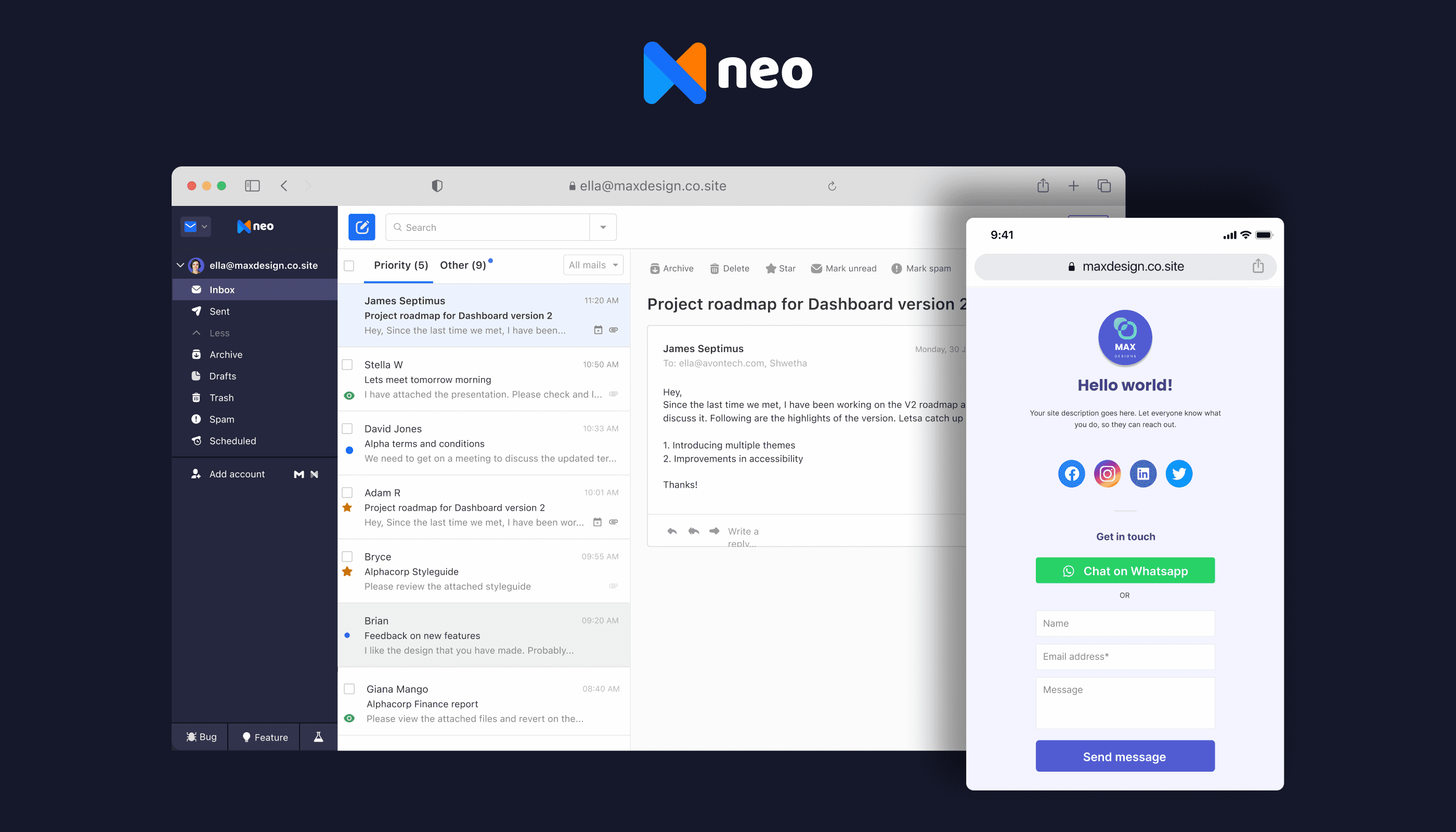
Neo is one of the best free business email providers for companies, startups, and entrepreneurs, offering professional email addresses even without a personal domain. It also includes a free one-page website to help build your brand identity and credibility.
Neo offers a 15-day free trial, after which it becomes a low-cost business email option rather than a free-forever provider.
Neo’s setup is fast and intuitive, making it ideal for teams and founders who want a dedicated business email account without technical hassles. With features like AI-assisted email drafting, and inbox prioritization, Neo enhances productivity while keeping communication secure.
🛠️ Key Neo Features:
- Up to 100 GB storage for emails and attachments
- Custom email address for professional branding
- Customizable domain & one-page website
- Read receipts to track email engagement
- Pre-built email templates for faster communication
- Follow-up reminders for efficient inbox management
- Priority inbox to highlight important messages
- Anti-spam security and two-factor authentication
- AI Smart Write to draft emails quickly
👍 Pros:
- Quick, easy setup perfect for founders and small businesses
- Cost-effective solution for startups and entrepreneurs
- AI tools enhance productivity with smart drafts and summaries
- Features like templates, scheduled sending, and follow-up reminders
- Helps prioritize emails and manage tasks efficiently
- Robust security with anti-spam filters and two-factor authentication
👎 Cons:
- Free domain uses “.co.site,” which is less prestigious than a custom “.com”
- No offline email support
- Lacks predictive text like Gmail
- Basic one-page website design
Device & Platform Support:
- Fully accessible on Mac and iOS devices, providing a smooth native experience
- Works across multiple platforms for team collaboration
Pricing:
After the free trial, Neo’s basic plan starts at $1.25 per month per user.
💬 Neo Reviews:
- Capterra Rating: N/A
- G2 Rating: 4.6/5
2. Gmail - Best free business email provider for mobility and daily communication
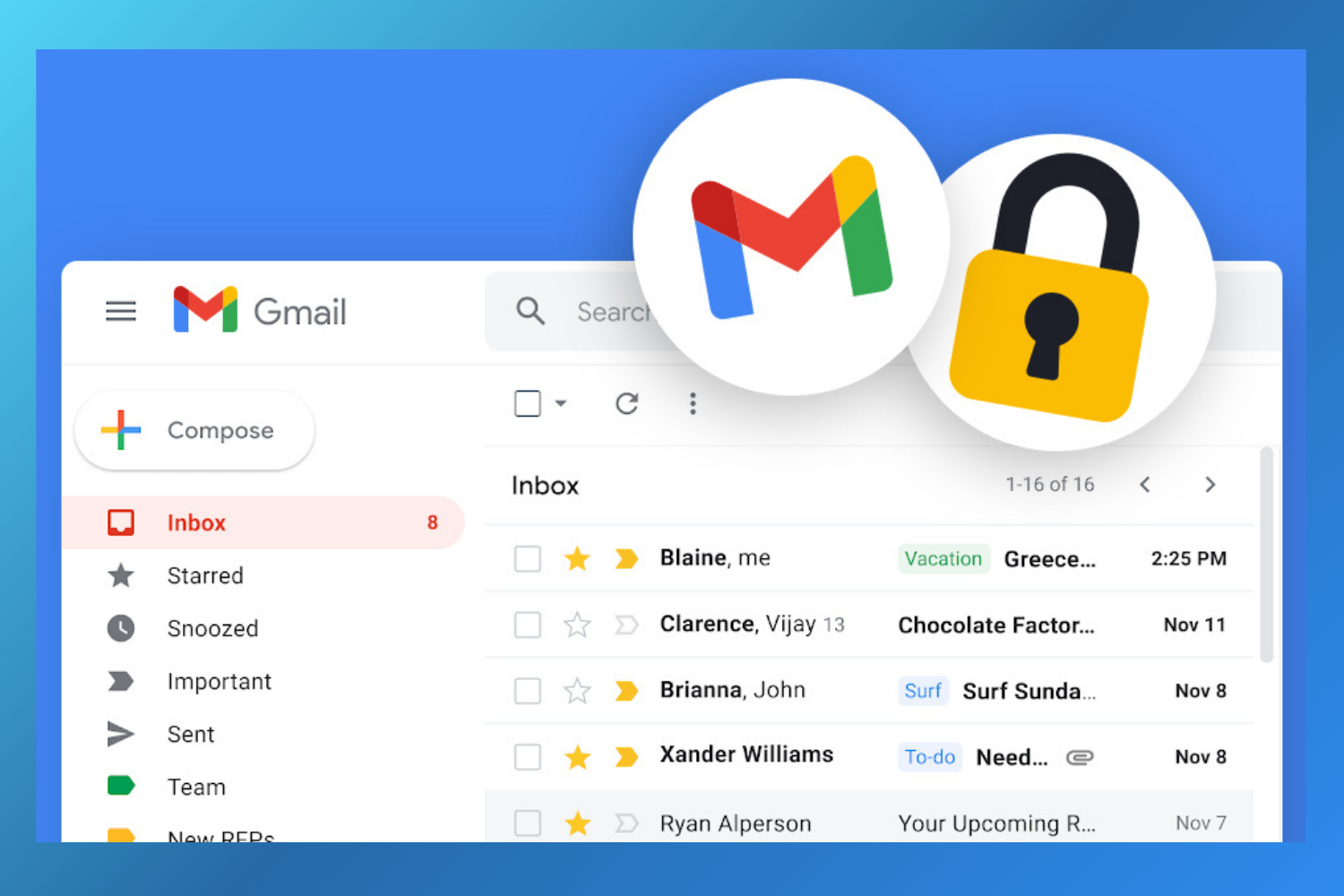
Gmail is one of the best free business email providers globally, trusted by over 1.8 billion users. Built by Google, it’s widely used by founders, startups, and small businesses for its reliability and mobile-first experience. However, many businesses now explore Gmail alternatives for better privacy controls, advanced customization, or reduced dependence on Google’s ecosystem.
As part of Google Workspace, Gmail integrates seamlessly with essential tools like Google Docs, Sheets, Calendar, Meet, and Drive. This tight integration makes collaboration easier and helps businesses manage emails, files, and meetings from a single ecosystem. For users who don’t need a custom domain, Gmail works perfectly as a free email account for business communication.
While anyone can create a free Gmail account, businesses that require a professional email address with a custom domain will need to upgrade to a paid Google Workspace plan.
🛠️ Gmail Features
Gmail is known for its clean interface and powerful security features, making it a reliable choice for professionals on the move.
- 15 GB of free storage
- Advanced spam filtering and malware detection
- Strong phishing protection
- Confidential mode for sensitive emails
- Seamless integration with Google apps
- Mobile and offline access for emails
👍 Pros
- Quick and easy setup
- User-friendly interface
- Excellent mobile app experience
- Offline email access
- Advanced security and spam protection
👎 Cons
- No end-to-end encryption
- Data privacy concerns due to Google’s data usage policies
- Limited customization options
- Heavy reliance on the Google ecosystem
💰 Gmail Pricing
Gmail is free for personal and basic business use. To access a custom business email domain and advanced admin features, Google Workspace plans start at $6 per user per month.
💬 Gmail Reviews
- Capterra Rating: 4.8/5
- G2 Rating: 4.6/5
3. GMX Mail - Best Free Business Email provider for Teams & Departments
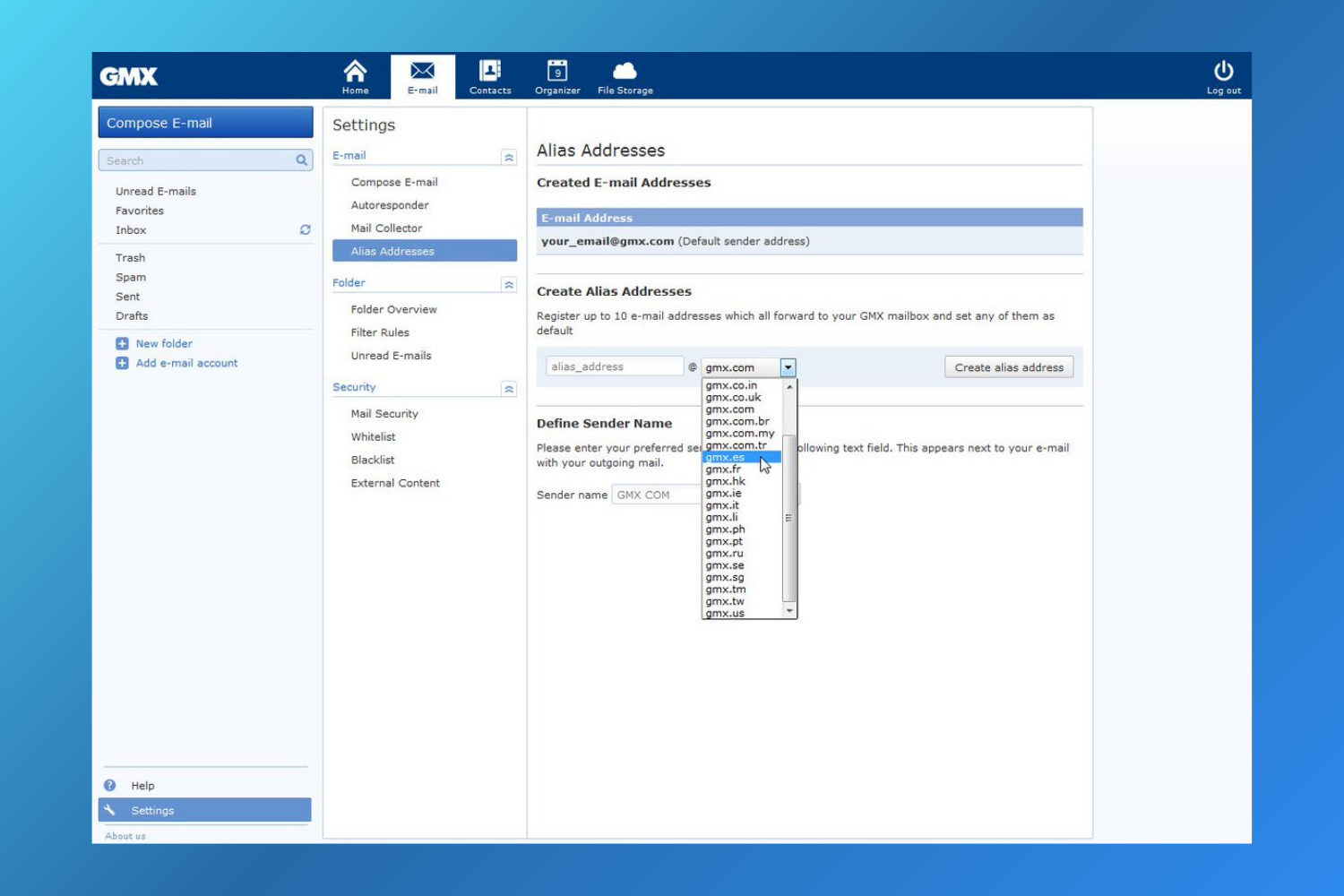
GMX Mail is one of the best free business email providers for small businesses that manage communication across multiple departments or teams. It offers a generous 65GB of free storage and lets you create up to 10 alias email addresses, making it easier to separate emails for sales, support, or operations - without paying for multiple inboxes.
One of GMX Mail’s standout features is its Mail Collector, which allows you to gather emails from different providers into a single inbox. This makes GMX Mail a strong choice for companies looking for the best email for small business free, especially when centralized communication is a priority.
🛠️ GMX Mail Features
GMX Mail provides ample storage and practical tools designed for business use, including:
- 65GB of free email storage
- Send attachments up to 50MB
- Mail Collector to manage multiple inboxes in one place
- Up to 10 alias email addresses for teams or departments
- Built-in antivirus protection across devices
- Advanced spam filtering
- PGP email encryption for secure communication
👍 Pros
- Free mobile app for on-the-go access
- Strong security and encryption features
- Large storage allowance compared to other free providers
👎 Cons
- Interface may feel less intuitive for new users
- Ads are displayed in the free version
💰 GMX Mail Pricing
GMX Mail is completely free to use. The service is supported by advertisements rather than paid subscriptions.
💬 GMX Mail Reviews
- Capterra Rating: N/A
- G2 Rating: N/A
4. Microsoft Outlook - Best Free Business Email Provider for Microsoft Users
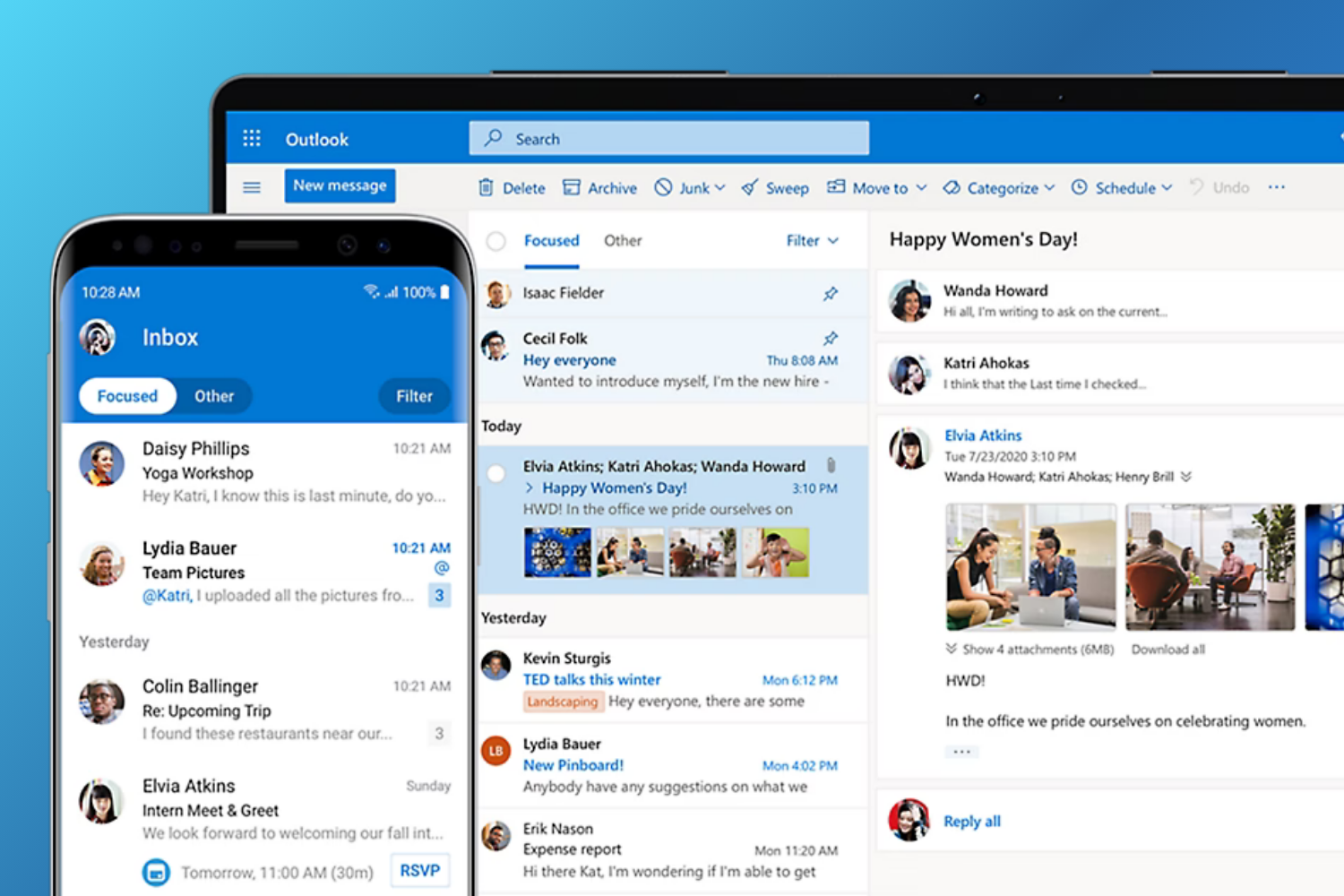
Outlook is one of the best free business email providers offered by Microsoft, especially for founders, startups, and small businesses already using Microsoft tools. As part of the Microsoft 365 ecosystem, Outlook brings email, calendar, contacts, and file attachments together in one clean interface, making day-to-day communication easier to manage.
If your team relies on apps like Word, Excel, Teams, or OneDrive, Outlook fits seamlessly into your workflow. However, businesses that don’t use Microsoft products may benefit more from Outlook alternatives that offer greater flexibility, cross-platform support, or stronger privacy features.
🛠️ Outlook Features
Outlook supports multiple email accounts and uses smart analytics to highlight important messages based on your usage patterns. Key features include:
- Focused Inbox to prioritize important emails
- Email scheduling for better follow-ups
- Do Not Disturb mode to reduce distractions
- Smart folders for better organization
- Quick swipe controls on mobile
- Built-in calendar and contact management
👍 Pros
- Seamless integration with Microsoft 365 apps
- Free email and calendar access
- Available on Windows, macOS, web, and mobile
- Enterprise-grade security and spam protection
👎 Cons
- Interface may feel less intuitive for new users
- Search functionality can be inconsistent at times
💰 Outlook Pricing
Outlook is free to use with a Microsoft account. Microsoft 365 plans for personal use start at $1.99/month (Microsoft 365 Basic). Business plans start at $6.00/user/month billed annually. Check Microsoft's official pricing page for current rates.
💬 Outlook Reviews
- Capterra Rating: 4.5/5
- G2 Rating: 4.5/5
5. Yahoo! Mail - Best Free Business Email Provider for a Smarter Inbox Experience
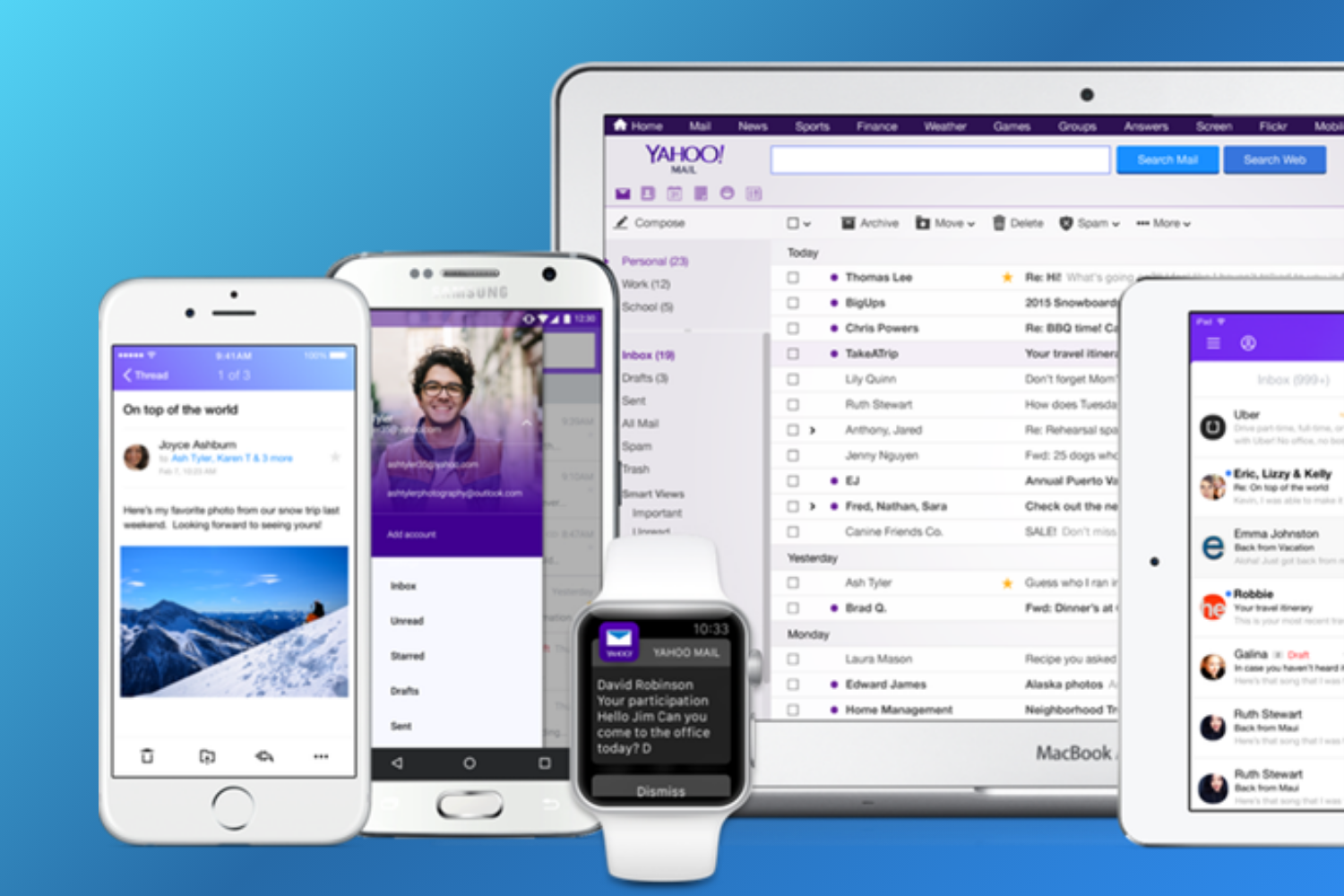
Yahoo! Mail is a long-standing and reliable option among the best free business email providers, especially for founders and small teams looking for a smart, clutter-free inbox. Launched in 1997, Yahoo Mail now serves over 225 million monthly active users, making it one of the most widely used free email services worldwide.
For entrepreneurs exploring how to get a free business email, Yahoo Mail offers a completely free solution focused on productivity and inbox organization. Features like one-click unsubscribes, subscription tracking, and free trial reminders help users stay on top of business communications without extra effort. As teams grow or require more advanced workflows, many users naturally compare Yahoo Mail with other Yahoo Mail alternatives to find tools that better match evolving business needs.
🛠️ Yahoo! Mail Features
Despite being free, Yahoo! Mail includes several smart tools designed to improve everyday email management:
- View and manage all subscriptions in one place
- Unsubscribe from newsletters with one click
- Connect multiple inboxes, including Gmail and Outlook
- Shopping order summaries and tracking
- Free trial reminders to avoid unwanted charges
- Quick access to attachments
- View emails by sender
- Customizable inbox themes and layout
- Privacy dashboard for managing data preferences
👍 Pros
- Excellent email organization and cleanup tools
- Fully customizable inbox design
- Completely free to use
- Supports multiple email accounts in one inbox
- Reliable mobile apps for iOS and Android
👎 Cons
- Limited integration with productivity apps like calendars or notes
- Web interface can feel cluttered for some users
- Ads appear in the free version
💰 Yahoo! Mail Pricing
Yahoo! Mail is free forever. Users who want an ad-free experience and additional features can upgrade to Yahoo Mail Plus for $5 per month.
💬 Yahoo! Mail Reviews
- Capterra Rating: 4.2/5
- G2 Rating: 3.8/5
[cta-block:ctablock4,title="Secure Your Business Email with Canary Mail",button1="Explore Security Features",button1link="/features/security",button2="Download Canary Mail",button2link="https://canarymail.io/"]
6. Proton Mail - Best Free Business Email Provider for Security & Privacy
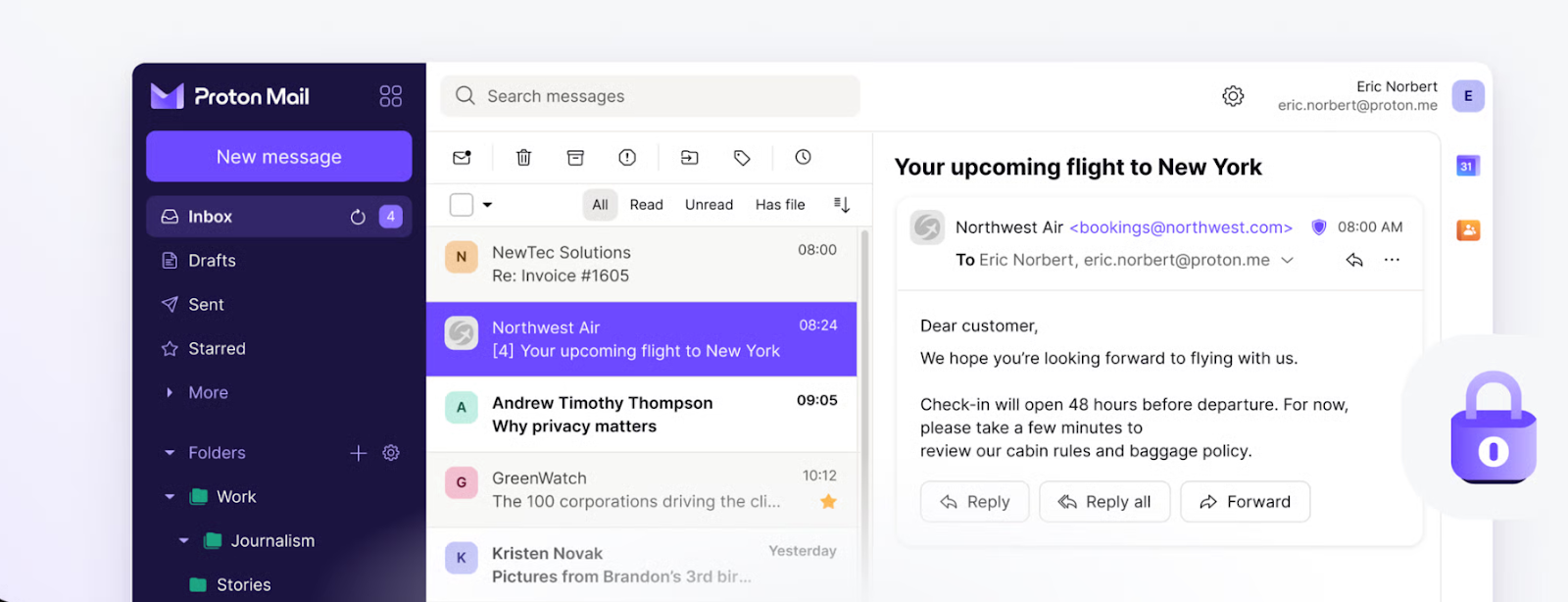
Proton Mail is one of the best free business email providers for companies, founders, and entrepreneurs who prioritize security and privacy. Based in Switzerland and protected by strict privacy laws, Proton Mail is well known for its end-to-end and zero-access encryption, ensuring that only you can read your emails.
For businesses looking for a business email for free with strong privacy controls, Proton Mail offers a solid free plan. Teams that want more storage or advanced features can also explore paid plans or compare it with other ProtonMail alternatives depending on their needs.
🛠️ Proton Mail Features
Proton Mail is built around privacy, but it also includes useful tools for everyday email management:
- End-to-end and zero-access email encryption
- Intuitive and easy-to-use web interface
- Inbox customization options
- Labels, filters, and folders for organization
- Multiple alias email addresses
- Advanced inbox search
- Access to ProtonDrive, Proton Calendar, and Proton VPN
👍 Pros
- Industry-leading email security and privacy
- Mobile apps for Android and iOS
- Access to a secure ecosystem of Proton apps
👎 Cons
- Limited storage on the free plan
- Restrictions on daily email sending
- Slower loading times compared to mainstream providers
💰 Proton Mail Pricing
Proton Mail is free to use, with paid plans available for users who need more features. Individual plans start at €3.99 per user/month (billed annually), while business plans start at €6.99 per user/month.
💬 Proton Mail Reviews
- Capterra Rating: 4.5/5
- G2 Rating: 4.4/5
7. AOL Mail - Best Free Business Email Provider for User-Friendly Inbox
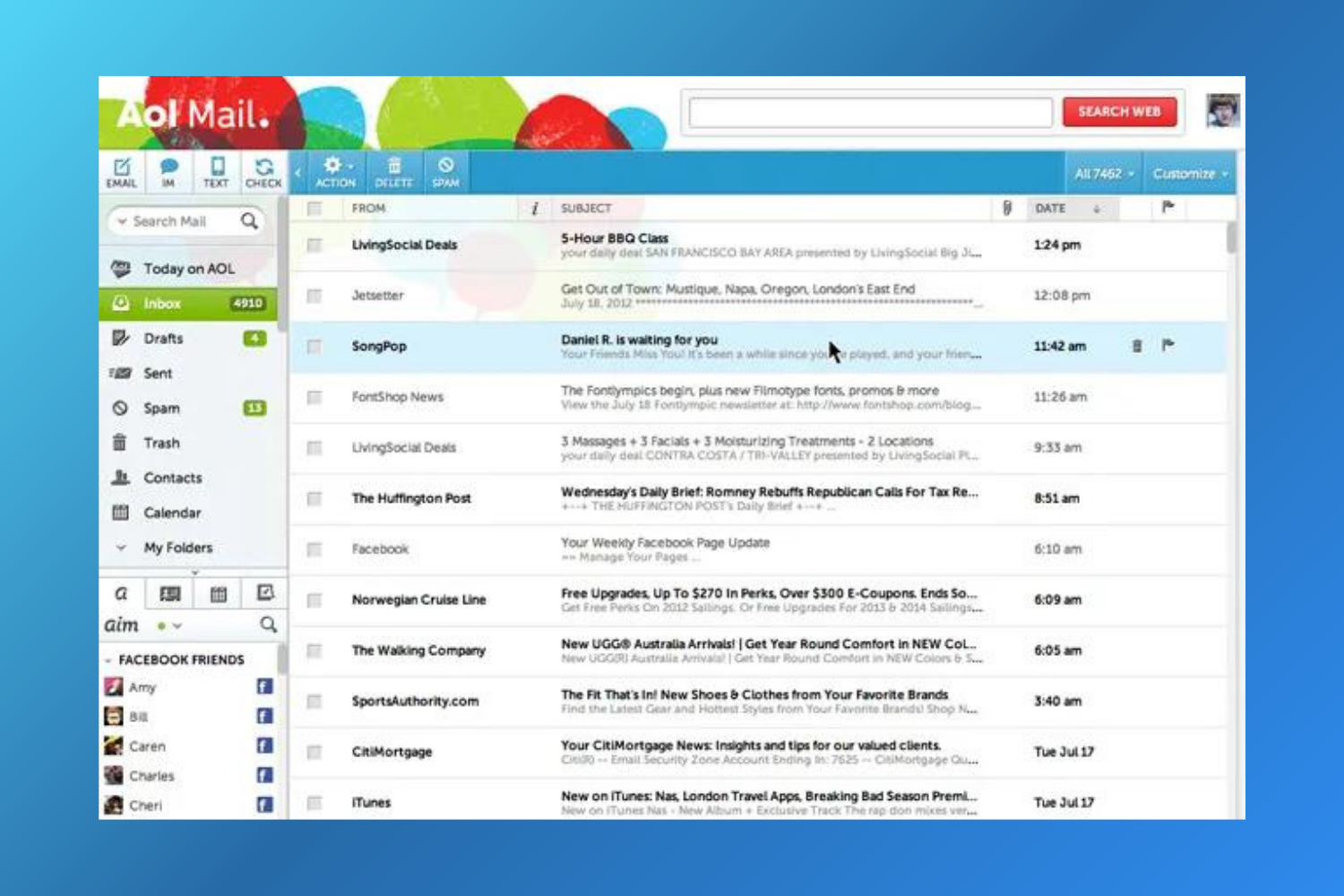
AOL Mail is a long-standing and reliable option among free business email providers, especially for users who prefer a simple, easy-to-navigate inbox. Owned by Yahoo Inc., AOL Mail has been around for decades and continues to serve millions of users worldwide with a straightforward email experience.
For founders, freelancers, or small teams looking for a business email account free of charge, AOL Mail offers generous storage and essential email tools without complex setup or technical learning curves. However, it may not meet the needs of those requiring advanced collaboration or modern productivity features, so such users often consider other AOL alternatives.
🛠️ AOL Mail Features
AOL Mail focuses on simplicity while still offering smart, productivity-focused features commonly expected from free email services:
- 1TB of free email storage
- Powerful spam and phishing protection
- Smart inbox tools, including one-tap unsubscribe
- Support for multiple inboxes in one account
- Integration with AOL services like News and Weather
- Custom themes for inbox personalization
- Rich contact cards on the mobile app
👍🏻 Pros:
- Clean, user-friendly interface
- Easy inbox organization for daily business emails
- Mobile apps available for iOS and Android
- Supports over 70 languages
👎🏻 Cons:
- Limited customization options
- Basic functionality compared to modern business email platforms
- Ads appear in the inbox
- Accounts may be deactivated after 90 days of inactivity and deleted after 180 days
💰 AOL Mail Pricing
AOL Mail is completely free to use, making it a viable option for users exploring how to get a business email account free without long-term commitments.
💬 AOL Mail Reviews
- Capterra Rating: 4.1/5
- G2 Rating: N/A
8. Guerrilla Mail - Best Disposable Temporary Email Address
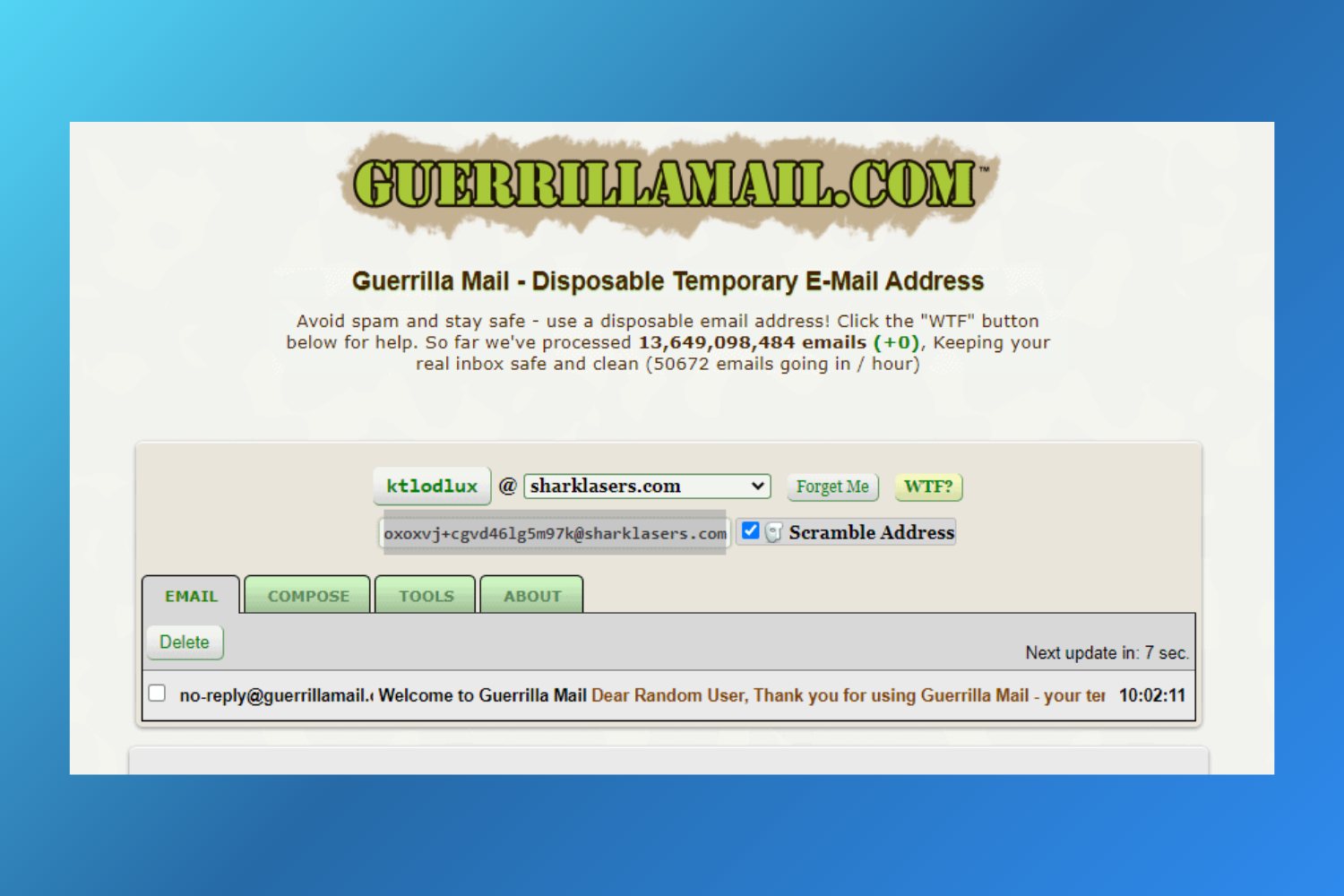
Guerrilla Mail is one of the most popular disposable email services for users who need a temporary, privacy focused inbox rather than a long term solution. Founded in 2006, it has processed 16,138,174,984 emails and allows startups and entrepreneurs to instantly create a free business email address without registration, making it ideal for testing tools and avoiding spam.
However, emails are stored for only one hour and inboxes are publicly accessible, which makes it unsuitable for free business email for companies, teams, or organizations that require secure and reliable communication.
🛠️ Guerrilla Mail Features
Among business email providers free to use, Guerrilla Mail focuses purely on anonymity and spam protection rather than productivity or collaboration.
👍🏻 Pros
- 100% free disposable email service for testing or temporary use
- Fully anonymous, no signup required
- Easy to use interface for quick email generation
- Automatic deletion after one hour ensures privacy
👎🏻 Cons
- Not suitable as a free business email for businesses or SMEs
- Emails expire quickly, increasing the risk of missed communication
- No security controls, user authentication, or team features
- Inboxes are publicly accessible if someone knows the address
💰 Guerrilla Mail Pricing
Guerrilla Mail is completely free, making it one of the most accessible free disposable email tools for entrepreneurs who only need short-term use.
💬 Guerrilla Mail Reviews
- Capterra Rating: N/A
- G2 Rating: N/A
9. Mail.com - Best Free Business Email Provider for a Creative Domain Name
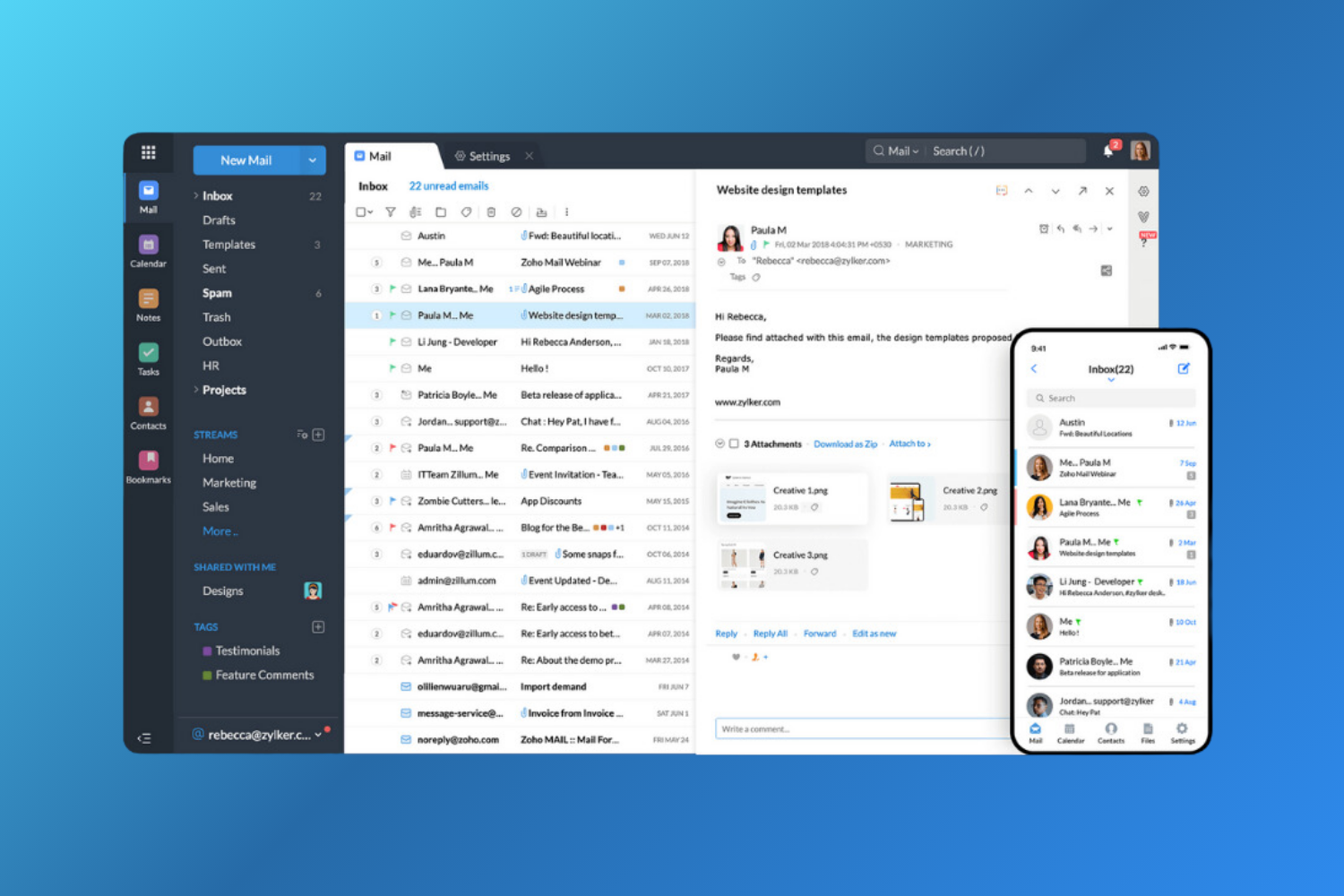
Mail.com is a popular choice among free business email services for entrepreneurs and small businesses that want a professional email address without a custom domain. It stands out by offering over 100 creative domain options, including @mail.com, @usa.com, and profession-based addresses like @engineer.com.
As a free email account for business, Mail.com is quick to set up and suitable for freelancers and startups, but it’s free version lacks modern features found in other best free business email providers. The ad-supported inbox may also be distracting, leading some users to explore more feature-rich Mail.com alternatives.
🛠️ Mail.com Features
Mail.com offers a free business email address with flexible domain choices and basic productivity tools, making it suitable for light business use.
- Free email and cloud storage
- Intuitive mobile apps for Android and iOS
- Access to more than 100 domain names
- Online document editor
- Send attachments up to 30 MB
- Mail Collector to access multiple email accounts in one inbox
- Instant email alerts with MailCheck
👍🏻 Pros
- Free business email for small businesses and entrepreneurs
- One login for managing multiple email accounts
- Centralized inbox for all email addresses
- 65 GB of free email storage
- Access to tools like Online Office and Organizer
- Reliable spam filtering
👎🏻 Cons
- Free inbox lacks advanced collaboration features
- Heavy ads in the free version
- No customer support for free users
💰 Mail.com Pricing
Mail.com is free to use as a free email hosting option for small business users. A premium plan starts at $9.99 for 3 months, offering an ad-free inbox, telephone support, and increased cloud storage.
💬 Mail.com Reviews
- Capterra Rating: 4.2/5
- G2 Rating: N/A
N/A
10. Mailfence - Best Free Business Email Provider for Advanced Email Privacy
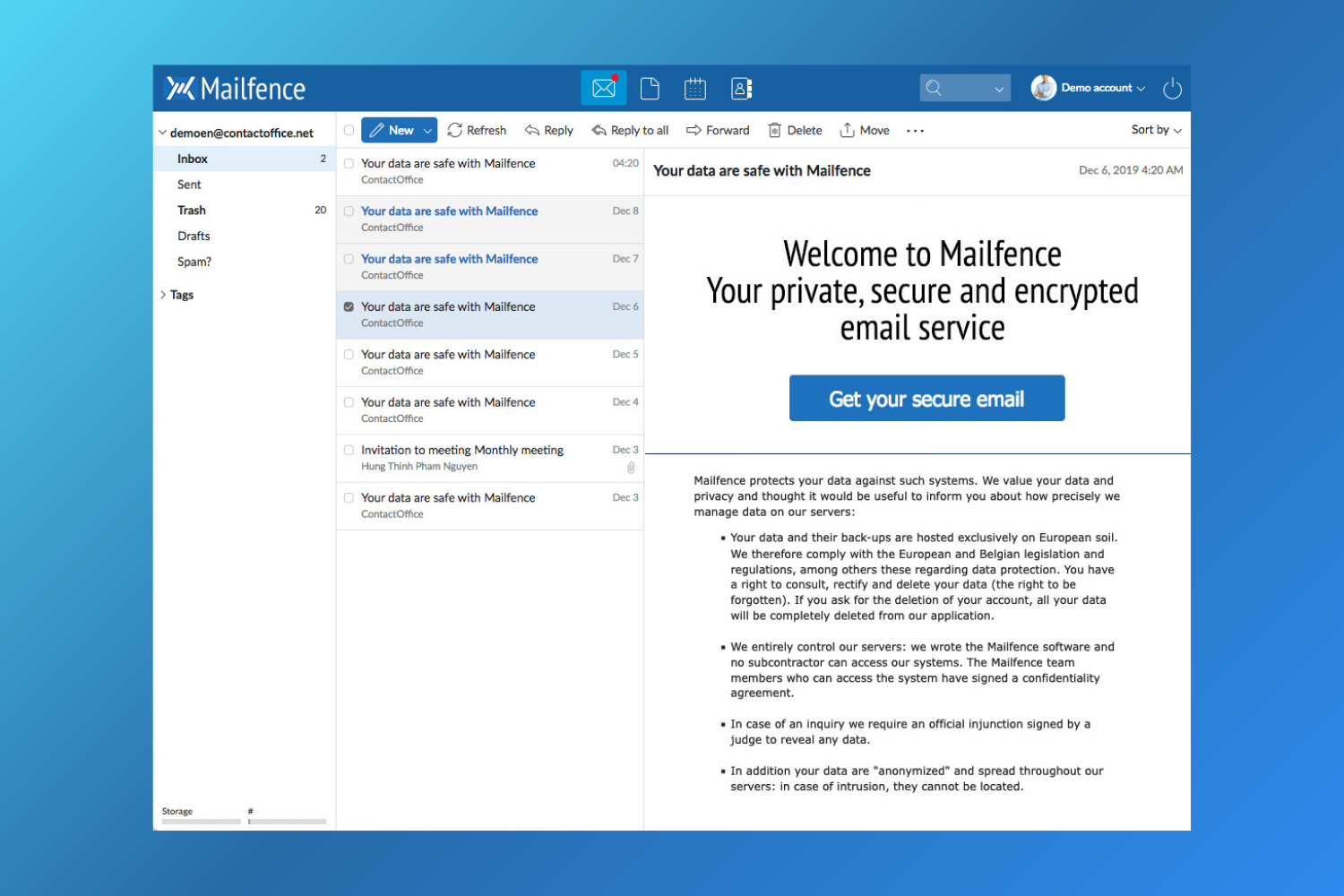
Mailfence is a privacy-first option among the best free business email providers, especially for businesses and entrepreneurs that prioritize security. Based in Belgium, Mailfence offers OpenPGP-encrypted email, strict data protection, and a zero-tracking policy with no ads or government surveillance.
As part of modern free business email services, Mailfence allows startups, SMEs, and organizations to create a free email account for business with strong spam filtering and built-in message encryption. Businesses needing more storage or customization often compare it with other secure free business email providers.
🛠️ Mailfence Features
Mailfence focuses heavily on security while still offering productivity tools, making it suitable for free business email for small businesses and teams that value privacy.
- OpenPGP encryption and digital signatures
- Integrated calendar, documents, and group tools (free plan)
- Web, POPS, IMAPS, SMTPS, and mobile access
- Email aliases
- Custom domain support (paid plans)
- Access to third-party mailboxes
👍🏻 Pros
- Advanced security and privacy features
- End-to-end message encryption
- Built-in calendar and collaboration tools
- Support for OpenPGP keys and digital signatures
👎🏻 Cons
- Basic inbox with limited personalization
- Web interface is not very intuitive
- Free plan has limited storage and features
💰 Mailfence Pricing
Mailfence offers a free business email address with core security features. Paid plans start at $3.50 per month (billed yearly) and include more storage, advanced options, and custom domain support.
💬 Mailfence Reviews
- Capterra Rating: 4.3/5
- G2 Rating: 4.7/5
Canary Mail - A Paid Business Email Client for Startups
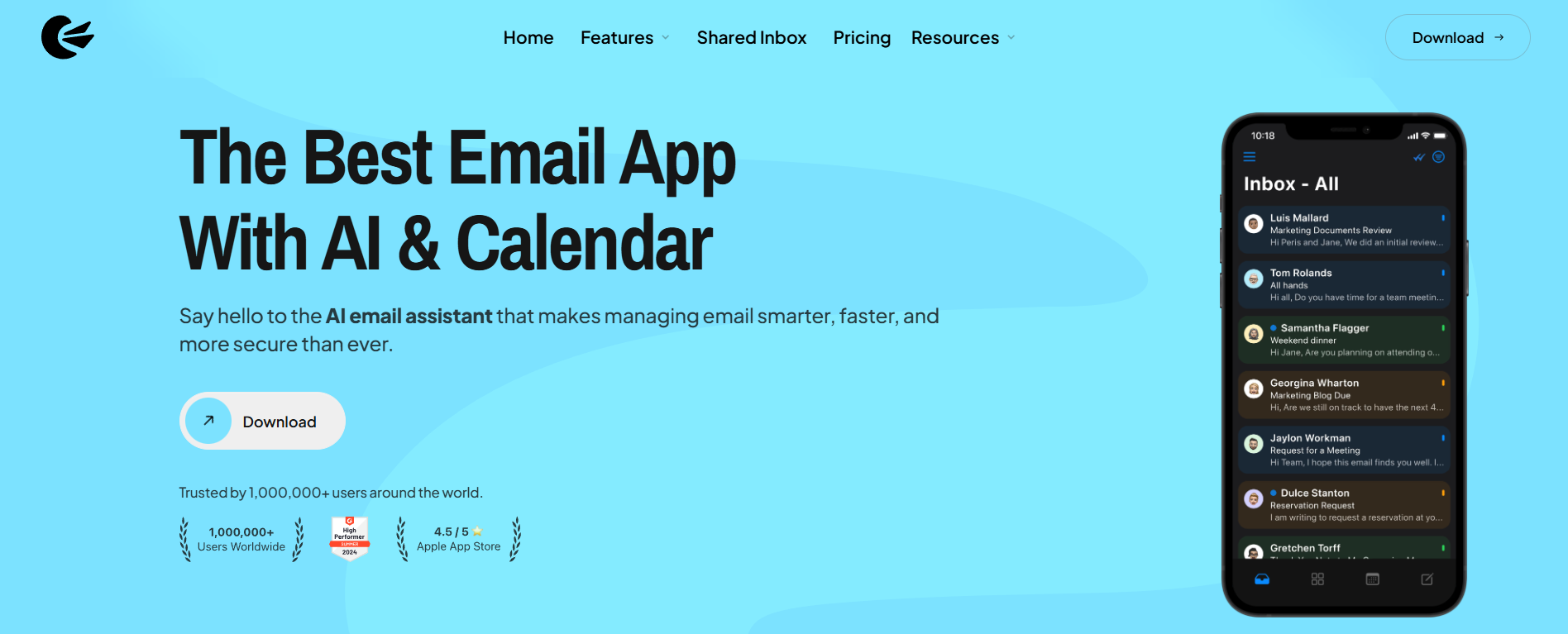
Choosing the right business email provider is important for startups and SMEs, as it affects how teams communicate, stay organized, and protect sensitive information. Free business email providers can work in the early stages, but they often fall short as inbox volume increases and workflows become more complex.
Canary Mail is suited for teams that have outgrown the limitations of free email services. It includes practical features such as:
- AI-generated email summaries, which help users quickly understand long threads. AI features are optional and can be turned off at any time.
- A unified inbox for managing multiple email accounts in one place.
- Strong security options, including end-to-end and PGP encryption for privacy-focused teams.
Additional tools for inbox organization and follow-up tracking make it easier to manage day-to-day communication without relying on multiple apps. Canary Mail works with custom domain email accounts. You keep your existing email provider and domain - Canary Mail connects to it and improves how you manage it
Overall, Canary Mail works well as a step up from free business email providers for startups and small businesses that need better organization, security, and scalability, while continuing to use their existing email accounts.
Best Free Business Email, the Comparison Table
| Features | Neo | Gmail | GMX mail | Microsoft Outlook | Yahoo Mail | Proton Mail | AOL Mail | Guerrilla Mail | Mail.com | Mailfence |
|---|---|---|---|---|---|---|---|---|---|---|
| Free Version | Trial only | ✅ | ✅ | ✅ | ✅ | ✅ | ✅ | ✅ | ✅ | ✅ |
| Storage | 100GB | 15GB | 65GB | 15GB | 1TB | 1GB | 1TB | – | 65GB | 1GB |
| Pricing | $1.25/month | $6/month | Free | $1.99/month | $5/month | $3.99/month | Free | Free | $9.99/3 month | $3.50/month |
| Spam Filtering | ✅ | ✅ | ✅ | ✅ | ✅ | ✅ | ✅ | ❌ | ✅ | ✅ |
| Multiple Email Accounts (Essential for unified inbox management)(Essential for unified inbox management) | ✅ | ✅ | ✅ | ✅ | ✅ | ✅ | ✅ | ❌ | ✅ | ✅ |
| No Ads | ✅ | ❌ | ❌ | ❌ | ❌ | ✅ | ❌ | ❌ | ❌ | ✅ |
| Mobile App | ✅ | ✅ | ✅ | ✅ | ✅ | ✅ | ✅ | ❌ | ✅ | ✅ |
Best Free Business Email Providers - Summary
Choosing the right free business email provider helps streamline your business communication and separate it from personal emails. Each service has its own strengths and limitations, so pick one that fits your needs.
For startups and small businesses seeking more features and a custom domain email, a paid business email like Canary Mail is an excellent option, offering advanced tools, better security, and a professional image.
[cta-block:ctablock3,title="Upgrade Your Free Business Email With AI",subtitle="Keep your existing address and add smarter triage, encryption, and a unified inbox with Canary Mail.",button1="Try Canary Mail Free",button1link="/downloads",button2="Explore Features",button2link="/features"]
Best Free Business Email Providers: FAQs
Is a free business email enough for growing startups and teams?
Free business email works for early-stage teams, but growing startups usually need better security, organization, and collaboration features.
Do free business email providers support mobile apps?
Most free business email providers offer mobile apps, though advanced features may be limited on free plans.
When should a business upgrade from a free email provider to a paid solution?
A business should upgrade when it needs a custom domain, stronger security, more storage, or productivity tools to manage higher email volume. In such cases, businesses may also use advanced email clients like Canary Mail to improve inbox organization, security, and email productivity while continuing to use their existing email provider.
Can free business email providers support multiple users?
Some free providers support multiple users, but often with limits and without centralized team management controls.
Are free business email providers secure for business communication?
Partly. Free email providers offer basic security, but they may not be sufficient for sensitive or high-risk business communication.