Short answer: for most people leaving Outlook, the best alternative is an app that handles all their accounts on every device: Canary Mail (ours) or Spark. If you want something that works like classic Outlook, with a full calendar, tasks and PST import, choose eM Client. The best free option is Thunderbird. If you have a work Microsoft 365 account, check how each app connects to it before you switch, because Microsoft is shutting down the old connection many apps use (more on that below).
Disclosure: we make Canary Mail, and Dove comes from the same company. Both are in this list and marked as ours. Prices are in US dollars and were checked on each vendor's own site on October 1, 2026.
Quick picks
- Best overall: Canary Mail, for several accounts on Windows, Mac, iPhone and Android, with AI and encryption.
- Closest to classic Outlook: eM Client, with mail, calendar, tasks and contacts in one window, and PST import.
- Best free: Thunderbird, open source and free.
- Best simple Windows app: Mailbird.
- Best on Mac and iPhone for free: Apple Mail.
- Best for speed: Superhuman, if you only use Gmail or Microsoft 365.
Why people are leaving Outlook in 2026
Outlook is still a sensible choice for companies that run on Microsoft 365, Teams and Exchange. The people looking for an alternative usually have one of these reasons:
- New Outlook is replacing classic Outlook. Microsoft is moving Windows users to new Outlook in stages. Classic Outlook stays supported until at least 2029, but new Outlook is a different app: it doesn't run COM add-ins, and opening a PST file in it still requires classic Outlook to be installed. Some people would rather choose their next app themselves than have it chosen for them.
- Windows Mail is gone. Microsoft ended support for the Mail and Calendar apps on December 31, 2024, and they can no longer send or receive email. New Outlook is the official replacement, which not everyone wants.
- Ads in free Outlook.com. The free version shows ads in your inbox. Removing them takes a Microsoft 365 subscription, from $1.99 a month for Microsoft 365 Basic.
- Higher business prices. From July 1, 2026, Microsoft 365 Business Basic went from $6 to $7 per user a month, and Business Standard from $12.50 to $14. Consumer plans didn't change.
- Mac and mobile. Outlook is built around Windows and Microsoft accounts. People who mostly use a Mac or an iPhone, or who mix Gmail, iCloud and work accounts, often want an app built for that.
Outlook alternatives compared
| App | Price | Platforms | Microsoft 365 connection | AI | Best for |
|---|---|---|---|---|---|
| Canary Mail (ours) | Free; paid from $36/year | Windows, Mac, iPhone, iPad, Android | EWS and IMAP (Graph coming soon) | Yes, paid plans | Most people switching |
| eM Client | Free (2 accounts); from $19.95/year or $29.95 once | Windows, Mac, iPhone, Android | EWS today; Graph in version 11 (beta) | Yes | An Outlook-style desktop app |
| Thunderbird | Free | Windows, Mac, Linux, Android | Graph (email only), EWS | No | Free and open source |
| Mailbird | Free (1 account); Premium from $29.50/year | Windows, Mac | Microsoft sign-in | Yes | A clean Windows desktop app |
| Dove (ours) | Free; Pro $20/month or $200/year | Windows, Mac, iPhone, Android, web | Graph | Yes | An AI-sorted inbox |
| Spark | Free; Plus $10/month or $99/year | Windows, Mac, iPhone, iPad, Android | Graph | Yes, paid plans | Small teams |
| Apple Mail | Free with Apple devices | Mac, iPhone, iPad | Mac: EWS; iPhone: ActiveSync | Apple Intelligence on supported devices | Mac and iPhone users |
| Superhuman | $30/month or $300/year; no free plan | Mac, Windows, web, iPhone, Android | Microsoft's API (Microsoft 365 only) | Yes | Heavy email users |
| Mailspring | Free; Pro $8/month | Windows, Mac, Linux | IMAP only | No | A free desktop app with extras |
The 9 best Outlook alternatives in 2026
1. Canary Mail: Best overall Outlook alternative
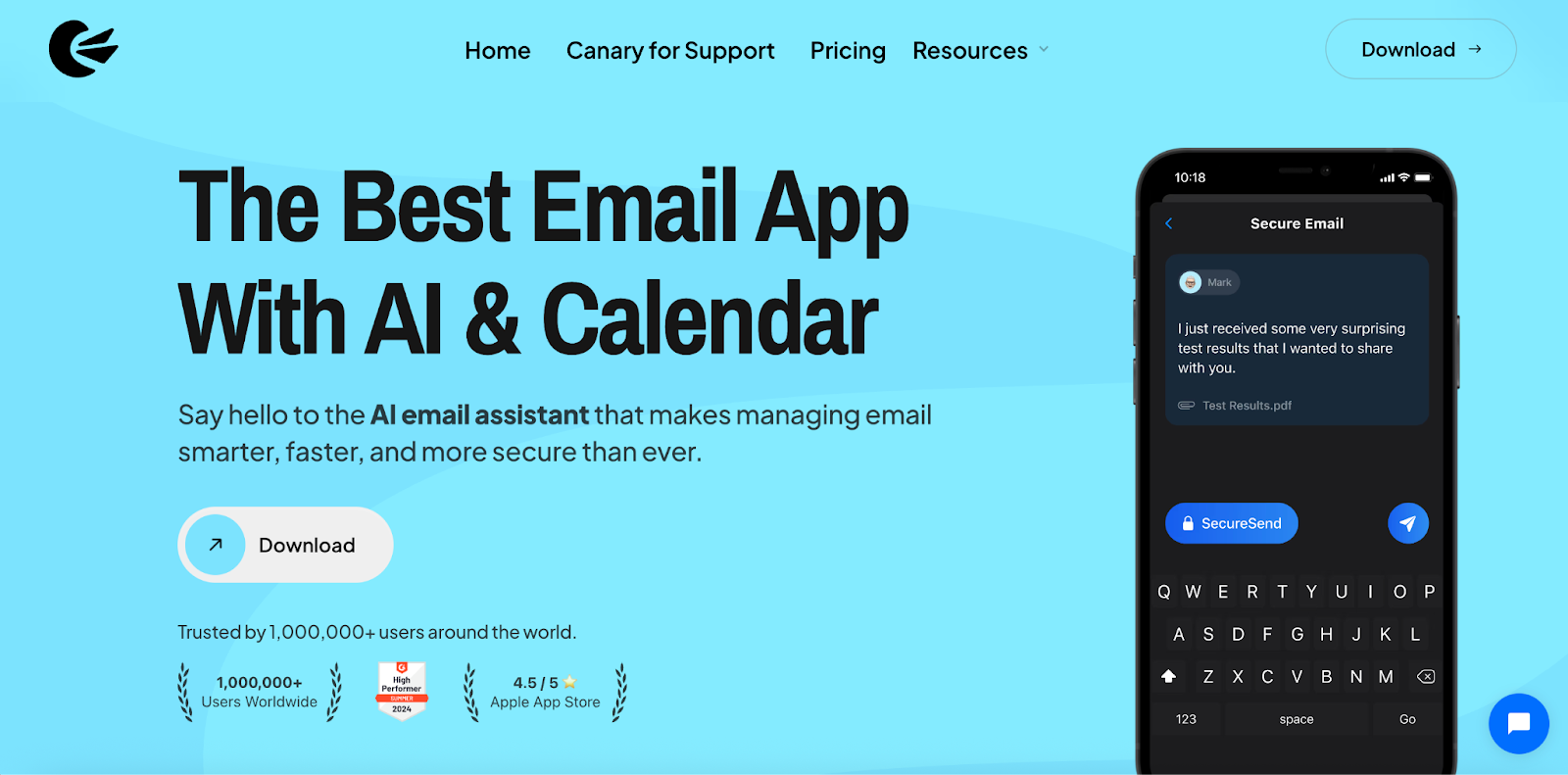
Disclosure: we make Canary Mail. Canary puts Gmail, Outlook, iCloud, Yahoo, Exchange and other IMAP accounts in one inbox, on Windows, Mac, iPhone, iPad and Android. It has more than 2 million users and has been featured by Apple on the App Store and the Mac App Store. Its AI writes and rewrites replies and summarizes long threads, and the higher plan adds PGP encryption and phishing protection.
- Who it's for: people with several accounts who want one app on every device, plus AI and encryption
- Price: free plan with unlimited accounts; Growth $36 a year (AI, send later, calendar); Pro+ $100 a year (PGP, SecureSend, phishing and impersonation detection); lifetime licences available; 7-day free trial, no card needed
- Platforms: Windows, Mac, iPhone, iPad, Android
- Microsoft 365: connects through EWS and IMAP; Microsoft Graph support is coming soon
- Standout features: AI replies and summaries, read receipts, PGP, unified inbox, snooze, templates, send later
- Downside: the AI and advanced features are on paid plans, which are billed yearly or as a lifetime licence, with no monthly option. If your company has already switched off EWS, you'll need to add a work Microsoft 365 account over IMAP until the Graph update arrives.
2. eM Client: Closest to classic Outlook
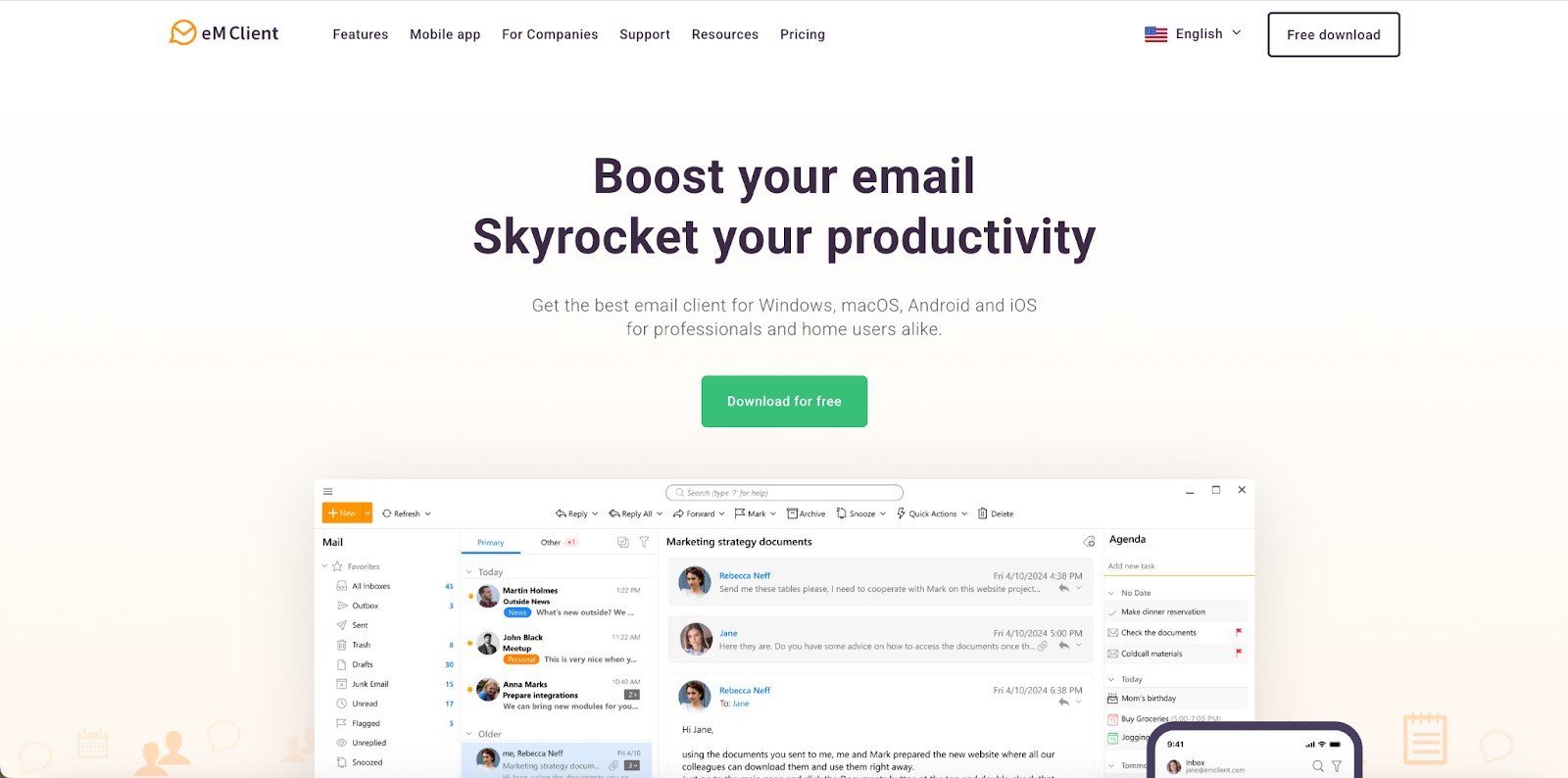
eM Client looks and works the most like classic Outlook: mail, calendar, tasks, contacts and notes in one desktop window. It can import Outlook PST files, which makes moving years of mail easier, and it supports PGP and S/MIME encryption. The phone apps are free.
- Who it's for: Windows users who like Outlook's all-in-one layout but not where Outlook is heading
- Price: free for 2 accounts (personal, non-commercial use); Personal $19.95 a year or $29.95 once, for up to 3 devices; Business $24.95 a year or $39.95 once, per device
- Platforms: Windows, Mac, iPhone, Android
- Microsoft 365: connects through EWS today; eM Client 11 switches to Microsoft Graph and is in beta; IMAP works as a mail-only fallback
- Standout features: calendar, tasks and contacts, PST import, PGP and S/MIME, AI writing help
- Downside: until eM Client 11 is out of beta, work Microsoft 365 accounts whose EWS has been switched off are limited to mail over IMAP, without calendar and contacts sync. The interface is as busy as Outlook's.
3. Thunderbird: Best free Outlook alternative
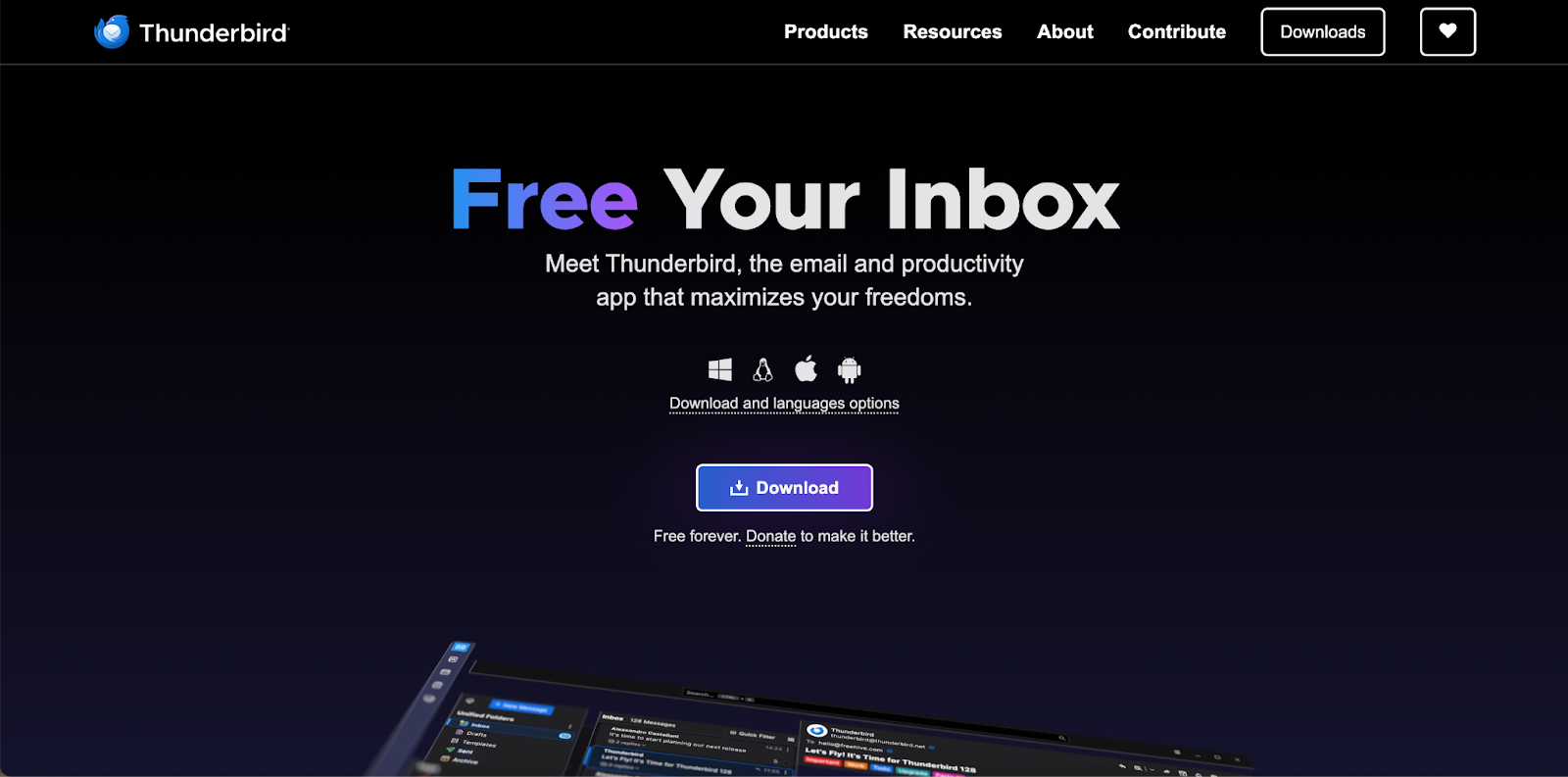
Thunderbird is a free, open-source desktop client backed by the Mozilla Foundation and funded by donations. It has a calendar, built-in OpenPGP encryption and a large library of add-ons. It added native Exchange support in version 145 and Microsoft Graph in version 154, so it's one of the few free apps ready for the EWS shutdown.
- Who it's for: anyone who wants a capable desktop client without paying
- Price: free
- Platforms: Windows, Mac, Linux, Android; the iPhone app isn't out yet
- Microsoft 365: Graph since version 154 (email only); EWS since version 145
- Standout features: OpenPGP, calendar, add-ons, unified inbox, full control over settings
- Downside: no iPhone app yet, and its Graph support covers email only, so Microsoft 365 calendars and contacts don't sync through it. If you're on the extended-support release (version 153), you'll need the regular release to get Graph.
4. Mailbird: Best simple Windows desktop app
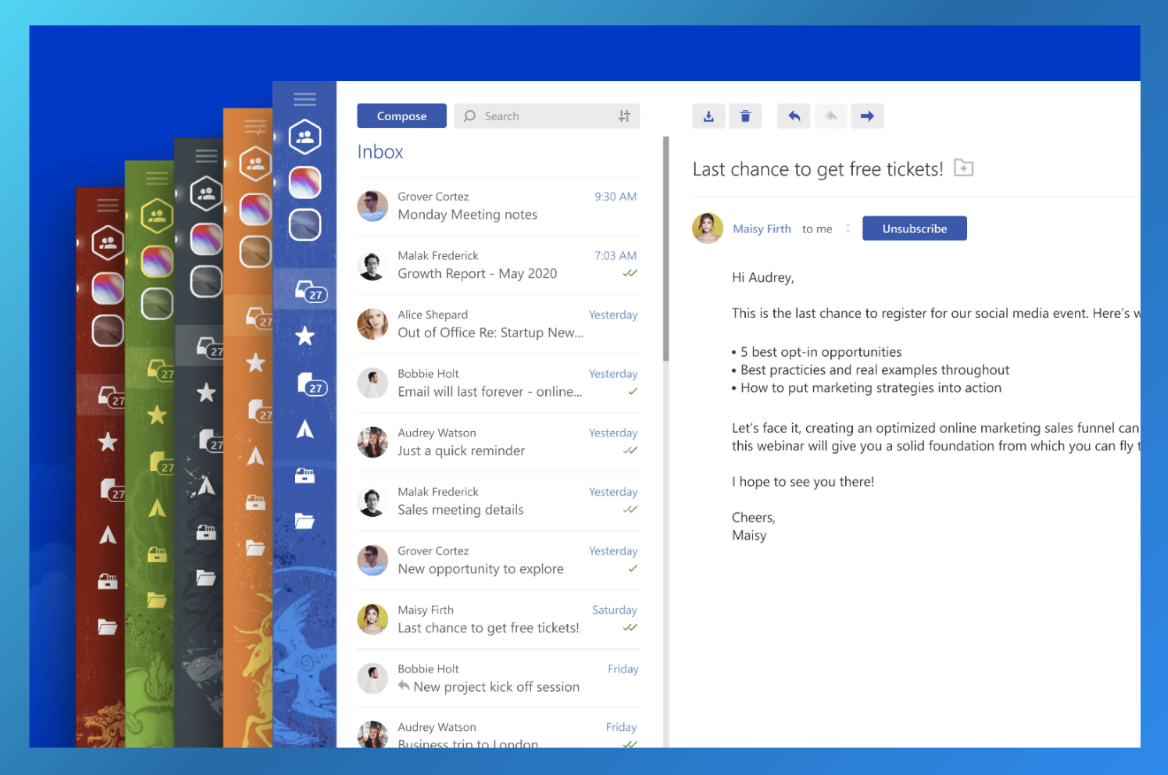
Mailbird is a simple desktop client for people who want a unified inbox without Outlook's ribbon of buttons. It connects Slack, Google Calendar, Dropbox, Asana and other apps in a sidebar, and one licence covers Windows and Mac.
- Who it's for: Windows users who want a clean, simple multi-account app
- Price: free for 1 account; Premium $29.50 a year or $99.75 once (shown as discounts on $59 and $399 list prices)
- Platforms: Windows, Mac
- Microsoft 365: signs in with your Microsoft account; ask Mailbird whether your work account needs IMAP turned on
- Standout features: unified inbox, app integrations, AI writing help, email tracking
- Downside: no iPhone or Android app, and Mailbird's own pages disagree on how it connects to Microsoft 365, so check before you move a work account.
5. Dove: Best AI-sorted inbox
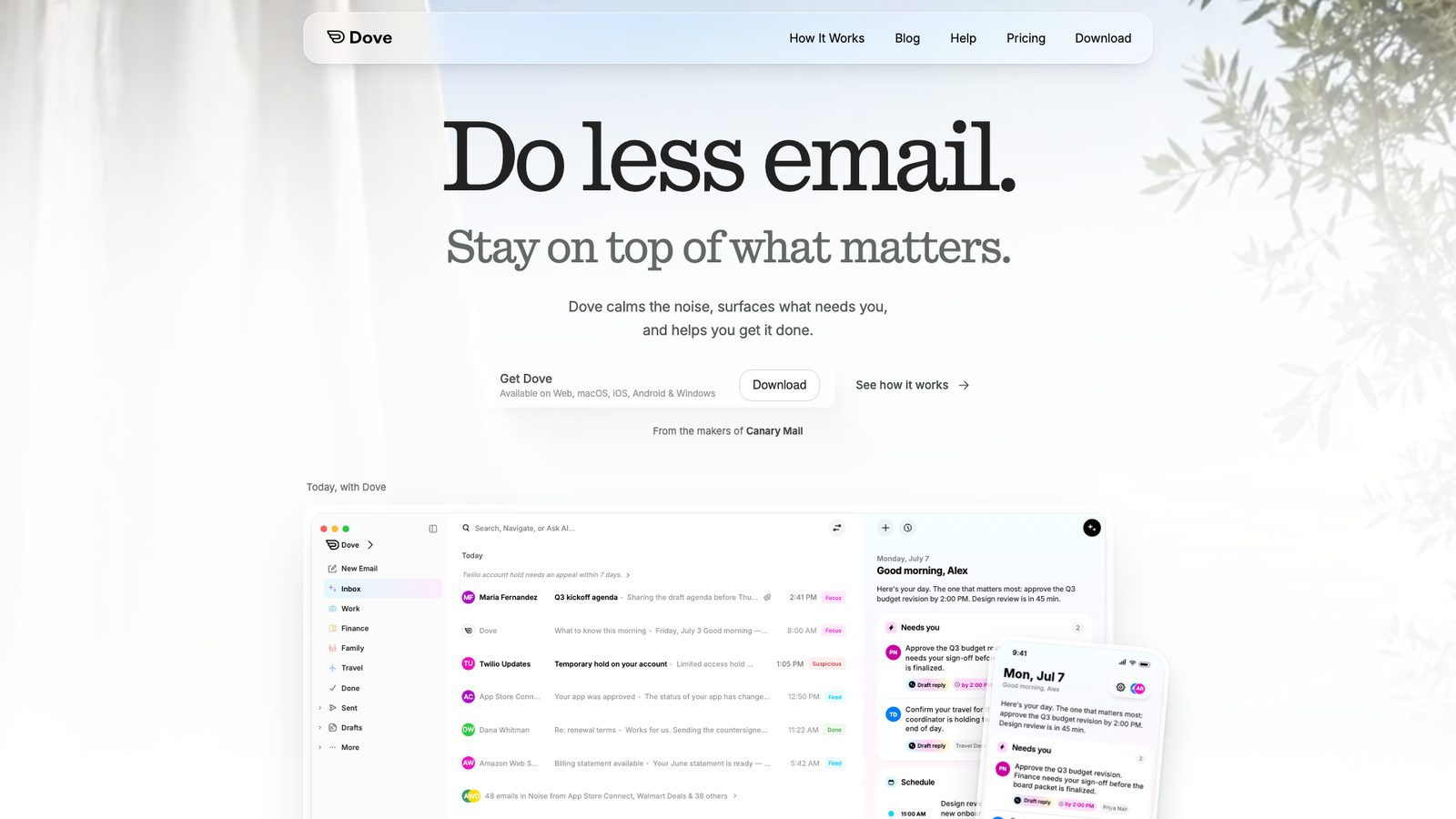
Disclosure: Dove comes from the same company as Canary Mail. Dove sorts incoming mail into what needs a reply, what you might read later and noise, and lets you ask questions about your inbox in plain English. It scans for phishing and impersonation, and connects to Microsoft accounts through Microsoft Graph.
- Who it's for: people who want AI to triage a busy inbox for them
- Price: free plan with unlimited accounts and 10 AI actions a day; Pro $20 a month or $200 a year; 7-day free trial
- Platforms: Windows, Mac, iPhone, Android, web
- Microsoft 365: Microsoft Graph
- Standout features: AI sorting, Ask Dove, smart rules, phishing and impersonation checks
- Downside: the free plan's 10 AI actions a day run out quickly, the trial asks for a card, and it costs more than Canary.
6. Spark: Best for teams
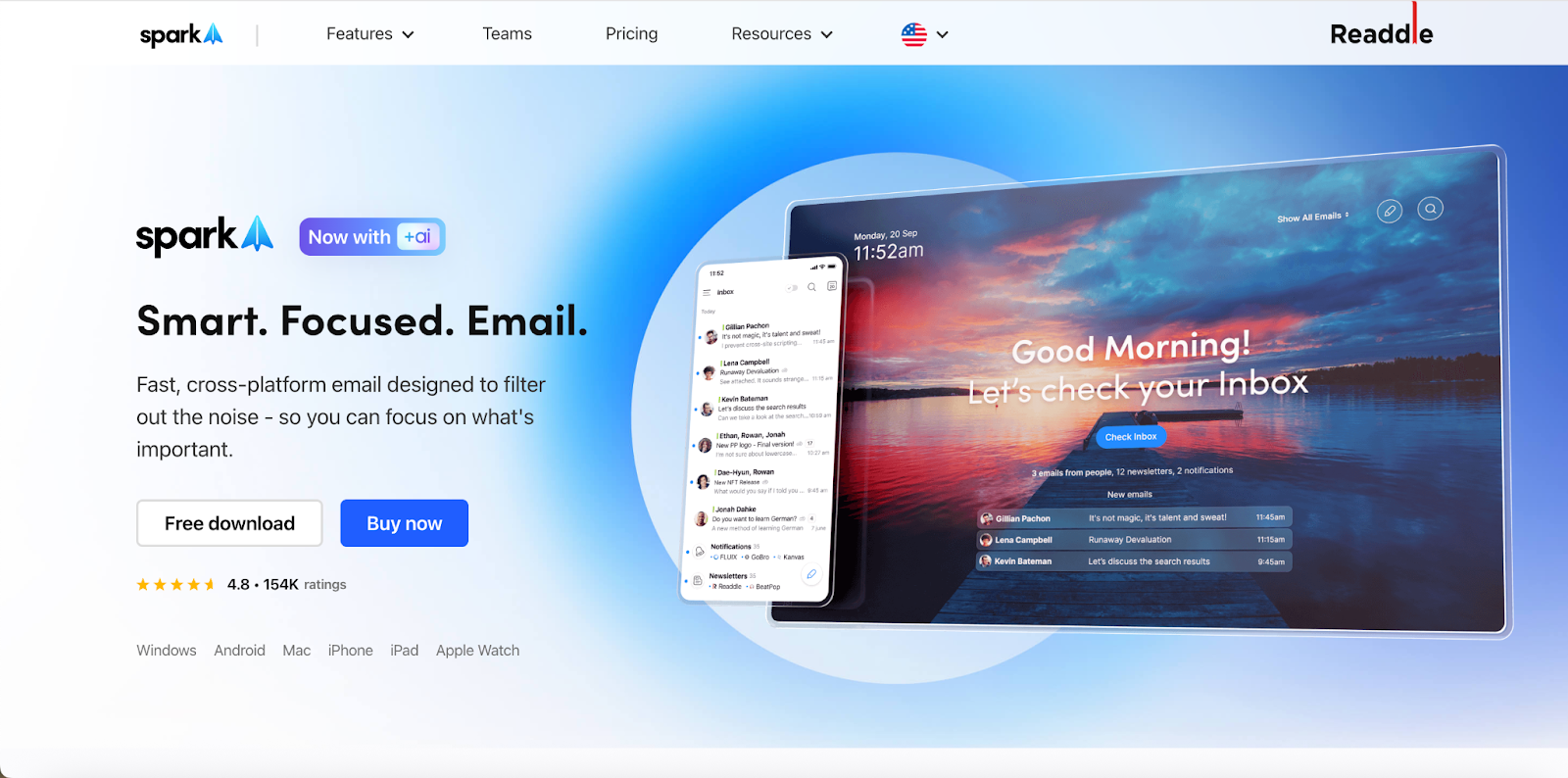
Spark, from Readdle, groups mail into a Smart Inbox and adds AI writing and summaries on its paid plans, along with team features for sharing and discussing threads. Spark has already moved its Microsoft connection from EWS to Microsoft Graph.
- Who it's for: small teams and people who want a guided inbox on every device
- Price: free plan with unlimited accounts; Plus $10 a month or $99 a year; Pro $20 a month or $199 a year
- Platforms: Windows, Mac, iPhone, iPad, Android
- Microsoft 365: Microsoft Graph (some companies need an admin to approve it)
- Standout features: Smart Inbox, send later, AI and team features on paid plans
- Downside: to sync your accounts across devices, Spark keeps your sign-in tokens on its servers, and some features (such as send later) process mail there too. If you skip its new Microsoft sign-in, the account falls back to the old EWS connection.
7. Apple Mail: Best free option on Mac and iPhone
Apple Mail comes with every Mac, iPhone and iPad. It handles iCloud, Gmail, Exchange and IMAP accounts, and has send later, follow-up reminders and mail categories. For a few personal accounts on Apple devices, it's often all you need.
- Who it's for: Mac and iPhone users with a few personal accounts
- Price: free
- Platforms: Mac, iPhone, iPad
- Microsoft 365: on Mac, EWS (Apple says Graph support is coming in a macOS 27 update); on iPhone and iPad, Exchange ActiveSync
- Standout features: built into the system, send later, reminders, categories
- Downside: no Windows or Android app, and Mac Mail still depends on EWS for Microsoft 365 accounts, so work accounts may stop syncing on the Mac until Apple's update ships. There are no read receipts or templates.
8. Superhuman: Best for speed
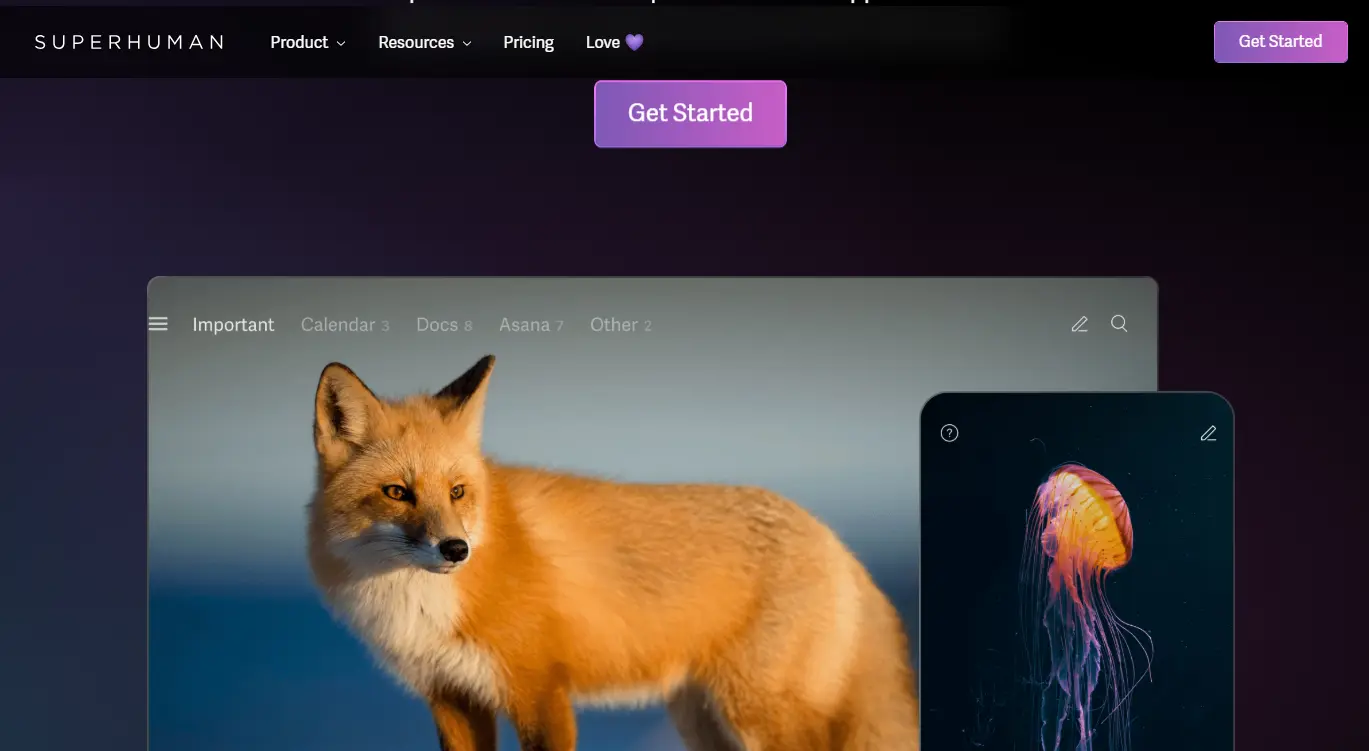
Superhuman is built for people who send and answer a lot of email. Almost everything has a keyboard shortcut. It splits the inbox into groups you choose, reminds you when someone hasn't replied, and has AI for writing. It works only with Google and Microsoft 365 accounts, through their own APIs, so the EWS shutdown doesn't affect it.
- Who it's for: heavy email users on Gmail or Microsoft 365 who want speed above all
- Price: Starter $30 a month or $300 a year; Business $40 a month or $396 a year; no free plan
- Platforms: Mac, Windows, web, iPhone, iPad, Android
- Microsoft 365: Microsoft's API; no on-premises Exchange
- Standout features: keyboard shortcuts, split inbox, follow-up reminders, AI writing
- Downside: the most expensive app here, and no support for iCloud, Yahoo or other IMAP accounts.
9. Mailspring: Best free desktop app with extras
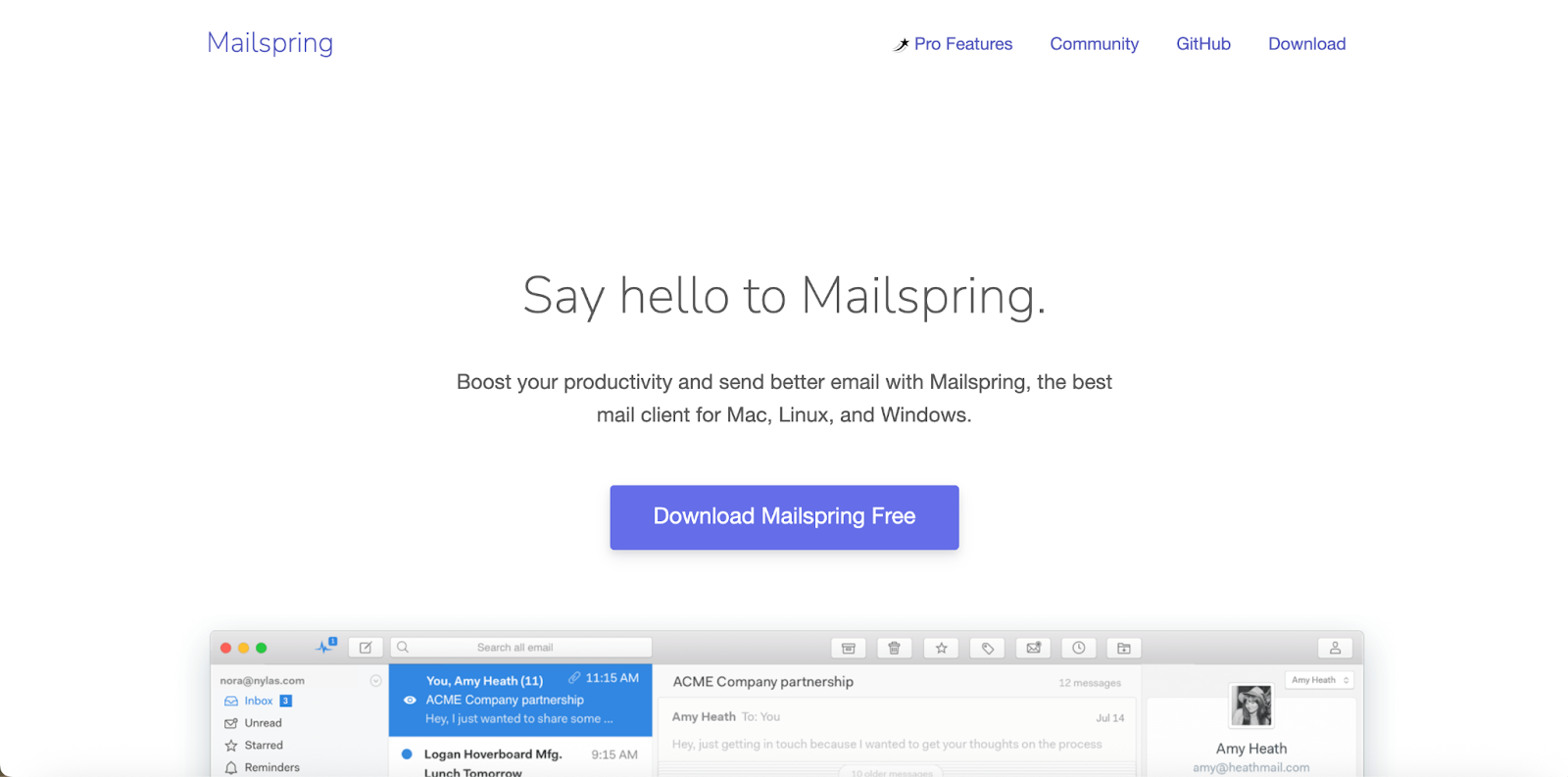
Mailspring is a free, open-source desktop client with a clean unified inbox. The Pro plan adds templates, send later, read receipts, link tracking, reminders and snooze.
- Who it's for: desktop users with IMAP, Gmail or Outlook.com accounts who want a lighter app than Thunderbird
- Price: free; Pro $8 a month
- Platforms: Windows, Mac, Linux
- Microsoft 365: IMAP only; it doesn't support Exchange protocols
- Standout features: unified inbox, open source, read receipts and templates on Pro
- Downside: no phone apps, no full calendar, and work Microsoft 365 accounts only work if your company allows IMAP.
Or change your email service
The apps above keep your current address. If what you really want is to leave Microsoft's email service, these are the usual choices. On their paid plans, all of them work in most of the apps above:
- Gmail and Google Workspace: free Gmail includes 15 GB of storage shared with Drive and Photos. Workspace, for a custom domain, costs $7 per user a month on Business Starter with a yearly plan, or $8.40 month to month.
- Proton Mail: end-to-end encrypted, based in Switzerland. Free with 1 GB; Mail Plus is $4.99 a month or $47.88 a year.
- Zoho Mail: the cheapest of these for a custom domain. Mail Lite is $1 per user a month, billed yearly. The free plan covers up to 5 users but doesn't include IMAP, so you can't use it in other apps.
- Fastmail: an independent, ad-free paid service with its own apps. $6 a month or $60 a year, with a 30-day trial.
If you like Outlook itself and only mind the ads, Microsoft 365 Basic removes them for $1.99 a month.
The best Outlook alternative for each platform
Windows
For an Outlook-style app with a calendar and tasks, pick eM Client. For something simpler, Mailbird or Canary. Thunderbird is the best free choice. For more Windows picks, see our guide to the best email clients for Windows.
Mac
Apple Mail is fine for personal accounts. For AI, encryption or a work Microsoft 365 account, look at Canary, Spark or Superhuman. We cover the Mac in more detail in Outlook alternatives for Mac and our list of the best email clients for Mac.
iPhone and Android
Canary, Spark and Dove run on both. On iPhone, Apple Mail connects to Microsoft 365 over ActiveSync, so the EWS shutdown doesn't affect it. See the best email apps for iPhone and the best email apps for Android.
Keeping your Outlook or Microsoft 365 account
You don't need to give up your address to stop using the Outlook app. Personal Outlook.com and Hotmail addresses work in every app on this list. Work and school accounts on Microsoft 365 are where it gets complicated.
Microsoft is retiring Exchange Web Services (EWS), the connection many third-party apps use for Microsoft 365. From October 1, 2026, Microsoft starts switching EWS off for companies that haven't taken action (admins can keep it on for approved apps for now). On April 1, 2027, it's turned off for good, with no exceptions. Apps need to move to Microsoft Graph, or fall back to IMAP, which syncs mail but not your calendar or contacts. Exchange servers that a company runs itself aren't affected.
| App | Connects to Microsoft 365 through | After EWS is switched off |
|---|---|---|
| Canary Mail (ours) | EWS and IMAP | Mail over IMAP; Graph support coming soon |
| eM Client | EWS; Graph in version 11 (beta) | Full support with version 11; IMAP until then |
| Thunderbird | Graph (email only) or EWS | Works, using Graph; calendar and contacts not yet |
| Mailbird | Microsoft sign-in | Unclear; check with Mailbird |
| Dove (ours) | Graph | Not affected |
| Spark | Graph | Not affected after the new sign-in |
| Apple Mail | Mac: EWS; iPhone/iPad: ActiveSync | Mac affected until Apple's update; iPhone not affected |
| Superhuman | Microsoft's API | Not affected |
| Mailspring | IMAP | Not affected, if IMAP is allowed |
If you use a work account, ask your IT team two things before you switch: is EWS still on for your company, and is IMAP allowed?
How to switch from Outlook
- Run both for a week. Add your accounts to the new app and keep Outlook open. Mail stays on the server, so nothing moves or gets deleted.
- Bring over local mail. If you have old mail in PST files, import them into an app that reads PST (eM Client), or upload the mail to your account first with classic Outlook so every app can see it.
- Move contacts and calendars. Export contacts as a CSV file from Outlook and import them into your new app or email service. Calendars on Outlook.com or Microsoft 365 sync in apps that support them; local calendars can be exported as .ics files.
- Rebuild your rules. Outlook's client-side rules don't carry over. Server-side rules set up on Outlook.com or in Microsoft 365 keep running whatever app you use.
- Change your default mail app. On Windows, go to Settings > Apps > Default apps; on a Mac, open Mail > Settings > General > Default email reader.
How we chose
We looked for apps that can replace Outlook day to day: they handle several accounts, run on the devices people actually use, and are actively developed in 2026. We checked every price and platform on the vendors' own sites on October 1, 2026, and how each app connects to Microsoft 365. Each app gets the same fields, including one real downside. We left out team inboxes such as Front and Missive, which replace a shared mailbox rather than Outlook; see our list of shared inbox tools for those. For more free apps, see our guide to free email clients, and for a broader list, the best email app for multiple accounts.
Frequently asked questions
What is the best free alternative to Outlook?
Thunderbird. It's free, open source, runs on Windows, Mac, Linux and Android, and connects to Microsoft 365 through Graph. Canary, Spark, Dove and Mailspring also have free plans, and Apple Mail is free on Mac and iPhone.
Which Outlook alternative is closest to classic Outlook?
eM Client. It has mail, calendar, tasks, contacts and notes in one window, imports PST files, and works on Windows and Mac.
What is the best Outlook alternative for Windows 11?
eM Client if you want an Outlook-style app, Mailbird or Canary for a simpler one, and Thunderbird if you want it free.
Can I keep my @outlook.com or Hotmail address?
Yes. Outlook.com and Hotmail accounts work in every app on this list. You only change the app you read them in.
Will my work Microsoft 365 account work in another app?
It depends on the app and your company's settings. Microsoft is switching off Exchange Web Services (EWS) from October 1, 2026, and for good on April 1, 2027. Apps that use Microsoft Graph, such as Spark, Dove, Superhuman and Thunderbird, keep working. Apps that use EWS need an update, or IMAP if your company allows it.
Is new Outlook worse than classic Outlook?
It's different. New Outlook is closer to the web version: it doesn't run COM add-ins, and opening a PST file still needs classic Outlook installed. It adds Gmail, iCloud and Yahoo accounts and is free on Windows. Classic Outlook stays supported until at least 2029.
What is the most private alternative to Outlook?
For an app that keeps your current address, Thunderbird (OpenPGP, open source) or Canary Pro+ (PGP and SecureSend). To change email service, Proton Mail encrypts your mailbox end to end.
[cta-block:ctablock1,title="Try Canary Mail free",button="Download Canary Mail",buttonlink="https://canarymail.io/downloads"]
Sources
- Microsoft: Stages of migration to new Outlook for Windows
- Microsoft: Feature comparison between new Outlook and classic Outlook
- Microsoft: The future of Mail, Calendar and People on Windows 11
- Microsoft: Deprecation of Exchange Web Services in Exchange Online
- Microsoft Exchange Team: Exchange Online EWS, your time is almost up
- Microsoft: 2026 Microsoft 365 pricing updates
- Microsoft: About ads in Outlook
- Apple: Integrate with Microsoft Exchange
- eM Client: EWS retirement
- Thunderbird: Microsoft Graph support
- Spark: Microsoft account sign-in after the update
- Superhuman: Pricing plans
- Mailspring: Supported email providers