Short answer: the best email app for multiple accounts gives you a real unified inbox, per-account settings (signature, notifications, rules), fast search across every account, and a free plan that doesn't cap how many accounts you add. These apps put several accounts in one inbox for free: Canary Mail, Spark, Outlook and BlueMail on every major platform; Apple Mail on Mac and iPhone; the Gmail app on iPhone and Android; Thunderbird on Windows, Mac, Linux and Android; and FairEmail on Android.
By platform, the quick picks are:
- Android: the Gmail app if you want what's already on your phone, FairEmail or Thunderbird for a free open-source client, Canary Mail, Spark or Outlook if you also want the same app on a computer.
- iPhone: Apple Mail's All Inboxes for zero setup; Canary Mail, Spark, Outlook or Gmail if you want more control.
- Mac: Canary Mail, Apple Mail, Spark or Outlook. Mimestream if every account is Gmail.
- Windows: Outlook, Thunderbird, Canary Mail or Spark. eM Client (2 accounts) and Mailbird (1 account) are free only for small setups.
Watch the free plans. Some well-known clients cap free users at one or two accounts, which is the opposite of what you came for. The table below shows the real limits.
Comparison: free account limits and unified inbox
| App | Platforms | Accounts on free plan | Unified inbox on free | Paid price |
|---|---|---|---|---|
| Canary Mail | Mac, iPhone/iPad, Windows, Android | Unlimited (up to 2 devices) | Yes | $36/year (Growth), $100/year (Pro+) |
| Microsoft Outlook | Windows, Mac, iPhone/iPad, Android, web | Multiple (ads on free accounts) | Yes, on mobile | Free; Microsoft 365 removes ads |
| Apple Mail | Mac, iPhone/iPad | Unlimited | Yes (All Inboxes) | Free |
| Gmail app | iPhone/iPad and Android only | Google accounts plus IMAP accounts (Outlook, Yahoo, iCloud) | Yes (All inboxes) | Free |
| Spark | Mac, iPhone/iPad, Windows, Android | Unlimited | Yes | Plus $99/year or $10/month; Pro $199/year |
| BlueMail | Windows, Mac, Linux, iPhone/iPad, Android | Unlimited | Yes | Plus $5/month or $36/year |
| Thunderbird | Windows, Mac, Linux, Android (iOS in beta) | Unlimited | Yes | Free (donations) |
| FairEmail | Android only | Unlimited | Yes | Free; optional Pro features |
| eM Client | Windows, Mac (plus free mobile apps) | 2, personal non-commercial use only | Yes | $19.95/year or $29.95 once (Personal) |
| Mailbird | Windows, Mac | 1 | No (needs Premium) | Premium, yearly or pay once (price varies by region) |
| Mimestream | Mac only | Gmail accounts only; 14-day trial | Yes (Gmail only) | $4.99/month or $49.99/year |
Two apps that often appear on lists like this are left out. Spike's free email app handles only one address, and its unified inbox starts on a paid plan. Proton Mail is an encrypted mail service, not a client for your existing Gmail or work accounts (see Proton Mail alternatives if that's what you're after).
The 11 best email apps for multiple accounts in 2026
1. Canary Mail: Best overall for multiple accounts
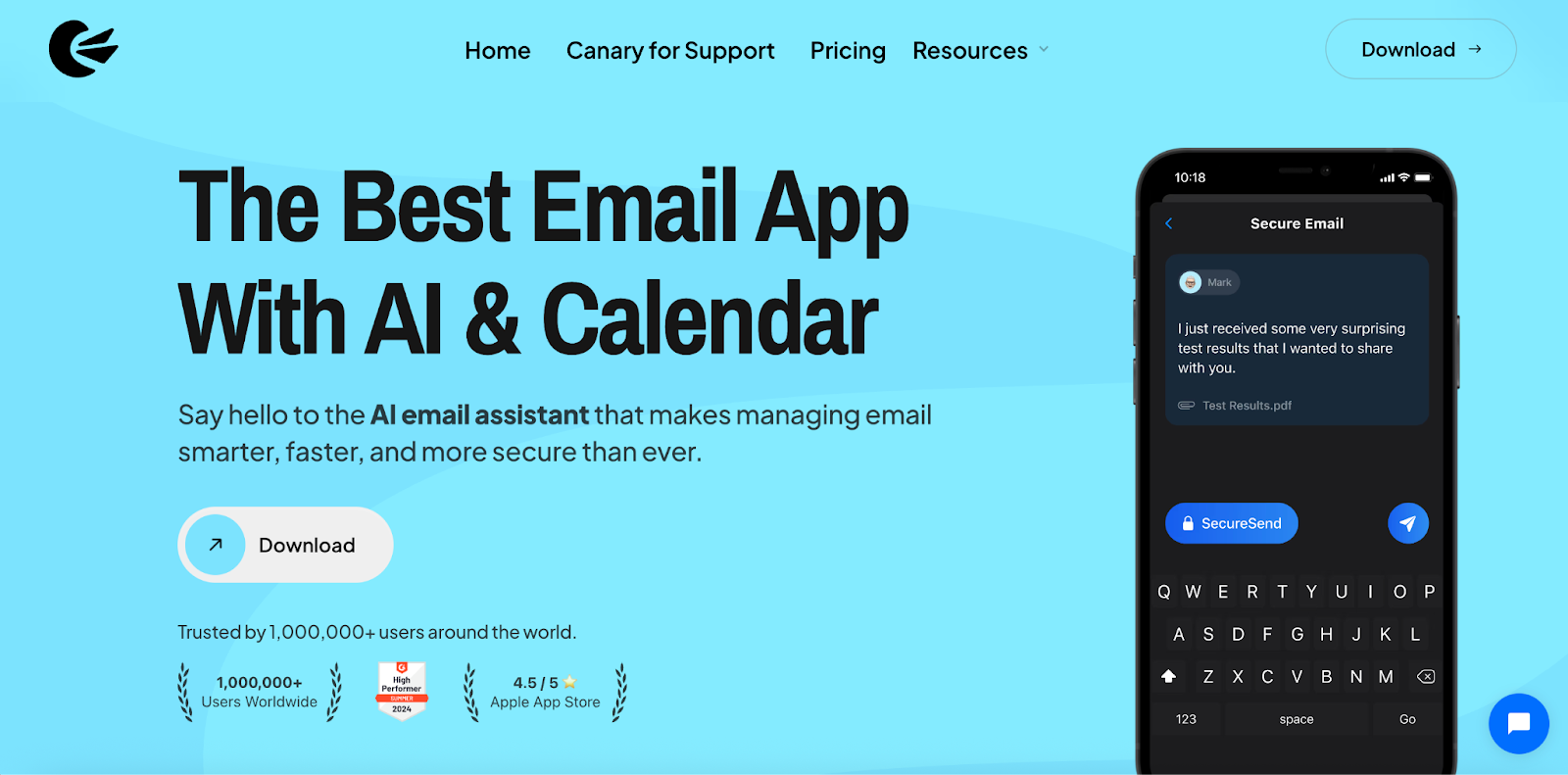
Disclosure: we make Canary Mail, so weigh this pick accordingly. Every other entry was checked against the vendor's own site.
Canary connects Gmail, Outlook, iCloud, Yahoo, Exchange and any IMAP mailbox, and the free plan doesn't cap how many you add. The unified inbox is optional: you can read everything in one list or switch to a single account in one tap, with separate signatures and notifications for each.
- Platforms: Mac, iPhone and iPad, Windows, Android
- Free plan: unlimited accounts, unified inbox, up to 2 devices
- Paid: Growth $36/year (5 devices, AI Copilot, send later, calendar) or Pro+ $100/year (adds PGP and SecureSend encryption, phishing and impersonation detection). Both also come as one-time lifetime licenses. There's a 7-day trial with no card, and no monthly billing.
- Best for: people with mailboxes at several providers who want the same app on phone and computer, with privacy tools available
- Watch out for: the 2-device limit on the free plan (phone plus one computer), and AI and encryption features need a paid plan.
2. Microsoft Outlook: Best if one of your accounts is Microsoft 365
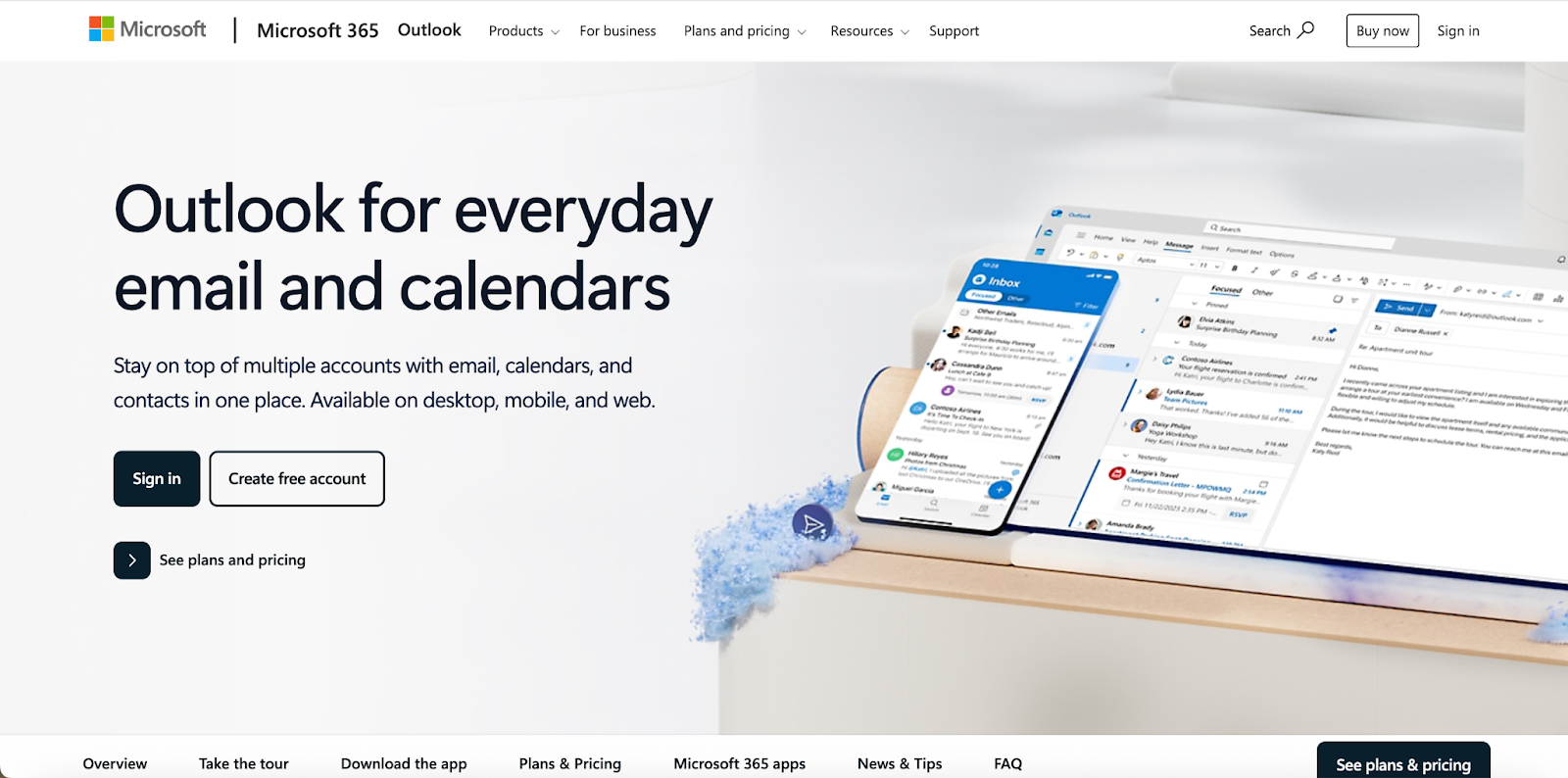
Outlook is free on every platform and takes Gmail, iCloud, Yahoo and IMAP accounts alongside Microsoft ones. On iPhone and Android you can switch on a combined inbox for all accounts. Mail and calendar sit in one app, and nothing handles Exchange and Microsoft 365 better.
- Platforms: Windows, Mac, iPhone and iPad, Android, web
- Free plan: multiple accounts; free Outlook.com accounts show ads
- Paid: a Microsoft 365 subscription removes ads and adds storage
- Best for: anyone whose work account runs on Microsoft 365
- Watch out for: Outlook can sync non-Microsoft accounts through the Microsoft Cloud, which some people won't want. On Windows, the classic and new Outlook apps still behave differently. For lighter options, see Outlook alternatives or our pick of the best Outlook email app for Mac and iPhone.
3. Apple Mail: Best free choice on Mac and iPhone
Apple Mail is already on every Mac and iPhone. It takes any number of iCloud, Gmail, Outlook, Yahoo, Exchange and IMAP accounts and shows them together under All Inboxes. Mail Privacy Protection hides your IP address and blocks tracking pixels, and Undo Send gives you 10 seconds by default (up to 30).
- Platforms: Mac, iPhone and iPad
- Free plan: free, unlimited accounts
- Paid: none
- Best for: Apple-only households who want nothing extra installed
- Watch out for: no Windows or Android version, and rules and per-account controls are basic compared with a dedicated client.
4. Gmail app: Best built-in option on Android (iPhone and Android only)
The Gmail app is not just for Gmail. On Android and iPhone you can add Outlook, Yahoo, iCloud and other IMAP accounts, then tap Menu and choose All inboxes to see every account in one list. On most Android phones it's already installed, which makes it the easiest free answer.
It's a different story on a computer. There is no Gmail desktop app, and Gmail on the web is losing its multi-account tools: Google is removing Gmailify and the "Check mail from other accounts" (POP) option in Gmail on computers. New users can no longer set them up after the first quarter of 2026, and existing users keep them only until January 2027. After that, Google's suggested workarounds are automatic forwarding from your other provider, a one-time import, or the Gmail mobile app.
- Platforms: iPhone and iPad, Android (no desktop app)
- Free plan: free; Google accounts plus IMAP accounts such as Outlook, Yahoo and iCloud
- Paid: none for the app
- Best for: Android users who mainly live in Gmail and have one or two other addresses
- Watch out for: Google's setup covers IMAP only, so POP-only mailboxes won't connect, and a corporate Exchange account is usually better in Outlook. Non-Google accounts don't get Gmail's spam filtering or categories. If Gmail is all you use, see the best Gmail app for Mac and iPhone.
5. Spark: Best free cross-platform alternative
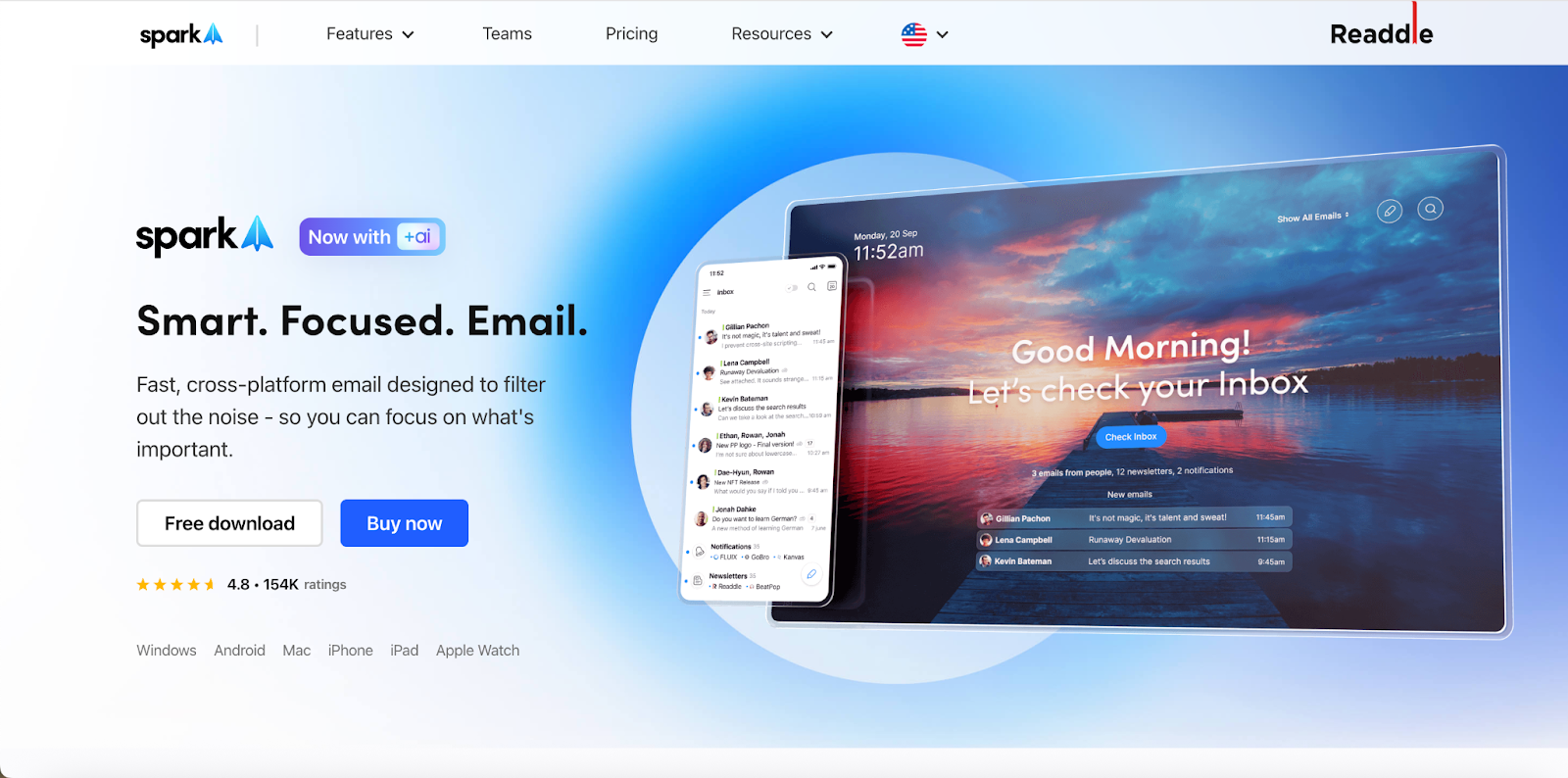
Spark's free plan includes unlimited email accounts and the Unified Inbox. Its Smart Inbox sorts mail into people, newsletters and notifications, and the paid plans add team features such as shared drafts and comments.
- Platforms: Mac, iPhone and iPad, Windows, Android
- Free plan: unlimited accounts, unified inbox
- Paid: Plus $10/month or $99/year; Pro $20/month or $199/year
- Best for: people who want one polished free app on phone and computer
- Watch out for: Spark syncs your mail through Readdle's servers to deliver features like push notifications, so your mail passes through a third party. See Spark alternatives if that's a dealbreaker.
6. BlueMail: Widest platform coverage
BlueMail runs on more systems than anything else here, including Linux. The free Personal plan has unlimited accounts, a unified inbox and Clusters, which group mail by sender type.
- Platforms: Windows, Mac, Linux, iPhone and iPad, Android
- Free plan: unlimited accounts, unified inbox
- Paid: Plus $5/month or $36/year (a sale price at the time of writing; the regular yearly price is $49)
- Best for: anyone who needs the same client on every operating system, Linux included
- Watch out for: its privacy policy has drawn scrutiny in the past, and some 2026 Android reviews report settings being wiped after updates. More options in BlueMail alternatives.
7. Thunderbird: Best free open-source option
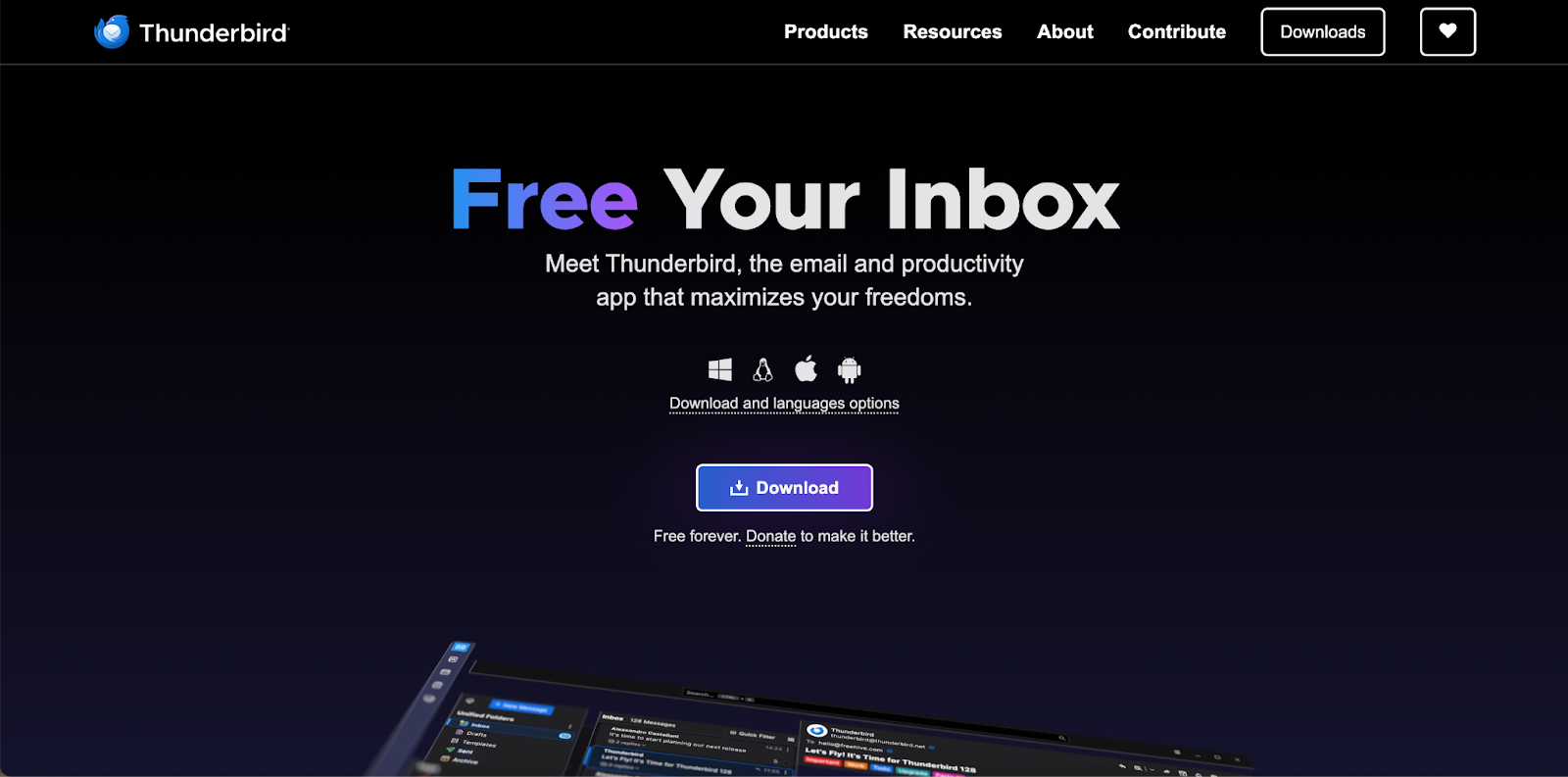
Thunderbird is free, open source and has no account limits on the desktop or on Android, where the former K-9 Mail app now carries the Thunderbird name and offers a unified inbox. OpenPGP is built in on desktop, and add-ons fill most gaps.
- Platforms: Windows, Mac, Linux, Android; the iOS app is in beta via TestFlight
- Free plan: everything is free, unlimited accounts
- Paid: none (donation-funded)
- Best for: a free desktop plus Android setup with no company in the middle
- Watch out for: the desktop app takes some configuring, Exchange support still has gaps, and there's no finished iPhone app yet. See Thunderbird alternatives for other picks.
8. FairEmail: Best privacy-first Android app (Android only)
FairEmail is an open-source Android client built for people with lots of IMAP accounts. It takes unlimited accounts and addresses, has a unified inbox, supports OpenPGP and S/MIME, and stores nothing on third-party servers.
- Platforms: Android only
- Free plan: unlimited accounts, unified inbox
- Paid: optional Pro features for convenience extras
- Best for: Android users who want a free, private app for many accounts
- Watch out for: the interface is dense, and it doesn't support Exchange ActiveSync or EWS, so some work accounts won't connect. It is also in our Android guide below.
9. eM Client: Windows pick with a calendar (2 accounts free)
eM Client puts mail, calendar, contacts and PGP in one desktop window. The free license is enough if two accounts cover you and you're not using it for work.
- Platforms: Windows, Mac, plus free iPhone and Android apps
- Free plan: 2 accounts, personal non-commercial use only
- Paid: Personal $19.95/year or $29.95 one-time (up to 3 devices); Business $24.95/year per device
- Best for: Windows users with two personal accounts who want a calendar in the same app
- Watch out for: any commercial use needs a paid license, and the mobile apps are far less established than the desktop one. See eM Client alternatives.
10. Mailbird: Windows pick with app integrations (1 account free)
Mailbird is built around a unified inbox with a sidebar of app integrations such as WhatsApp, Slack and calendars. It has been on Mac as well since October 2024 (macOS Ventura or later).
- Platforms: Windows, Mac
- Free plan: 1 account
- Paid: Premium with unlimited accounts, billed yearly or as a one-time purchase; one license covers Windows and Mac. Prices are shown in local currency on the pricing page.
- Best for: Windows users who want chat and productivity apps docked next to their email and are happy to pay
- Watch out for: with one free account, the unified inbox is effectively a paid feature. The Mac version doesn't support POP3. See Mailbird alternatives.
11. Mimestream: Best for several Gmail accounts on a Mac
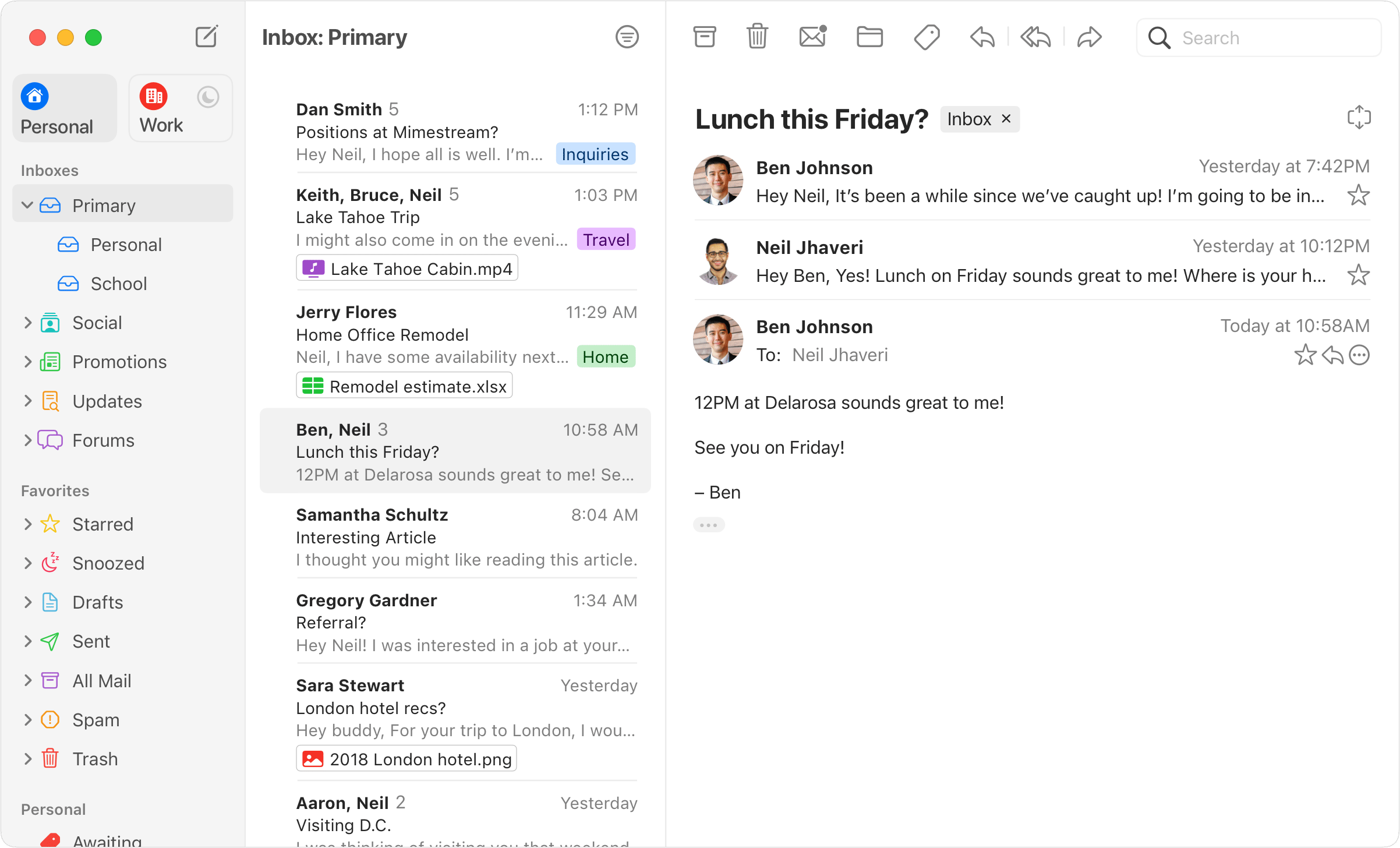
Mimestream is a native Mac app built on the Gmail API, so labels, filters and search work the way they do in Gmail. You can add several Gmail or Google Workspace accounts and view them together or separately.
- Platforms: Mac only (macOS 12 or later)
- Free plan: none; 14-day free trial
- Paid: $4.99/month or $49.99/year (up to 5 devices)
- Best for: Mac users whose accounts are all Gmail
- Watch out for: it's Gmail-only, with no iPhone or Windows version. One Outlook or iCloud account and it's out.
Best email app for multiple accounts by platform
Android
Start with the Gmail app, which is probably already on your phone. Add your Outlook, Yahoo or iCloud accounts, then open All inboxes from the menu. Keep in mind that Gmail talks to Google accounts through Google's own API (instant push and labels), while other accounts use IMAP, which works with folders and may check for new mail less often.
If you want a dedicated client instead:
- FairEmail: the best free option for many IMAP accounts, open source and privacy-focused. Not for Exchange.
- Thunderbird for Android: free, open source, unified inbox, and it pairs with Thunderbird on your computer.
- Canary Mail, Spark or Outlook: free with a unified inbox, and each has a desktop version, so your setup carries over to your computer. Outlook is the one to pick if a work Microsoft 365 account is in the mix.
- BlueMail: free and unlimited, with the caveats above.
Two more are worth knowing. Samsung Email, the default on Galaxy phones, has a combined inbox for all your accounts. Aqua Mail is a long-standing Android client whose free version is limited to two accounts, with a one-time Pro upgrade for more. Our guide to the best email apps for Android and our Aqua Mail alternatives roundup cover more Android apps.
iPhone and iPad
Apple Mail is the zero-setup answer: add accounts in Settings and open All Inboxes. If you want more, Canary Mail, Spark and Outlook all give you a free unified inbox with better per-account controls, and the Gmail app handles Gmail plus IMAP accounts. Thunderbird for iOS is still in beta. For a closer look at iPhone apps, see our guide to the best email apps for iPhone.
Mac
On a Mac, Apple Mail is the free default, Canary Mail and Spark add a better unified inbox and match their iPhone apps, Outlook suits Microsoft 365 users, and Mimestream is the pick if every account is Gmail. Our full guide to the best email clients for Mac compares ten apps in more depth.
Windows
Outlook is free and handles Gmail and iCloud next to Microsoft accounts. Thunderbird is the free option with no limits. Canary Mail and Spark give you free unlimited accounts and the same app on your phone. eM Client is free for two personal accounts, and Mailbird needs Premium for more than one. More options in best email clients for Windows.
How to add multiple email accounts to one app
The steps are similar in every client:
- Add your main account first. Sign in through the provider's own login screen (OAuth) where offered, rather than typing your password into the app.
- Send a test reply from that account and check the From address.
- Add the other accounts one at a time. For providers the app doesn't recognize, choose IMAP and enter the server settings from your provider's help page.
- Set a signature and notification rules for each account, then turn on the unified inbox if the app doesn't do it automatically.
- If a work account fails, check with IT. Many companies block third-party apps or require admin approval.
On iPhone: go to Settings > Apps > Mail > Mail Accounts > Add Account, pick your provider (or Other for IMAP), and sign in. In Mail, tap Mailboxes and choose All Inboxes.
On Android (Gmail app): tap your profile picture, then Add another account, and choose Outlook, Yahoo or Other (IMAP). To see everything together, tap Menu and choose All inboxes.
If you want to understand what a merged view does and doesn't do, our guide to unified inboxes goes deeper.
How we chose
We make Canary Mail (#1), so read that pick with this in mind. For every other app, we checked platforms, free-plan account limits, whether the unified inbox is free, and prices on the vendor's own pricing and help pages in September 2026. Where review sites disagreed with the vendor, the vendor's page won. We ranked apps higher when they handle unlimited accounts from different providers on the free plan and run on both phones and computers. Apps that cap free users at one or two accounts are listed as platform picks, not top choices. Prices are individual list prices in US dollars and change often, so check before you buy.
FAQ
What is the best free email app for multiple accounts?
Canary Mail, Spark, Outlook and BlueMail are free with unlimited accounts and a unified inbox on every major platform. Thunderbird is free on Windows, Mac, Linux and Android, FairEmail on Android, and Apple Mail on Mac and iPhone. Mailbird (1 account), Spike (1 address) and eM Client (2 personal accounts) limit what you can do for free.
Can Gmail on a computer still check my other email accounts?
Only for a while, and only if you already set it up. Google stopped offering "Check mail from other accounts" (POP) and Gmailify to new users after the first quarter of 2026, and existing users lose both in January 2027. Mail already imported stays in Gmail. After that, forward mail from your other provider to Gmail, or use the Gmail mobile app or a desktop client that connects each account directly.
Can Outlook manage Gmail and iCloud accounts?
Yes. Outlook on Windows, Mac, iPhone and Android can add Gmail, iCloud, Yahoo and other IMAP accounts next to Microsoft ones, and the mobile apps can show them in one combined inbox. Free Outlook.com accounts show ads unless you have Microsoft 365.
Does a unified inbox mix up which address I reply from?
It shouldn't. A good client replies from the address the message was sent to. Test it on day one with any app you're trying, because sending a work reply from a personal address is the mistake people notice. If you use several addresses on one account, see our guide to email aliases.
Why won't my work account connect to a third-party email app?
Usually because of company policy, not the app. Many Microsoft 365 and Google Workspace admins block third-party apps, require admin consent before an app can sign in, or turn off IMAP. Ask IT whether the app is approved; if it isn't, use Outlook or Gmail for that account.
Should I use IMAP or POP for multiple devices?
IMAP. It keeps your mail on the server, so read status, folders and sent mail stay in sync across your phone and computer. POP downloads mail to one device and is best avoided unless your provider offers nothing else.
Is it safe to give an email app access to my accounts?
Prefer apps that sign in through your provider's own login page (OAuth), which lets you revoke access later without changing your password. Also check whether the app connects to your mailbox directly from your device or syncs through its own servers, as Spark does. If a provider asks for an app password, create one just for that app.
What's the difference between a unified inbox and a shared inbox?
A unified inbox merges your own accounts into one view. A shared inbox lets a team work from the same mailbox, such as support@. They solve different problems; see unified inbox vs shared inbox.
[cta-block:ctablock1,title="All your email accounts in one inbox, free",button="Download Canary Mail",buttonlink="https://canarymail.io/downloads"]
Sources
Checked September 2026.
- Canary Mail pricing: canarymail.io/pricing
- Spark pricing: sparkmailapp.com/pricing
- Gmail app, adding other accounts and All inboxes: support.google.com/mail/answer/6078445
- Gmailify and POP changes in Gmail: support.google.com/mail/answer/16604719
- Outlook, adding Gmail, Yahoo or iCloud: support.microsoft.com
- BlueMail pricing: bluemail.me/pricing
- Thunderbird for Android and iOS roadmap: thunderbird.net/mobile, roadmaps.thunderbird.net
- FairEmail: email.faircode.eu
- eM Client pricing: emclient.com/pricing
- Mailbird pricing and Mac requirements: getmailbird.com/pricing
- Mimestream pricing: mimestream.com/pricing
- Spike pricing: spikenow.com/pricing