Short answer: the best free Outlook alternative on a Mac is Apple Mail, which with Calendar and Contacts covers what most people use Outlook for. Canary Mail (ours) adds AI, read receipts and PGP on Mac and iPhone, Spark gives you a sorted inbox, and eM Client is the closest match if you want Outlook's all-in-one mail, calendar and tasks window. If you keep a Microsoft 365 work account, check how each app connects to it before you switch.
Disclosure: we make Canary Mail, one of the apps below. Prices and features were checked on each vendor's own site or App Store listing on October 16, 2026.
Why Mac users look for an Outlook alternative
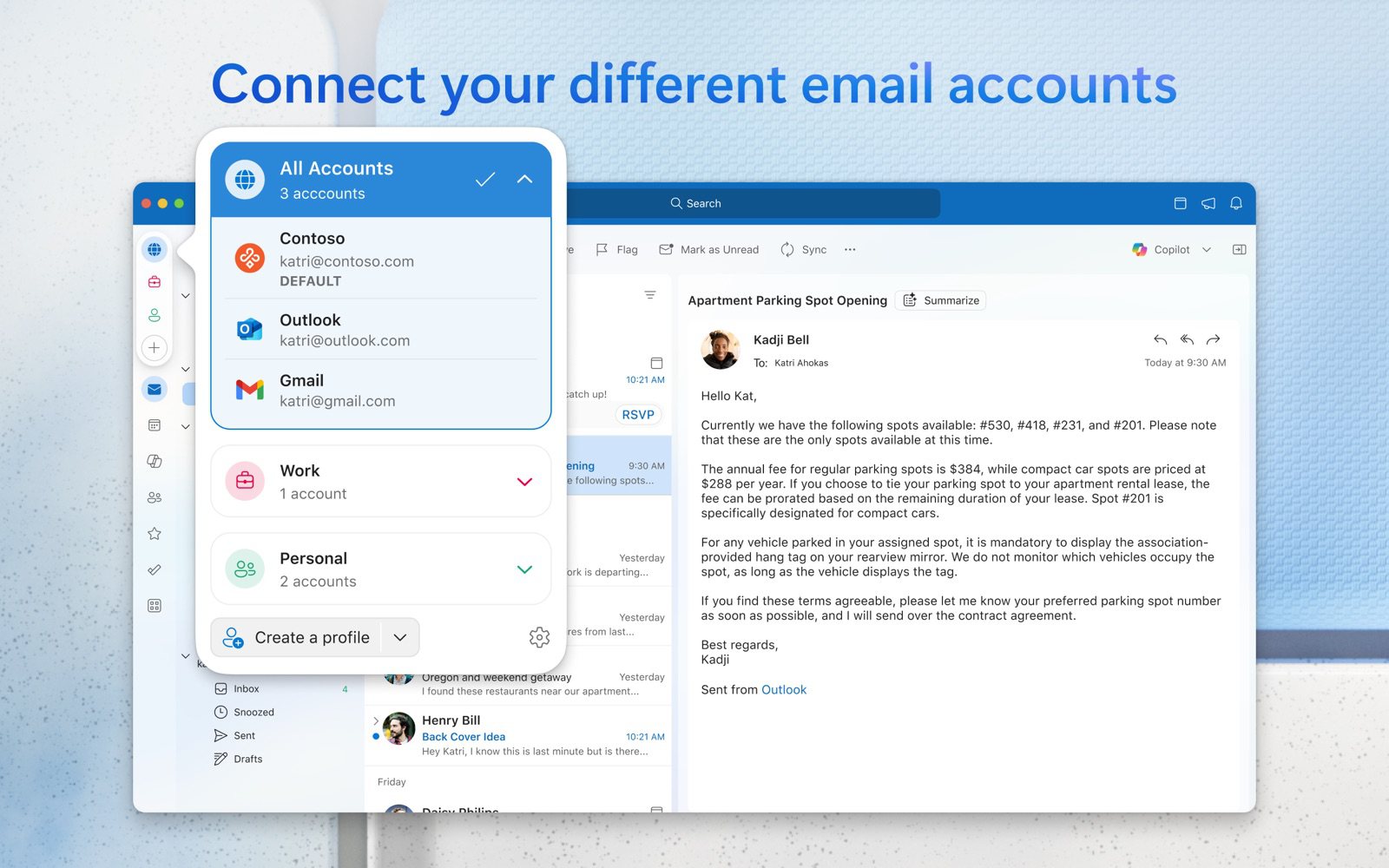
The new Outlook for Mac is free from the Mac App Store and works with Outlook.com, Gmail, iCloud, Yahoo and IMAP accounts. People still leave it, usually for one of these reasons:
- Ads and paywalls. The free version shows ads. Removing them takes a Microsoft 365 subscription (Basic is $1.99 a month or $19.99 a year), and on the Mac, send later and read receipts are listed as "Available with Microsoft 365". Copilot needs Microsoft 365 Personal or higher.
- Work accounts need a license. Using Outlook for Mac with a work or school Microsoft 365 account requires a license that includes the desktop apps.
- Legacy Outlook is ending. Microsoft says that starting October 2026, legacy Outlook for Mac stops working with Exchange Online mailboxes. Anyone still on the old version has to move to the new Outlook or another app anyway.
- It doesn't feel like a Mac app. That's taste rather than fact, but it's the most common complaint in Mac forums: people want something lighter that fits macOS.
Outlook alternatives for Mac compared
| App | Best for | Price | Microsoft 365 work accounts | Also on |
|---|---|---|---|---|
| Apple Mail | Free, built into macOS | Free | Yes; Apple is updating how Mail connects | iPhone, iPad |
| Canary Mail | AI and encryption on Mac and iPhone | Free plan; Growth $36/year | Yes | iPhone, iPad, Windows, Android |
| Spark | A sorted inbox and small teams | Free; Plus $99/year | Yes | iPhone, iPad, Windows, Android |
| eM Client | An Outlook-style all-in-one app | Free for 2 accounts; $24.95/year | Yes | Windows; free mobile apps |
| Thunderbird | Free and open source | Free | Mail only, no calendar yet | Windows, Linux, Android |
| Airmail | Power users | Free for 1 account; $49.99/year | Yes, update promised | iPhone, iPad |
| Mimestream | Gmail users | $49.99/year after a 14-day trial | No (Gmail only) | Nothing else |
The 7 best Outlook alternatives for Mac in 2026
1. Apple Mail: Best free alternative
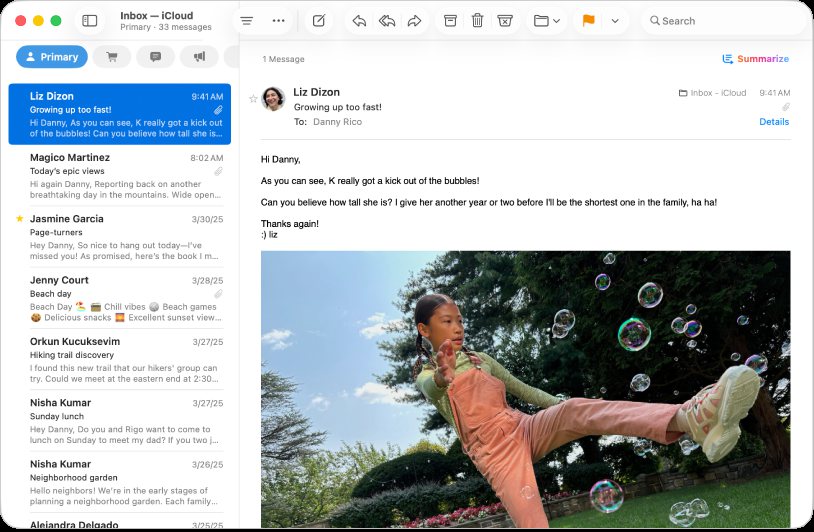
Apple's answer to Outlook is three apps rather than one: Mail, Calendar and Contacts, all free and built into macOS. Mail adds iCloud, Gmail, Exchange and Microsoft 365, Yahoo and any IMAP account, and has categories, Send Later, Undo Send, follow-up suggestions and Mail Privacy Protection. On Macs with Apple silicon, Apple Intelligence adds email summaries and writing tools.
- Who it's for: anyone who wants a free, ad-free app that fits the Mac
- Price: free
- Platforms: Mac, iPhone, iPad, Apple Vision Pro
- Downside: no PGP or read receipts, and Microsoft 365 work accounts depend on an update Apple has promised: Microsoft is changing how outside apps connect to Exchange Online, and Apple says Mail on the Mac will switch to Microsoft's newer connection in a future macOS 27 update.
More: Apple Mail vs Outlook.
2. Canary Mail: Best for AI and encryption on Mac and iPhone
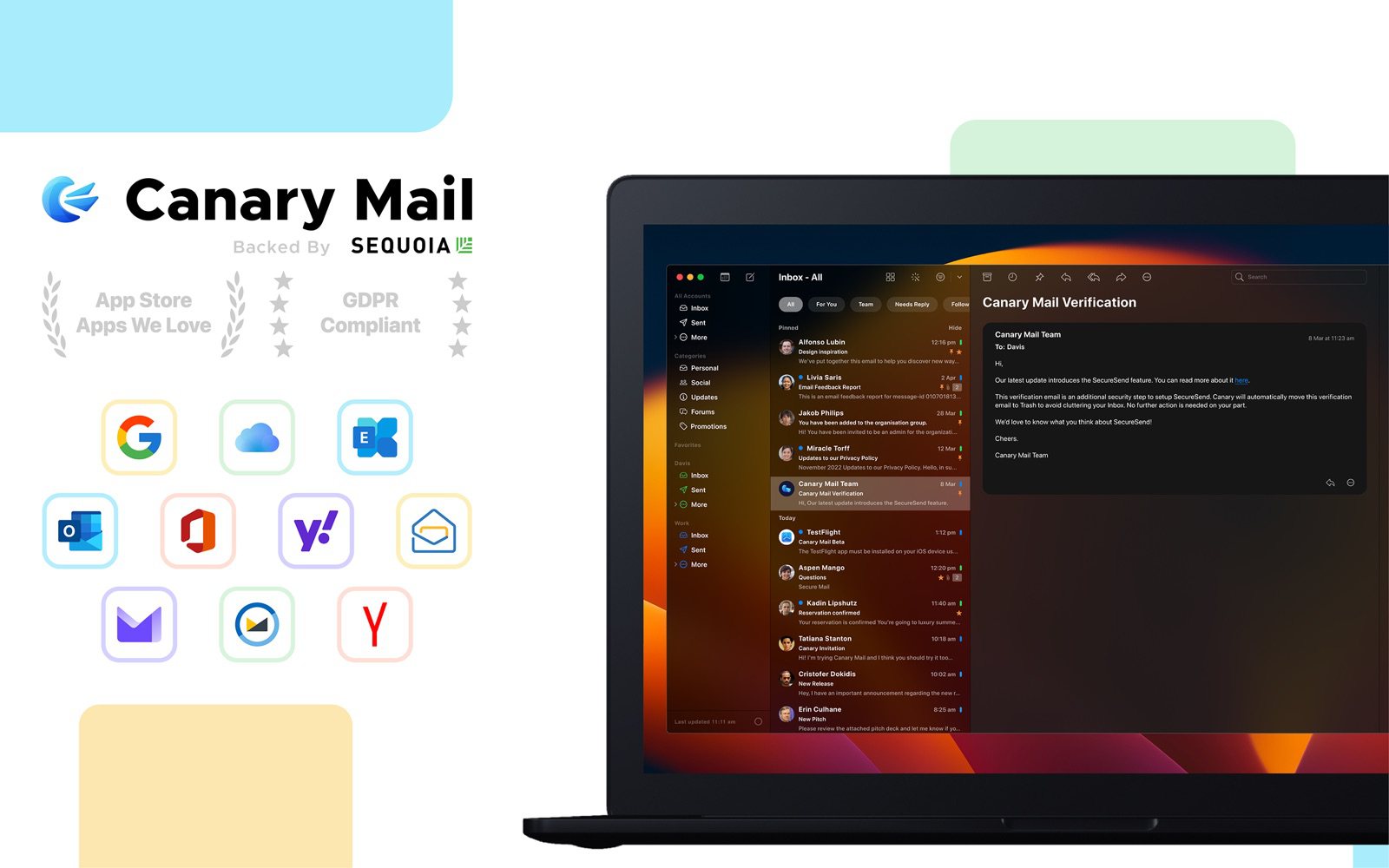
Disclosure: we make Canary Mail.
Canary keeps your Outlook, Microsoft 365 and Exchange accounts alongside Gmail, iCloud, Yahoo and IMAP in one inbox, with a full calendar on Mac, iPhone and iPad. AI drafts replies and summarizes threads, read receipts and send later are on the Growth plan, and Pro+ adds PGP, SecureSend and phishing and impersonation detection. Tracker blocking is on by default, and your email isn't used to train AI. More than 2 million people use it, and Apple has featured it on the App Store and the Mac App Store.
- Who it's for: people who want Outlook's calendar and send later without ads, plus AI and encryption
- Price: free for unlimited accounts on 2 devices; Growth $36/year (AI writing and summaries, read receipts, send later, calendar, 5 devices); Pro+ $100/year; lifetime $100 and $300; 7-day trial
- Platforms: Mac, iPhone, iPad, Windows, Android
- Downside: the AI features, read receipts and calendar are on paid plans, which are yearly or lifetime only.
More: Canary Mail vs Microsoft Outlook.
3. Spark: Best for a sorted inbox and small teams
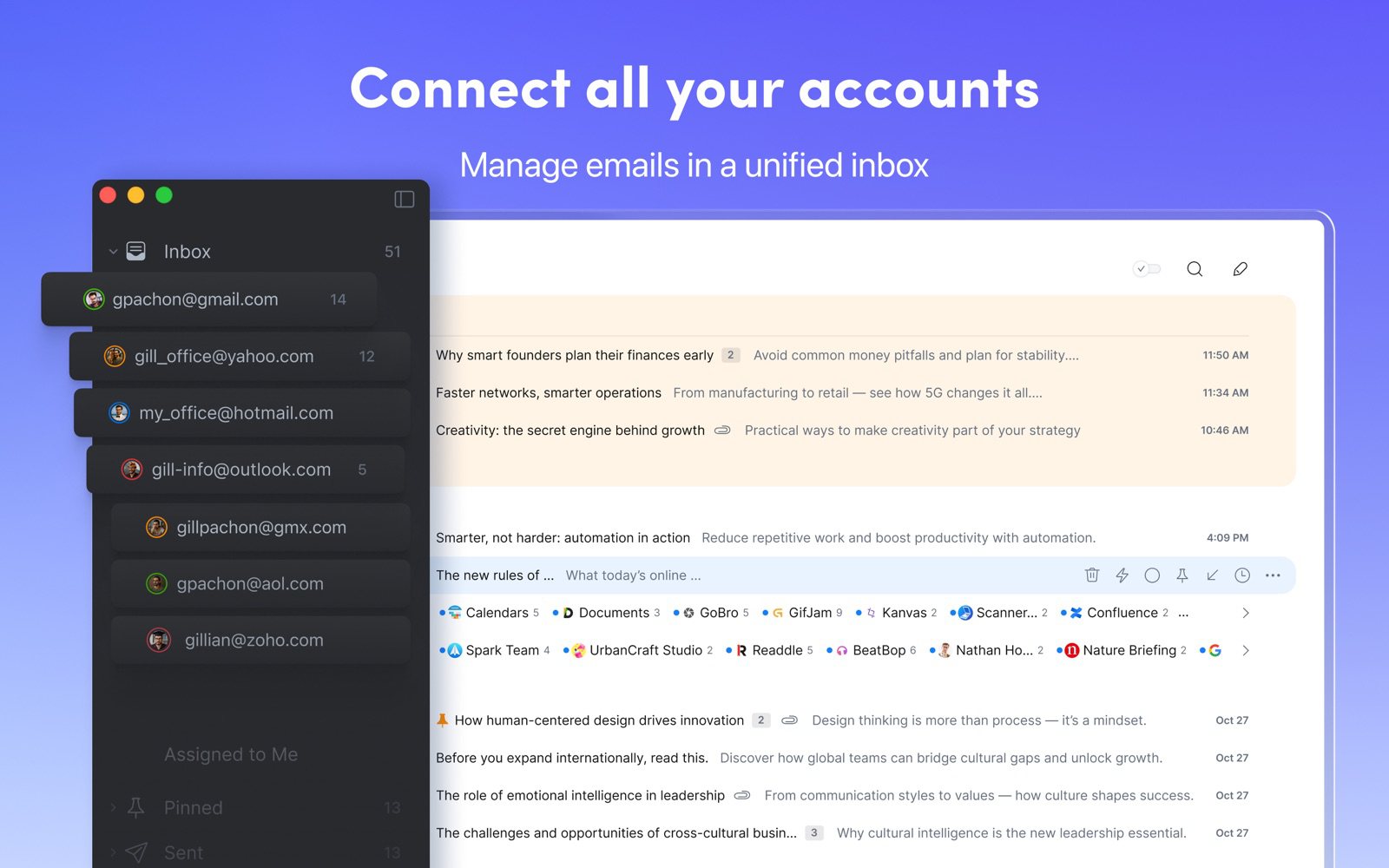
Spark's Smart Inbox puts mail from people above newsletters and notifications, Gatekeeper screens new senders, and teams can share drafts and comment on emails. It connects to Microsoft accounts with Microsoft's current sign-in, and the free plan covers unlimited accounts.
- Who it's for: people who want their inbox triaged, and small teams
- Price: free; Plus $10/month or $99/year; Pro $20/month or $199/year, per user
- Platforms: Mac, iPhone, iPad, Windows, Android
- Downside: the Mac app is built with Electron rather than as a native Mac app, some mail is processed on Readdle's servers, and AI is on paid plans.
4. eM Client: Best Outlook-style all-in-one app
If what you like about Outlook is having mail, calendar, contacts and tasks in one window, eM Client is the closest match on the Mac. Version 11 (October 2026) added built-in AI on paid plans and Microsoft Graph support for Microsoft 365. PGP and S/MIME are included, and its iPhone and Android apps are free.
- Who it's for: Outlook users who want the same layout without Microsoft
- Price: free for 2 accounts, home use on one device; Personal $24.95/year or $39.95 once (3 devices); Business $29.95/year or $44.95 once per device
- Platforms: Mac, Windows; free iPhone and Android apps
- Downside: the interface is busy and looks more like Windows than macOS, and the free plan stops at two accounts.
More: Canary Mail vs eM Client.
5. Thunderbird: Best free, open-source option
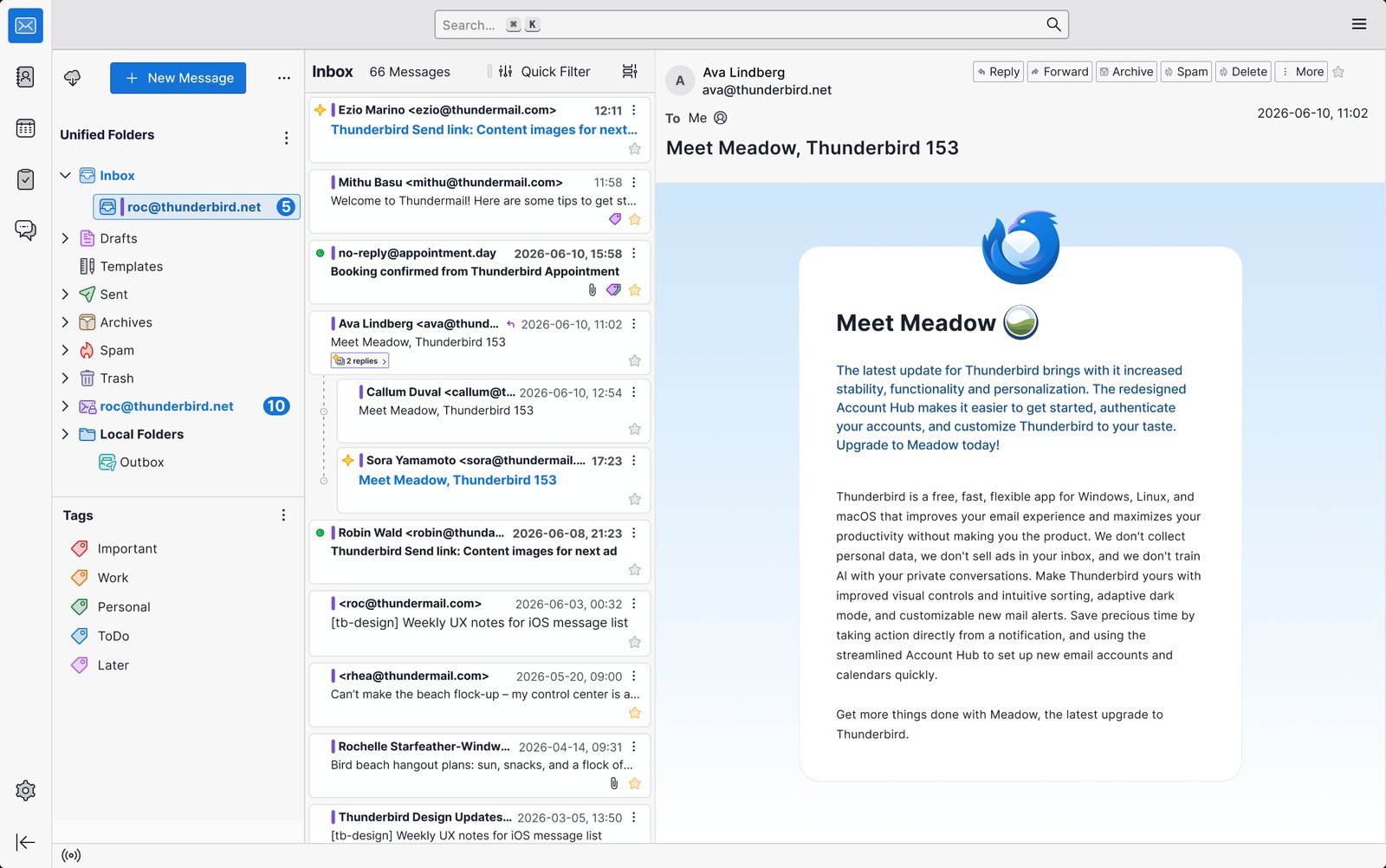
Thunderbird is free, open source and funded by donations. It has a calendar, contacts, tasks and OpenPGP built in, plus add-ons. Since version 154 it can connect to Microsoft 365 mail through Microsoft Graph.
- Who it's for: people who want a free, full-featured client they control
- Price: free
- Platforms: Mac, Windows, Linux, Android; iPhone app in public beta on TestFlight
- Downside: Microsoft 365 calendar and contacts aren't supported yet, and the interface feels less at home on a Mac.
More: Apple Mail vs Thunderbird.
6. Airmail: Best for power users
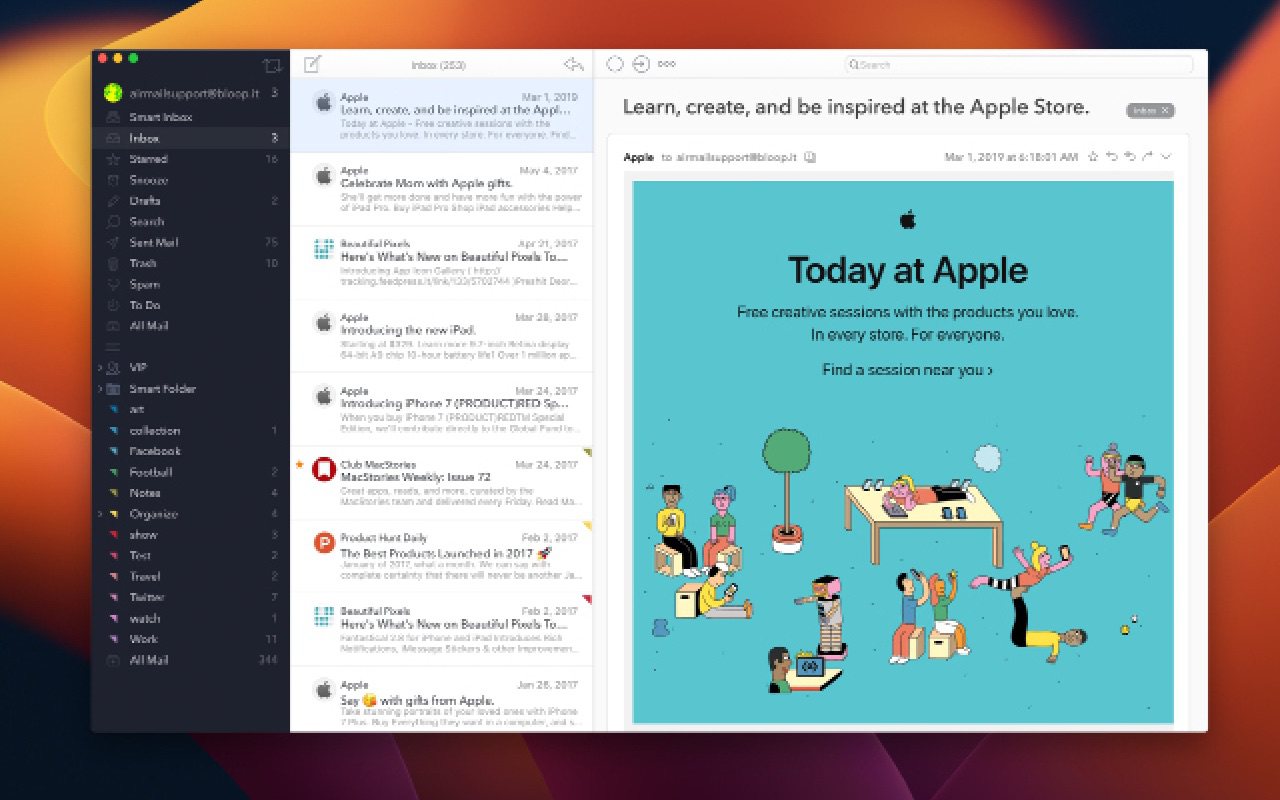
Airmail is a native Mac app with custom actions, smart folders, snooze, send later, a Markdown composer, AppleScript and integrations with apps like Fantastical and OmniFocus. Compared with Outlook, it trades the built-in calendar for flexibility.
- Who it's for: people who want to customize every button and shortcut
- Price: free for one account; Pro $7.99/month or $49.99/year on the Mac App Store
- Platforms: Mac, iPhone, iPad, Apple Watch
- Downside: no calendar of its own, and its Exchange support still uses an older Microsoft connection; the developer has said Microsoft Graph support will come in a future update.
7. Mimestream: Best if you only use Gmail
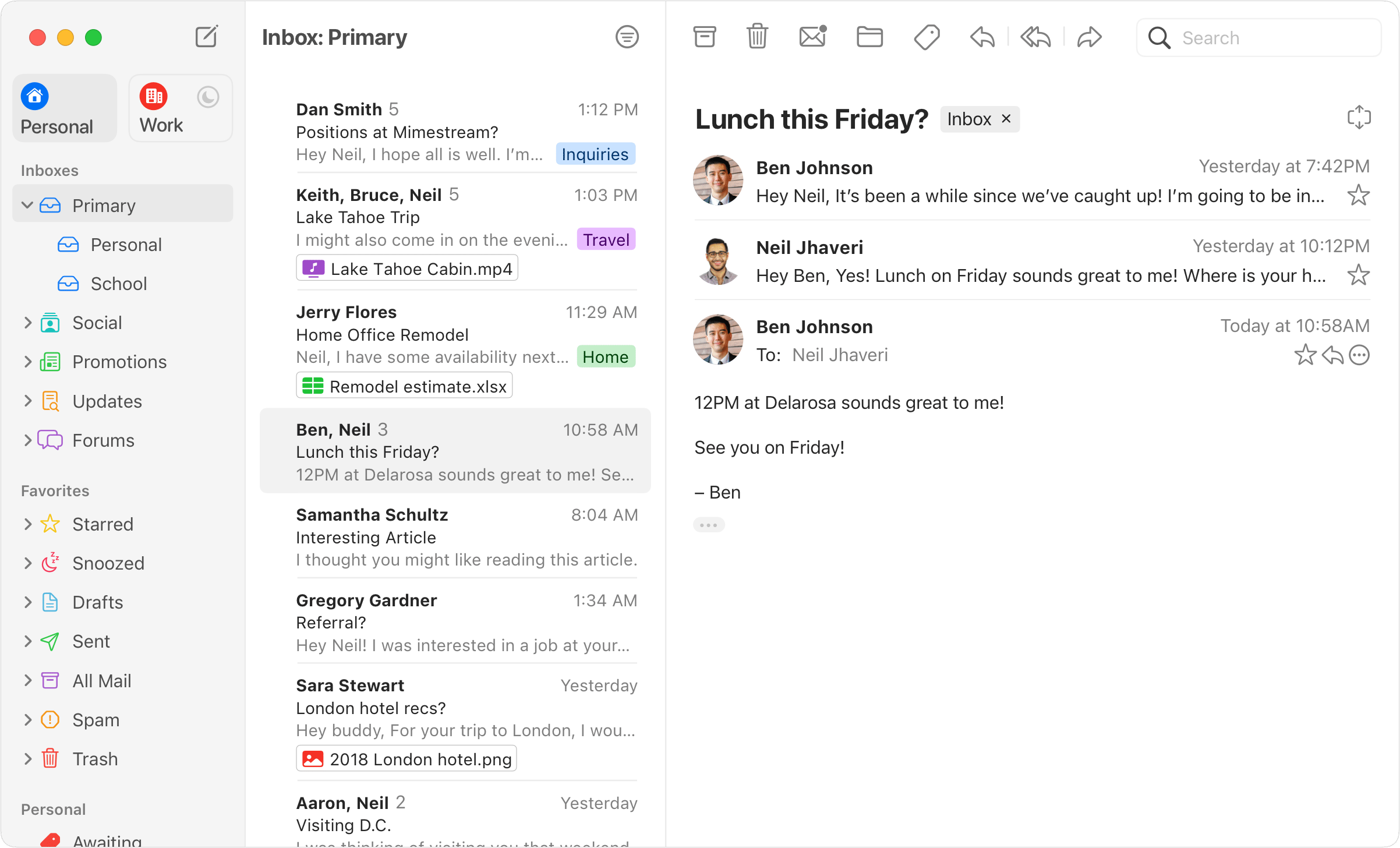
Mimestream is a native Mac app built on the Gmail API, so labels, filters and categories behave as they do in Gmail. It's a good Outlook replacement only if all your accounts are Gmail or Google Workspace.
- Who it's for: Gmail and Google Workspace users on a Mac
- Price: $4.99/month or $49.99/year after a 14-day trial, no card needed
- Platforms: Mac only
- Downside: Gmail only, Mac only, and no free plan.
For a broader comparison, see the best email clients for Mac and Outlook alternatives on every platform.
Outlook vs Spark on iPhone
Many people pick an Outlook replacement for the Mac and the iPhone at the same time, and Outlook vs Spark is the most common comparison. Both are free to start and handle Outlook, Gmail, iCloud and Yahoo accounts.
| Outlook for iPhone | Spark for iPhone | |
|---|---|---|
| Price | Free with ads; Microsoft 365 Basic $1.99/month removes them | Free; Plus $10/month or $99/year |
| Inbox sorting | Focused Inbox | Smart Inbox and Gatekeeper |
| Calendar | Built in | Built in |
| AI | Copilot with Microsoft 365 Personal or higher | Spark AI on paid plans |
| Teams | Through Microsoft 365 | Shared drafts and comments on paid plans |
| Requires | iOS 26 or later | iOS 16.4 or later |
Pick Outlook if your work runs on Microsoft 365, since it is the app your IT team supports. Pick Spark if you want an inbox that sorts itself and you don't need Microsoft's tools. If you want the same app on Mac and iPhone without ads, Canary Mail, Spark and Airmail all cover both, and Apple Mail is free on both. More options: best email apps for iPhone and Apple Mail vs Spark.
How to switch from Outlook on a Mac
- Install the new app and add the same accounts you use in Outlook. Mail, folders and calendars on the server (Microsoft 365, Outlook.com, Gmail, iCloud) appear in the new app.
- If you kept mail in local folders on your Mac, move what you need into a server folder first, or it won't come with you.
- Recreate your most-used rules and your signature.
- Run both apps side by side for a week.
- Make the new app your default: in Apple Mail, choose Mail > Settings > General and pick it under Default email reader.
For a work account, ask your IT team first. Some organizations only allow approved apps to connect to Microsoft 365.
Frequently asked questions
What is the best alternative to Outlook on a Mac?
Apple Mail if you want free and built in; Canary Mail for AI and encryption on Mac and iPhone; Spark for a sorted inbox; eM Client if you want Outlook's all-in-one layout.
What is Apple's equivalent to Outlook?
Apple splits Outlook's jobs across three free apps on every Mac: Mail, Calendar and Contacts. They sync with iCloud and can also connect to Microsoft 365, Gmail and other accounts.
Why is Outlook shutting down?
Outlook itself isn't. Microsoft is retiring legacy Outlook for Mac: starting October 2026 it stops working with Exchange Online mailboxes, and users need the new Outlook for Mac or another app. On Windows, the old Mail and Calendar apps were replaced by the new Outlook at the end of 2024.
Is Outlook for Mac free?
Yes, with personal Outlook.com, Gmail, iCloud, Yahoo and IMAP accounts, but it shows ads. A Microsoft 365 subscription removes them, and work or school accounts need a license that includes the desktop apps.
What is the best Outlook app for a MacBook?
Microsoft's own Outlook for Mac if you need everything Microsoft 365 offers. Otherwise Apple Mail, Canary Mail and Spark all handle Outlook accounts well on a MacBook.
Is Airmail better than Outlook?
For customization, yes: Airmail has custom actions, smart folders and app integrations. Outlook is better for Microsoft 365 and has a built-in calendar, which Airmail lacks.
Sources
- Microsoft: How licensing and access works in Outlook for Mac
- Microsoft: Outlook for Mac features
- Microsoft: End of support for legacy Outlook for Mac
- Microsoft: About ads in Outlook
- Microsoft 365 Basic
- Apple: Integrate with Microsoft Exchange (Graph API note)
- Canary Mail pricing
- Spark on the App Store
- eM Client pricing
- Thunderbird: Microsoft Graph support
- Airmail on the Mac App Store
- Mimestream pricing
- Outlook for iPhone on the App Store