If you opened your Mac and Apple Mail will not launch, you are not alone. This often happens after a macOS update, a VPN or security conflict, low disk space, or a corrupted Mail database. The good news is that most “Mac Mail not opening” cases are fixable with a few safe steps.
In this guide, we cover fast fixes first, then deeper recovery steps if the issue keeps coming back. If you are tired of repeating the same troubleshooting loop, we also share what to look for in a more reliable multi-account email client with privacy-first defaults and optional AI tools.
Quick Fixes for Apple Mail
Before diving into technical library folders, try these immediate actions:
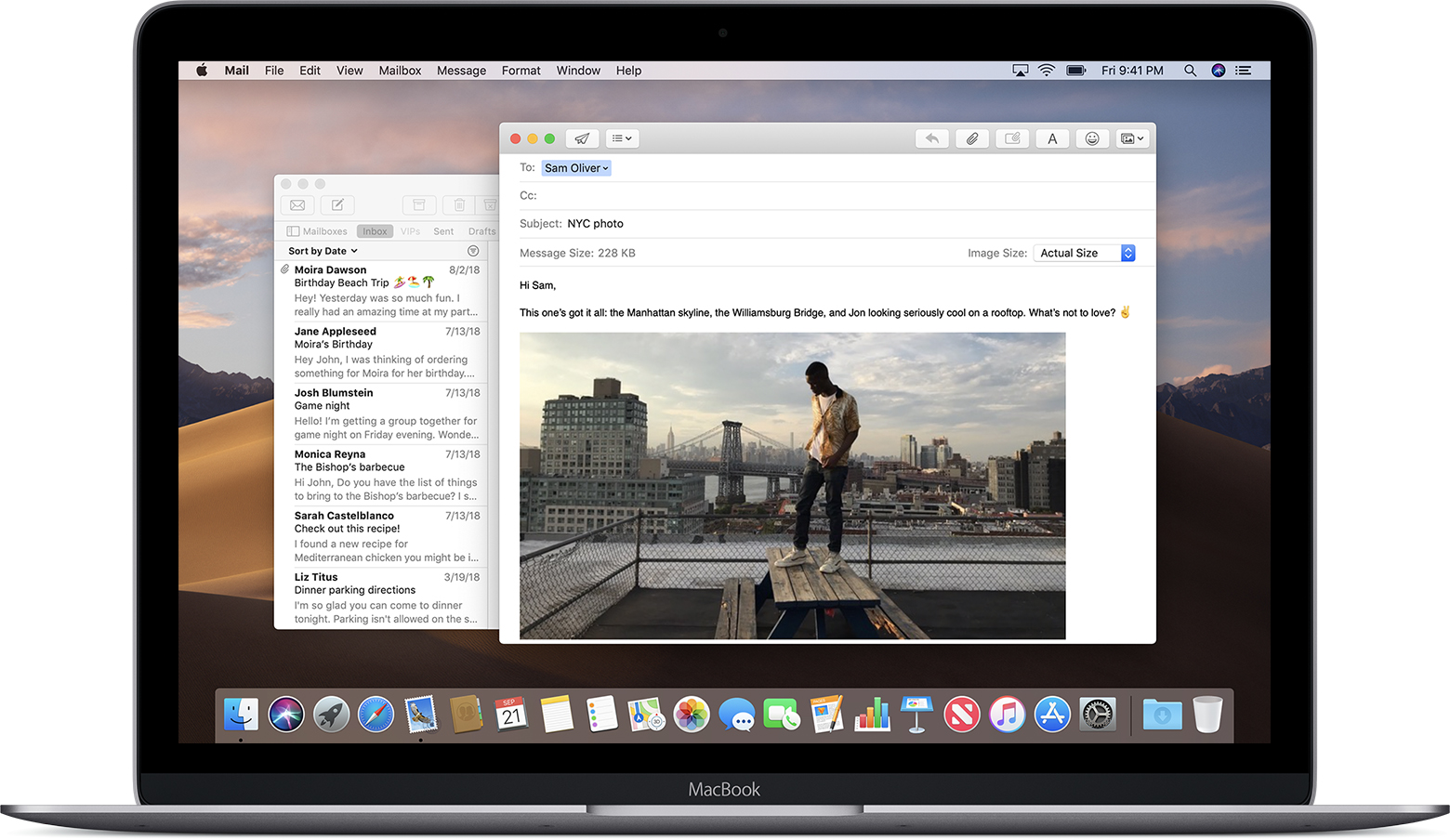
- Force Quit: Press Option + Command + Esc, select Mail, and click Force Quit.
- Restart Your Mac: A simple reboot can clear temporary software glitches and memory leaks.
- Safe Mode: Restart while holding the Shift key to see if third-party plugins are causing the crash.
[cta-block:ctablock3,title="If Mail keeps failing, switch without the recovery loop",subtitle="Clean workflow, privacy-first defaults, and optional AI when you want it.",button1="Download for Mac",button1link="https://canarymail.io/download",button2="See Pricing",button2link="https://canarymail.io/pricing"]
Advanced Troubleshooting: Rebuild Spotlight Index
If the app still refuses to open, the issue might lie in how macOS indexes your data. No data harvesting occurs during this process, but it requires a manual reset.
- Go to System Settings → Spotlight (or Siri & Spotlight) → Search Privacy (or Spotlight Privacy).
- Add your main hard drive, wait 10 seconds, then remove it again.
This forces Spotlight to rebuild its index and can restore Mail functionality. If your issues extend beyond launching the app, such as Mac Mail search not working or Mac Mail not receiving messages, re-indexing is often the most effective first step.
Comparing Apple Mail vs. Canary Mail
When the native app fails, it's often a sign that your workflow needs more robust support. Below is a comparison of how a modern alternative stacks up:
| Feature | Mac Mail | Canary Mail |
|---|---|---|
| Reliability | Can freeze or fail after updates | More consistent daily performance |
| Security | Basic SSL/TLS | Privacy-first security with PGP encryption options |
| Productivity | Basic workflow | Unified inbox, snooze, unsubscribe, optional AI tools |
| Cross-platform | macOS and iOS only | macOS, iOS, Windows, Android |
| Support | Apple system updates | Dedicated support resources and updates |
| User rating | - | 4.7/5 (2,985 reviews) |
Why Canary Mail Is the Smarter Fix
If you are tired of troubleshooting Apple Mail every few weeks, Canary Mail can be a calmer alternative. It keeps a familiar email workflow, adds privacy-first protections, and helps you manage multiple accounts in one unified inbox.
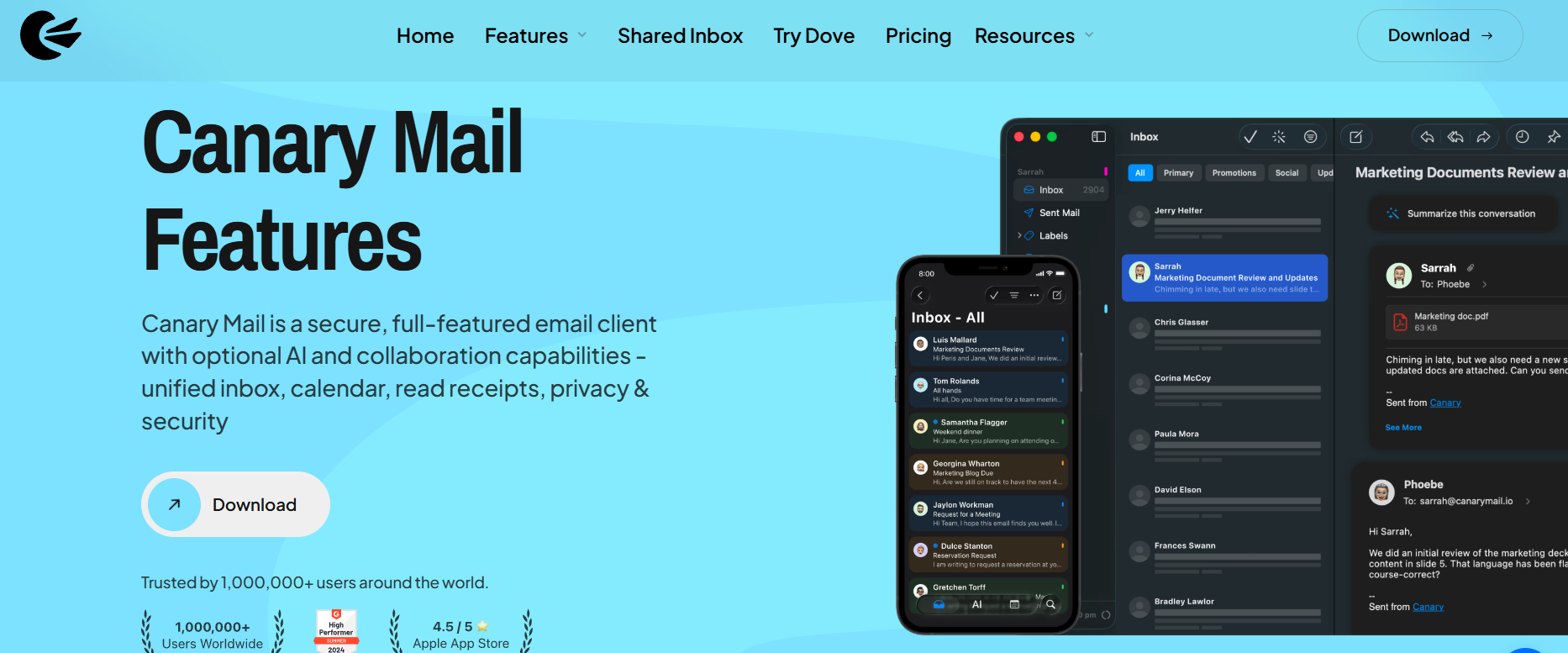
Canary Mail works with major providers including Gmail, Outlook, and iCloud, and it supports cross-device use across Mac and iPhone. Privacy-First Automation is at our core; we ensure local processing so there is no data training on user emails. AI features are optional, so you can turn them on only when you want help drafting or summarizing email.
[cta-block:ctablock2,title="Try a calmer email workflow",button1="Download for Mac",button1link="https://canarymail.io/download",button2="See Pricing",button2link="https://canarymail.io/pricing"]
Other Mac Mail Problems and Fixes
If Mail opens but something else is going wrong, these guides cover the most common related issues.
- Mail keeps crashing
- Mail freezes or stops responding
- Emails won't send
- Messages stuck in the Outbox
- Inbox isn't updating
- Mail can't connect to the server
- Account won't verify
- Emails won't delete
- Images aren't loading
- Attachments aren't showing
Conclusion: Regaining Inbox Stability
Dealing with Mac Mail not opening can disrupt your entire workday, but it doesn't have to be a recurring problem. By following these troubleshooting steps from force quitting to rebuilding your Spotlight index, you can often restore service quickly. However, if you find yourself constantly fixing the same errors, it may be time to move toward a more modern, privacy-focused solution. Canary Mail offers the reliability and advanced security features that today's users need, ensuring your focus stays on your work rather than your tools.
Frequently Asked Questions (FAQ)
Why does my Mail app close unexpectedly on Mac?
This is usually due to corrupted library files or a conflict with your macOS version. Clearing the MailData folder often resolves it.
Will I lose my emails if I rebuild my mailbox?
No. Rebuilding simply refreshes the local copy of your emails; your actual messages remain safe on the server.
What should I do if my Mac Mail is not displaying images after a crash?
This is a common post-crash symptom often related to privacy settings. You can find a detailed guide on fixing Mac Mail not displaying images to restore your view.