If your Mac Mail search is not working, the root cause is usually Spotlight indexing, a corrupted Mail index (Envelope Index), low disk space, or a sync hang in one specific account. The common symptoms are missing results, slow search, or “No Results Found” even when you know the email exists.
While this guide helps you fix Apple Mail, you can see how Canary Mail handles these same issues differently in our guide on reliability and search quality.
This guide starts with the quickest fixes first, then walks through Spotlight reindexing and Mail index rebuilds. If search keeps breaking across multiple accounts and you rely on email search for work, it may be worth switching to a calmer multi-account email client with privacy-first defaults. AI should be optional, not something that takes over your inbox.
[cta-block:ctablock5,title="Fix Mail search fast",subtitle="Try Spotlight fixes first. If it keeps failing, switch to a calmer workflow",button1="Download Now",button1link="https://canarymail.io/downloads",button2="See Pricing",button2link="https://canarymail.io/pricing"]
Step-by-Step Fixes for Mac Mail Search Issues
Before You Start: Quick Checks
- Check the search scope. After you type in the search field, Mail shows where it is searching. Choose All instead of the selected mailbox if results seem to be missing.
- Include Trash and Junk. In Mail › Settings › General, under “When searching all mailboxes, include results from”, tick Trash, Junk and Encrypted Messages if you want them searched.
- Restart Mail and your Mac. Quit Mail completely, then restart the Mac. This clears many temporary indexing hangs.
- Update macOS. Install the latest update in System Settings › General › Software Update. After a major update, Spotlight can take several hours to re-index your mail, so search may be incomplete at first.
1. Rebuild Your Mailbox
Before diving into technical system settings, try the internal "Rebuild" function within the Apple Mail app. This refreshes the local copy of your messages.
- Select a mailbox in the sidebar.
- Choose Mailbox > Rebuild.
- Repeat for each account if necessary.
2. Check Internet Connectivity
A search may fail if the app cannot communicate with the IMAP server to fetch older headers. Ensure your connection is stable and the account is "Online" in the Mailbox menu. If you notice these search lags are specific to your professional accounts, you might want to review our documentation on optimizing performance with Gmail or Outlook to avoid future sync hangs.
3. Rebuild Spotlight index (Mail search depends on it)
Apple Mail search is powered by Spotlight. If Spotlight indexing breaks, Mail search often breaks too.
- Open System Settings.
- Go to Spotlight (or Siri & Spotlight).
- Open Search Privacy (or Spotlight Privacy).
- Add your main disk (for example, Macintosh HD) to the privacy list.
- Wait a few seconds, then remove it again.
This forces macOS to rebuild the index. For large mailboxes, results can take time to fully return.
Prefer Terminal? Run mdutil -s / to check that indexing is enabled for your startup disk, then sudo mdutil -E / to erase and rebuild the index. Rebuilding can take a while on large disks.

4. Solve the "Envelope Index" Issue
If the steps above fail, the local database files (Envelope Index) might be corrupted.
- Quit Mail.
- In Finder, hold Option and click Go > Library.
- Navigate to ~/Library/Mail/V[Number]/MailData.
- Move any file starting with "Envelope Index" to the Trash.
- Relaunch Mail; it will prompt you to import messages (this recreates the database).
If these fixes don't work, it might be time to consider a dedicated Canary Mail for Mac, which is built to overcome the common search limitations of native software.
When to consider an alternative
If you manage multiple accounts or handle high-volume email, Mail search issues can become a repeating productivity tax. It may be time to switch to a more modern solution. Our updated list of the best email client for Mac compares how different apps handle indexing so you never have to rebuild a database again.
What to look for in an alternative:
- Reliable search that does not depend on constant index repair.
- Unified inbox for multiple accounts in one place.
- Privacy-first defaults for sensitive email; at Canary Mail, we maintain a strict "No data harvesting" policy.
- Optional AI tools for drafting and summaries (use only when you want).
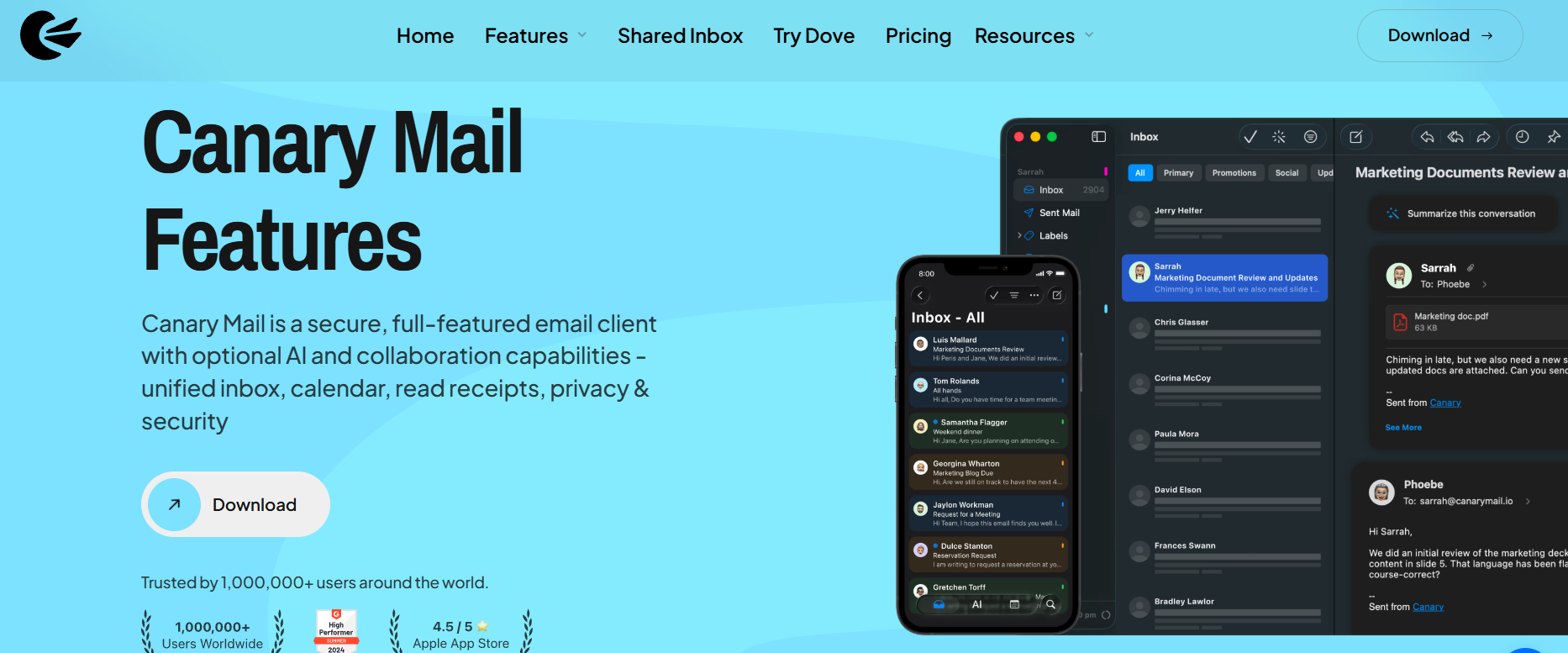
Canary Mail is built for a calmer daily workflow with strong privacy and optional AI, without forcing you into a new way of doing email.
Canary Mail works with existing Gmail, Outlook, iCloud, Exchange, and IMAP accounts across Mac, iPhone, iPad, Windows, and Android. If you are troubleshooting Apple Mail issues, these reliability and setup pages explain how Canary Mail handles sync, search, provider behavior, and cross-device use.
Explore reliability and setup guidance:
- Reliability and Scale
- Reliability and Search Quality
- What’s New
- Windows vs Mac
- Cross-device sync and licensing
[cta-block:ctablock4,title="Try a calmer email workflow",button1="Download Canary Mail",button1link="https://canarymail.io/downloads",button2="See Pricing",button2link="https://canarymail.io/pricing"]
Frequently Asked Questions (FAQ)
Is Canary Mail better than Apple Mail?
For many productivity-focused users, yes. Canary Mail adds a unified inbox, privacy-first security features, and optional AI tools for drafting and summaries, while keeping the workflow clean on Mac and iPhone.
Why is Apple Mail search so bad?
Apple Mail relies on the macOS Spotlight index. When that index is incomplete (after a macOS update, with very large mailboxes, or when an IMAP account has not downloaded all of its messages), search misses emails or returns nothing. Rebuilding the Spotlight index and the Mail index, as described above, usually fixes it.
Will I lose my emails if I rebuild my mailbox?
No. Rebuilding simply refreshes the local copy of your emails; your actual messages remain safe on the server.