Short answer: if you used Nine for a work Exchange or Microsoft 365 account, the free Microsoft Outlook app is the closest replacement, and Samsung Email does the same job on a Galaxy phone. Aqua Mail is the best third-party app for Exchange plus personal accounts. If you want AI and the same app on your computer, try Canary Mail (ours), Dove or Spark. Nine itself still works on Android, but its iPhone app is no longer on the App Store.
Disclosure: we make Canary Mail, and Dove comes from the same company. Both are in this list and marked as ours. Prices and features were checked on each vendor's site, Google Play or the App Store on October 16, 2026.
What is Nine, and why look for an alternative?
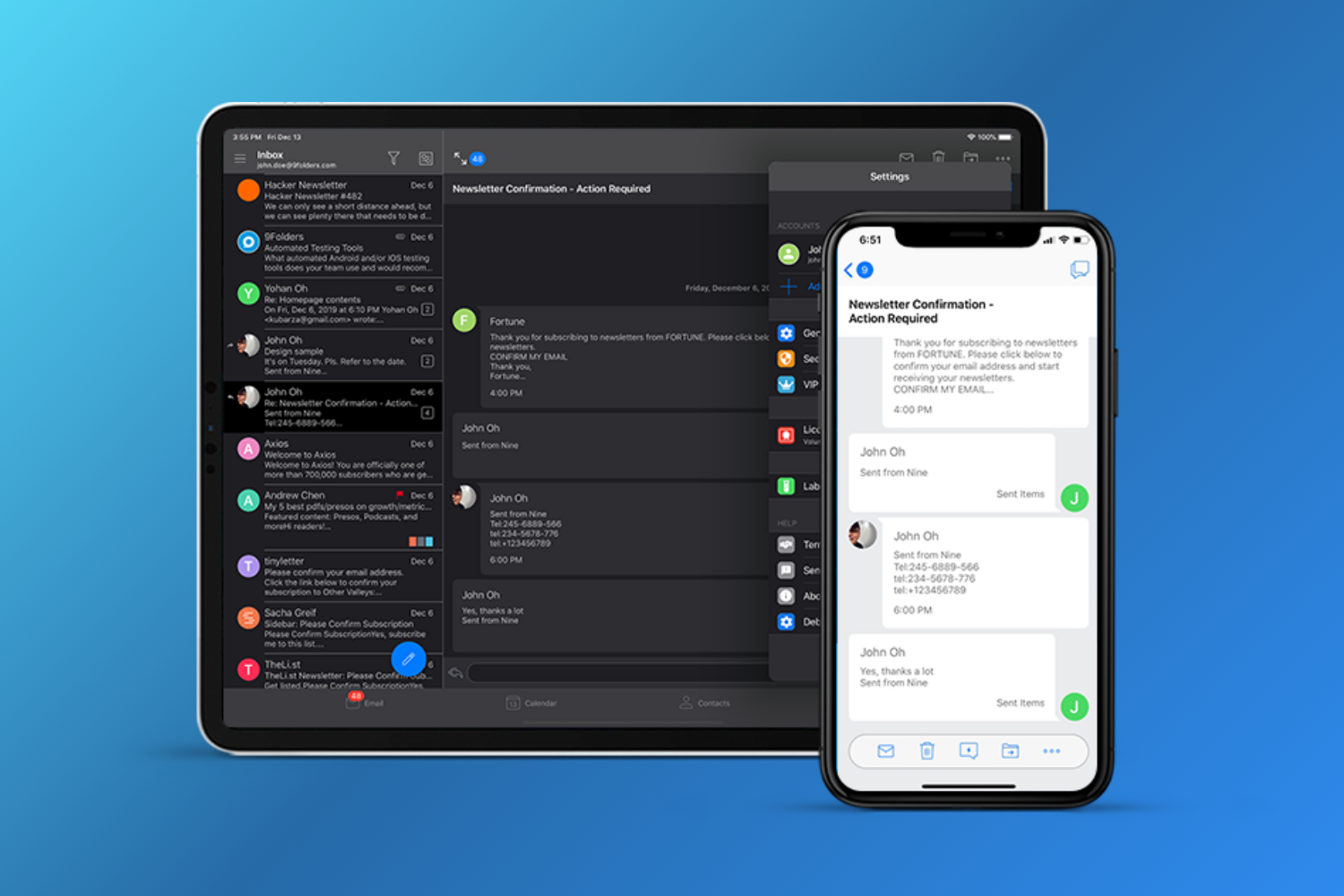
Nine (Nine - Email & Calendar) is an Android email app built around Exchange ActiveSync, the protocol Exchange Server and Microsoft 365 use to push mail, calendars, contacts, tasks and notes to phones. It connects straight to your mail server rather than through its own cloud, and supports S/MIME, client certificates, the Global Address List and per-folder push. That's why IT departments liked it, and why it's often searched as "Nine for Office 365". Its developer, 9Folders, now trades as NextIntelligence.ai, and also sells Nine Work, a managed version for Android Enterprise and Intune.
People leave Nine for a few reasons:
- It isn't free. After a 14-day trial you need a $14.99 license per device, with no refunds, and an Android license can't move to iOS.
- No iPhone app any more. In October 2026 Nine's old App Store listing returns an error, and we couldn't find the app in the US App Store, so iPhone users need something else.
- Reviews have slipped. Nine has a 3.0 rating from about 32,000 reviews on Google Play.
- It's built for Exchange. Gmail and other IMAP accounts work, but the calendar, contacts and notes sync is designed around ActiveSync. There's no AI and no desktop app.
Nine alternatives compared
| App | Best for | Exchange / Microsoft 365 | Runs on | Price |
|---|---|---|---|---|
| Microsoft Outlook | Work accounts on Microsoft 365 | Native | Android, iPhone, Windows, Mac, web | Free with ads |
| Canary Mail | AI and encryption on phone and computer | Yes | Android, iPhone, iPad, Mac, Windows | Free; Growth $36/year; Pro+ $100/year |
| Samsung Email | Galaxy phones | Exchange ActiveSync | Samsung Android phones | Free |
| Aqua Mail | Exchange plus personal accounts | Yes; push needs Premium | Android, iPhone | Free with ads; Premium |
| BlueMail | One free app on every platform | Exchange ActiveSync | Android, iPhone, Mac, Windows, Linux | Free; paid Plus plan |
| Dove (ours) | An AI-first inbox | Microsoft accounts | Android, iPhone, Mac, Windows, web | $20/month or $200/year |
| Spark | A sorted inbox and small teams | Microsoft 365 accounts | Android, iPhone, iPad, Mac, Windows | Free; Plus $99/year |
| Thunderbird for Android | Free and open source | IMAP only | Android | Free |
The 8 best Nine alternatives in 2026
1. Microsoft Outlook: Best for work Exchange and Microsoft 365 accounts
For most Nine users, Outlook is the obvious move. It's Microsoft's own app, so Exchange Online and Microsoft 365 mail, calendar and contacts work as your IT team intends. It's free, has Focused Inbox and a built-in calendar, and can also add Gmail, Yahoo, iCloud and IMAP accounts.
- Who it's for: anyone whose main account is Exchange or Microsoft 365
- Price: free with ads; Microsoft 365 plans remove ads for Outlook.com addresses
- Platforms: Android, iPhone, Windows, Mac, web
- Downside: non-Microsoft accounts sync through Microsoft's cloud, so a copy of that mail sits on Microsoft's servers, and there are fewer per-folder controls than Nine had.
More: Outlook alternatives.
2. Canary Mail: Best for AI and encryption across phone and computer
Disclosure: we make Canary Mail.
Canary handles Exchange and Microsoft 365 alongside Gmail, iCloud, Yahoo and any IMAP account, and runs on Android, iPhone, iPad, Mac and Windows, so it also fills Nine's iPhone and desktop gaps. AI sorts your inbox on every plan. Growth adds AI writing and summaries, read receipts and send later; Pro+ adds PGP, SecureSend and phishing and impersonation detection. Tracker blocking is on by default, and your email isn't used to train AI. More than 2 million people use it.
- Who it's for: people with a mix of work and personal accounts who want AI and one app everywhere
- Price: free for unlimited accounts on 2 devices; Growth $36/year; Pro+ $100/year; lifetime licenses $100 and $300
- Platforms: Android, iPhone, iPad, Mac, Windows
- Downside: AI writing and encryption are on paid plans, there's no monthly option, and the calendar isn't available on Android.
More: best email apps for multiple accounts.
3. Samsung Email: Best if you have a Galaxy phone
Samsung Email comes preinstalled on Galaxy phones and does what Nine did best: Exchange ActiveSync for mail, calendar, contacts and tasks, S/MIME encryption, and support for company policies. It also handles IMAP and POP3 accounts and has a combined inbox.
- Who it's for: Samsung owners with a work Exchange account
- Price: free
- Platforms: Samsung Android phones and tablets
- Downside: it's only for Samsung devices, and there's no AI or desktop version.
4. Aqua Mail: Best third-party app for Exchange plus personal accounts
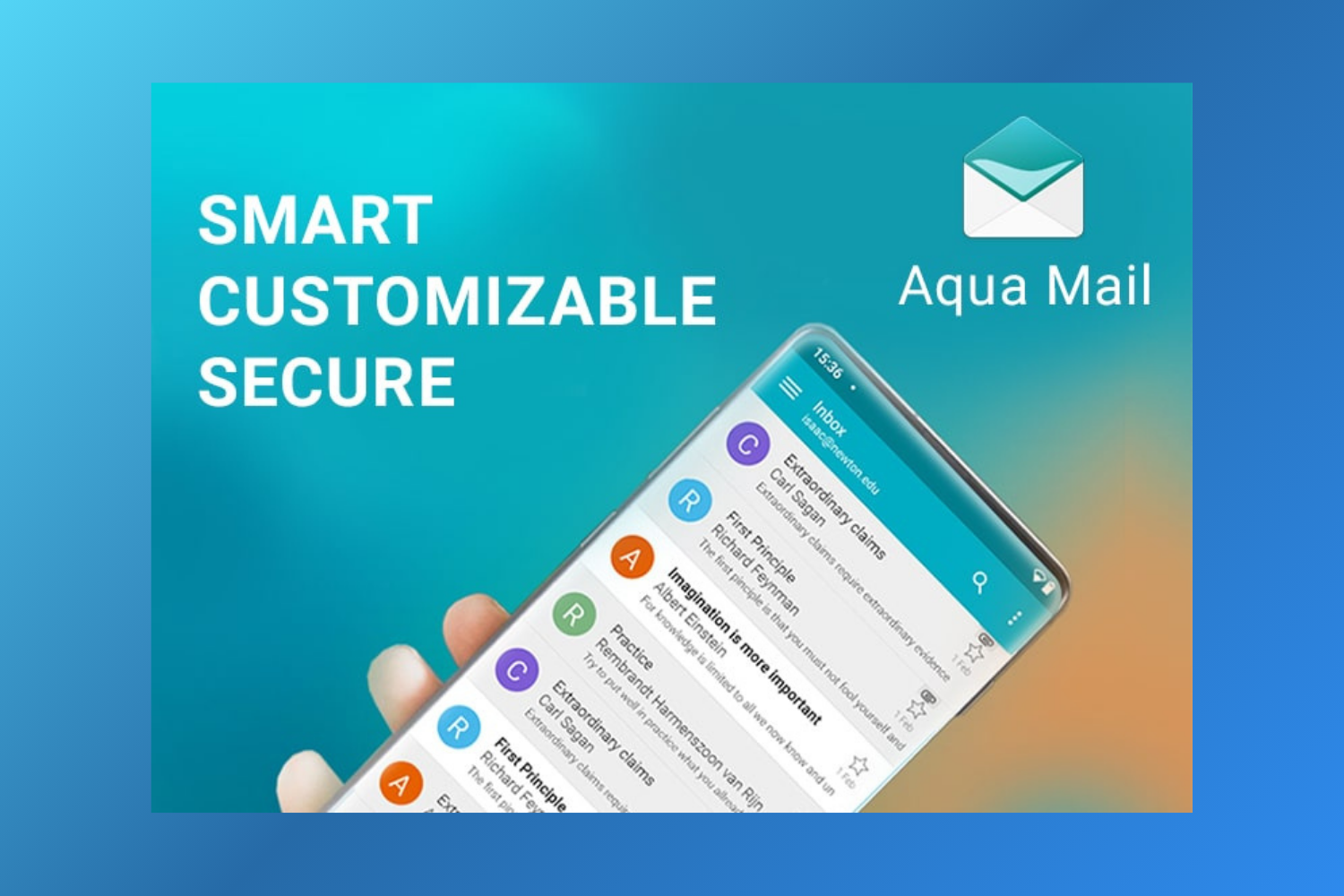
Aqua Mail works with Exchange and Microsoft 365 (through Microsoft Graph) as well as Gmail, Yahoo, iCloud and any IMAP or POP3 account. Like Nine, it isn't cloud-based. It has hundreds of settings, widgets, Wear OS support, and S/MIME on Premium.
- Who it's for: people who liked Nine's control and want more flexibility with personal accounts
- Price: free with ads; Premium $9.99/month on Aqua's site, or a one-time license
- Platforms: Android, iPhone
- Downside: push for Exchange, unlimited accounts and S/MIME need Premium, and the free version shows ads.
More: Aqua Mail alternatives.
5. BlueMail: Best free app on every platform
BlueMail supports Exchange ActiveSync, IMAP and POP3, and runs on Android, iPhone, Mac, Windows and Linux. The free plan has unlimited accounts, no ads, a unified inbox, a calendar and PGP encryption. Plus adds GemAI for writing and summaries.
- Who it's for: people who want one free app on phone and computer
- Price: free; paid Plus plan; Team plans per user
- Platforms: Android, iPhone, Mac, Windows, Linux
- Downside: the interface is busy, S/MIME is only on the Enterprise plan, and AI needs Plus.
More: BlueMail alternatives.
6. Dove: Best AI-first inbox
Dove is made by the team behind Canary Mail. It sorts mail into what needs you and what can wait, writes drafts, pulls out tasks and meetings, and gives you a daily summary. It works with Gmail, Microsoft and IMAP accounts.
- Who it's for: busy people who want AI to handle sorting and first drafts
- Price: free with 10 AI actions a day; Pro $20/month or $200/year
- Platforms: Android, iPhone, Mac, Windows, web
- Downside: it's new, the free AI is capped at 10 actions a day, and it's not an ActiveSync client with Nine's admin features.
7. Spark: Best for a sorted inbox and small teams
Spark's Smart Inbox separates mail from people from newsletters and notifications, and paid plans add AI writing and team tools like shared drafts and comments. It works with Gmail, Outlook and Microsoft 365, iCloud, Yahoo and IMAP accounts.
- Who it's for: people and small teams who want a sorted inbox on phone and computer
- Price: free for unlimited accounts; Plus $10/month or $99/year; Pro $20/month or $199/year, per user
- Platforms: Android, iPhone, iPad, Mac, Windows
- Downside: some mail is processed on Readdle's servers, which some company policies won't allow, and AI is on paid plans.
More: Canary Mail vs Spark.
8. Thunderbird for Android: Best free, open-source app
Thunderbird for Android, the former K-9 Mail, is free, open source and connects directly to your provider. It has a unified inbox and OpenPGP encryption through the OpenKeychain app.
- Who it's for: people with IMAP accounts who want a free app that doesn't track them
- Price: free
- Platforms: Android; an iPhone app in public beta on TestFlight
- Downside: no Exchange ActiveSync and no calendar, so it's not a fit for most Exchange users.
Picking the right one
- Your company manages your phone (Intune or Android Enterprise): ask IT. Outlook is usually the approved app, and 9Folders' Nine Work exists for this case too.
- A Galaxy phone and one work account: Samsung Email.
- Work and personal accounts together: Aqua Mail, BlueMail or Canary Mail.
- You need it on iPhone now: Outlook, Canary Mail, Spark or Apple Mail, which handles Exchange accounts too. See the best email apps for iPhone.
- Free and open source: Thunderbird for Android or FairEmail, if your server offers IMAP.
For the wider field, see our guide to the best email apps for Android.
How to switch from Nine
Nine stores mail on your phone but the originals stay on your Exchange or IMAP server, so adding the same account to a new app brings your mail, calendar and contacts back. Before you uninstall, check two things: any signatures (copy them by hand) and whether your company needs to approve the new app. Remove the Nine account from your phone's settings afterwards so the device administrator permission it uses is released.
Frequently asked questions
Is Nine mail free?
No. Nine has a 14-day free trial, then needs a license for each device. It's a one-time $14.99 purchase rather than a subscription, with volume discounts for companies.
How much does Nine mail cost?
$14.99 per device for a single license, falling to $11.99 each when you buy 50. Licenses can't be refunded or moved between Android and iOS.
What is Nine for Office 365?
It's how many people search for Nine, because it's built to sync Office 365 and Exchange Online mail, calendar and contacts over Exchange ActiveSync. The managed enterprise edition is called Nine Work.
Is Nine still available on iPhone?
Not as far as we can tell. In October 2026 Nine's App Store page returns an error and the app doesn't appear in App Store search. The Android app is still updated.
What is the best alternative to Nine for Exchange?
Microsoft Outlook for most people, Samsung Email on Galaxy phones, and Aqua Mail or Canary Mail if you also use personal accounts.
What is the best free email app for Android?
Gmail is the simplest. Outlook is best for Microsoft accounts. Thunderbird for Android and FairEmail are free and open source, and BlueMail and Canary Mail have free plans with unlimited accounts.