Switching between apps to check availability breaks your focus. Canary Mail keeps calendar context inside your inbox so your workflow stays in one place.

Keep calendar context inside your inbox workflow.
Handle invite-related email without switching apps.
Works with Gmail, Outlook, iCloud, IMAP, and Exchange on Apple devices. Windows calendar works with Gmail only.
Use Copilot Schedule to suggest meeting times without leaving email.
Keep working inside a familiar email flow.


Same calendar workflow on my Mac and iPhone. No more 'let me check and get back to you' delays.
- Team Lead
Most people do not need a full enterprise meeting platform. They need practical scheduling help inside their existing email workflow.
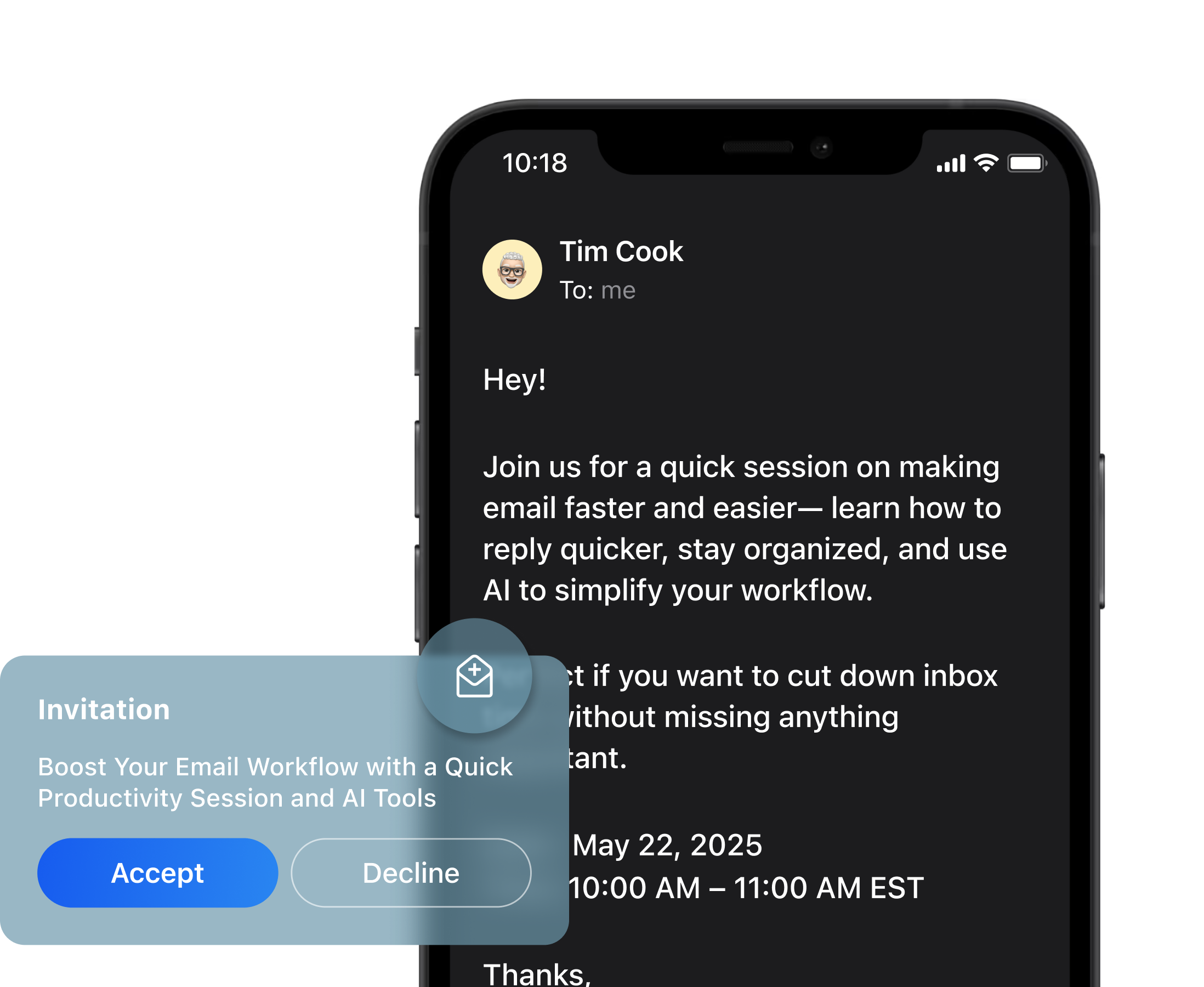

See timing context while replying to emails.
Move through invites faster without app switching.
Suggest meeting times with Copilot Schedule.
Works with Gmail, Outlook, iCloud, IMAP, and Exchange on Apple devices. Windows supports Gmail calendar only. Not available on Android.
Copilot Schedule helps you define your preferred working hours and availability so Canary Mail can suggest meeting times directly in your email replies.
This is useful when:
Clients ask when you are free.
Teammates need a few time options.
You want to answer quickly without checking another app.
Your day is spread across multiple inboxes.
Copilot Schedule delivers lighter, faster scheduling help inside a secure email workflow.
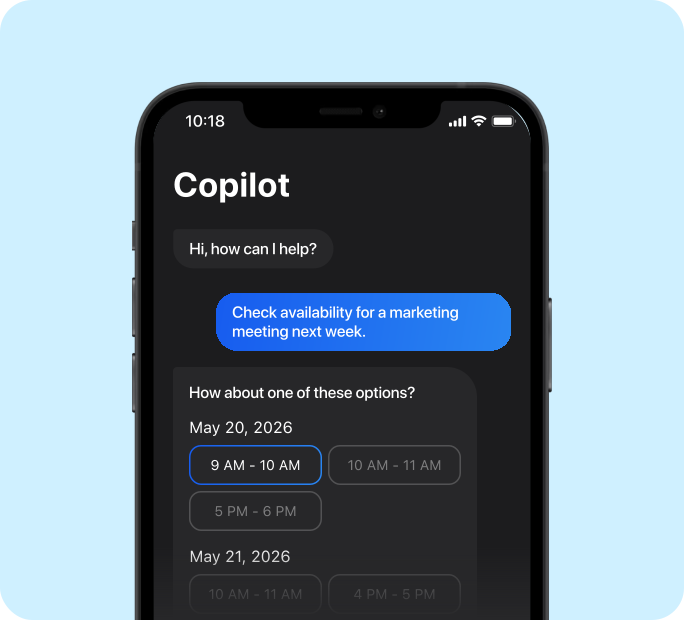
Calendar support varies by platform. Works with all existing providers on Apple devices. Windows supports Gmail only. Not available on Android.
Gmail
Outlook
iCloud
IMAP and Exchange
macOS
iPhone
iPad
Windows (Gmail only)
Familiar workflow
Stronger features
Optional AI
Keep Your Provider
Keep schedule context closer to email and handle invite-related messages with less friction. View events, accept meetings, and suggest times without app switching.
Connect Gmail, Outlook, iCloud, IMAP, and Exchange. Canary Mail works as a client on top of your existing setup - no provider switch required.
Suggest meeting times based on availability automatically. Define your preferred working hours once, then let Copilot recommend open slots in your email replies.
Mac, iPhone, and iPad support full calendar workflow. Windows supports calendar with Gmail accounts only. Android does not currently support calendar.
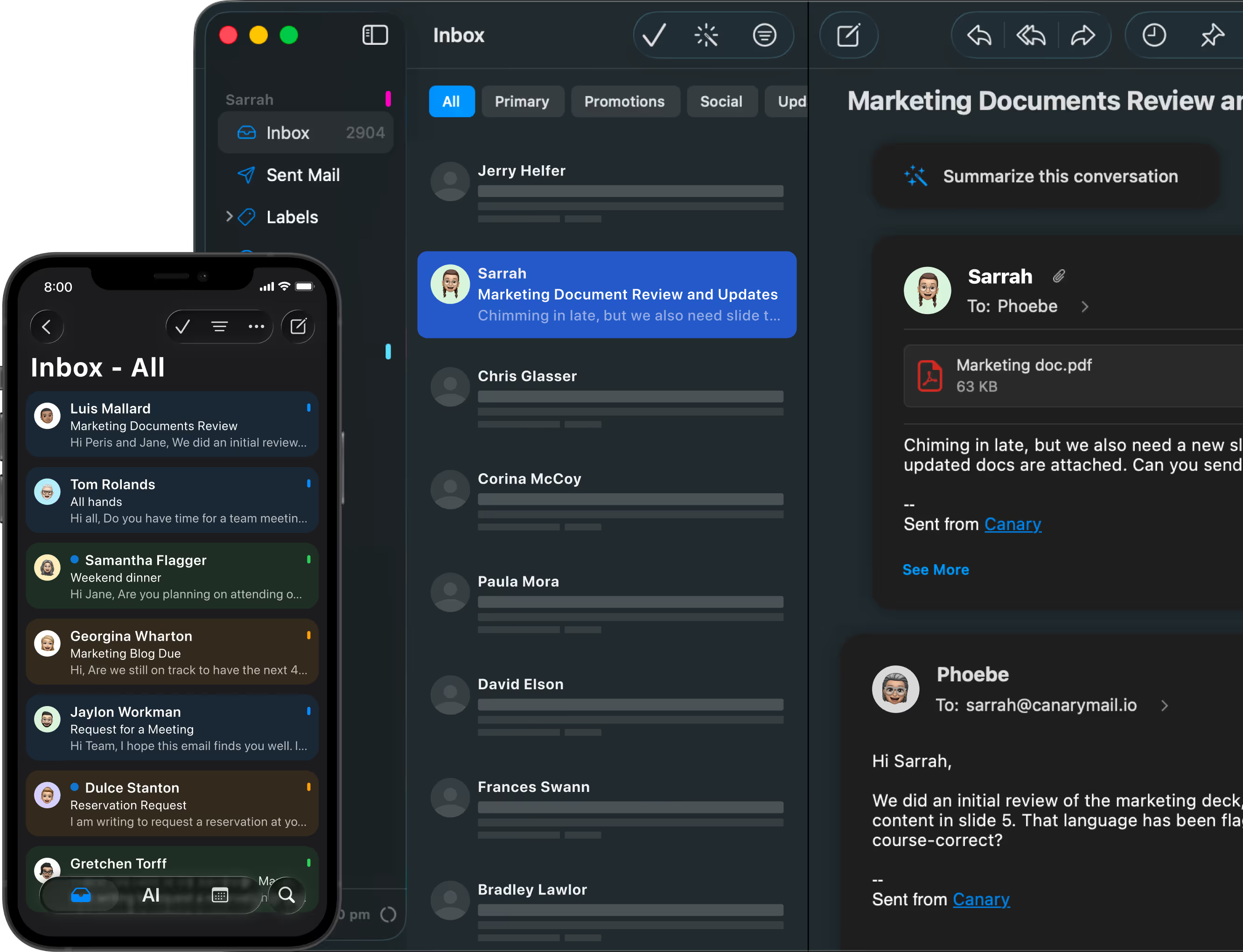
Calendar and scheduling inside your inbox.
Meeting time suggestions with Copilot Schedule.
A smoother way to handle invite-related email.
Built for multiple accounts and devices.
A full enterprise calendar suite.
A meeting transcription or recording tool.
A booking-link platform.
A replacement for large collaboration systems.

Canary Mail brings calendar context into your inbox so you can handle invite-related email more smoothly and use Copilot Schedule to suggest meeting times without switching apps.
No. Canary Mail works as a client on top of your existing accounts. It supports Gmail, Outlook, iCloud, IMAP, and Exchange without requiring any provider switch.
Yes. Copilot Schedule helps you define your preferred availability and suggest open meeting times directly inside email replies.
No. Canary Mail is a secure cross-platform email client with practical calendar workflow support - not a full meeting and scheduling suite.
It is best for people who manage multiple accounts, work across devices, and want email and calendar context alongside a cleaner inbox - all without switching providers or apps.
Partially. Calendar in Canary Mail is fully supported on macOS, iPhone, and iPad. On Windows, calendar works with Gmail accounts only. Android does not currently support the calendar feature. See cross-device sync and licensing, reliability and search quality, Windows vs Mac differences for more detail.
Last updated: April 30, 2026


.svg)


.svg)


